



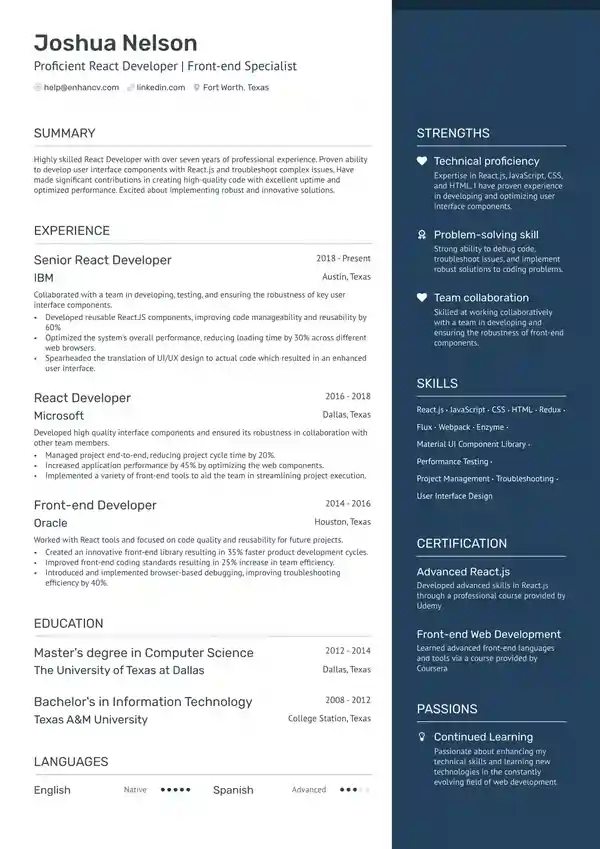
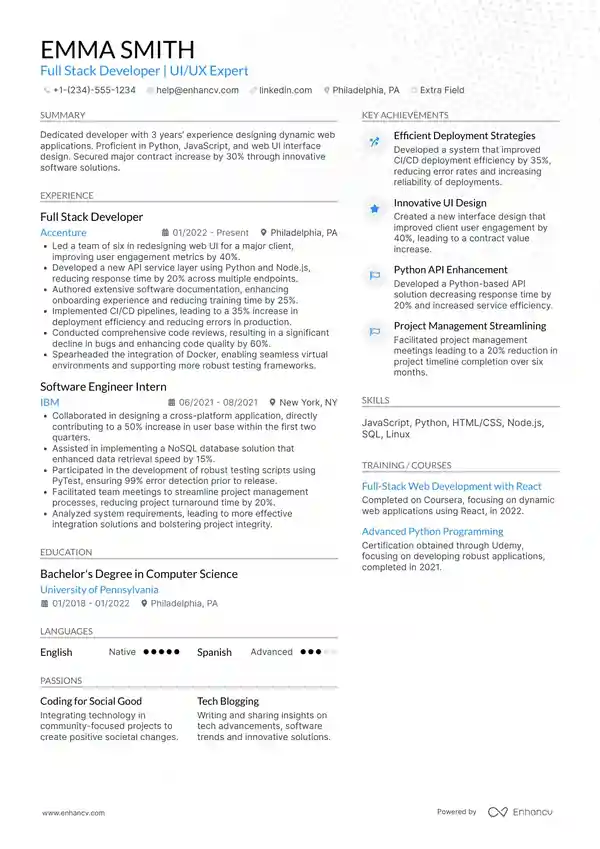
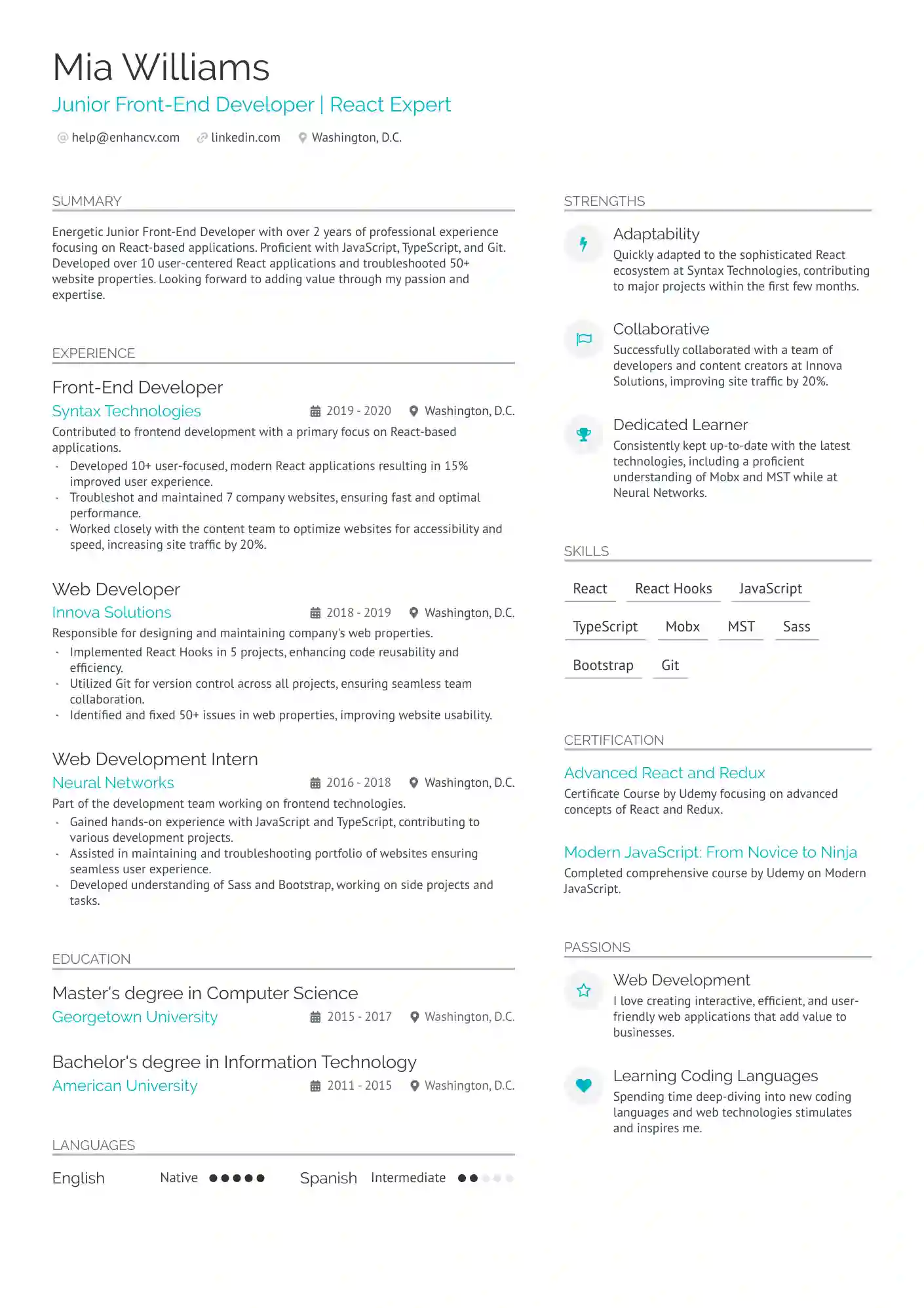
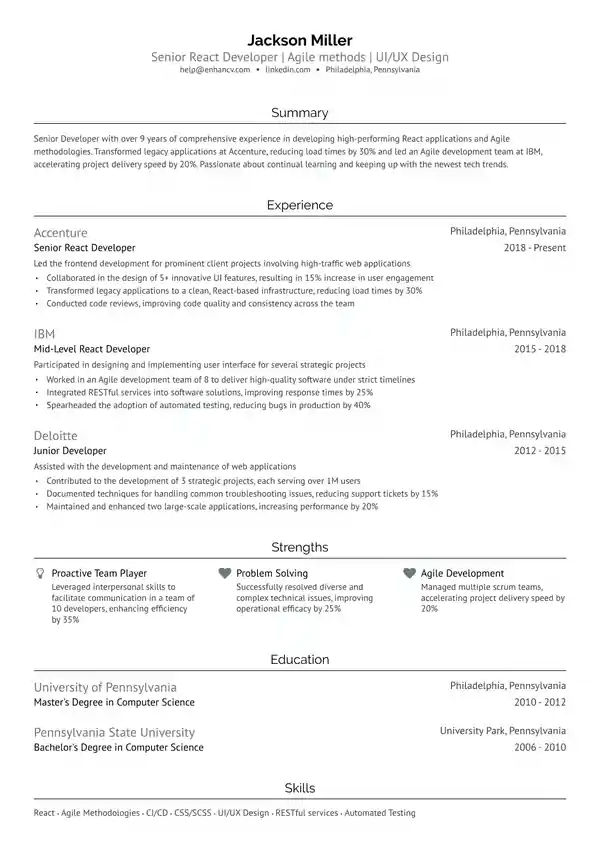
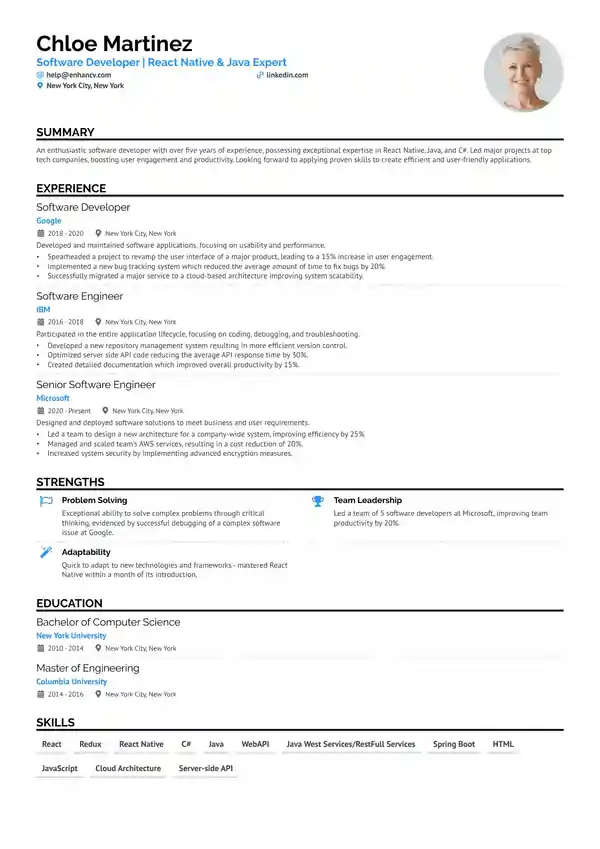
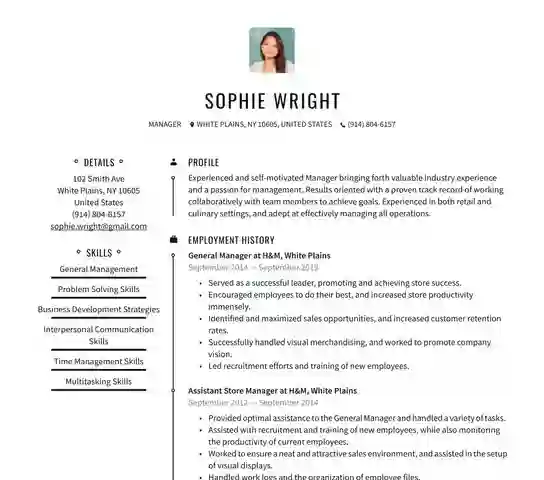
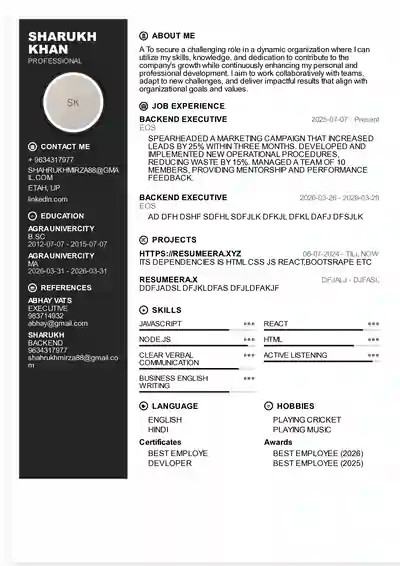
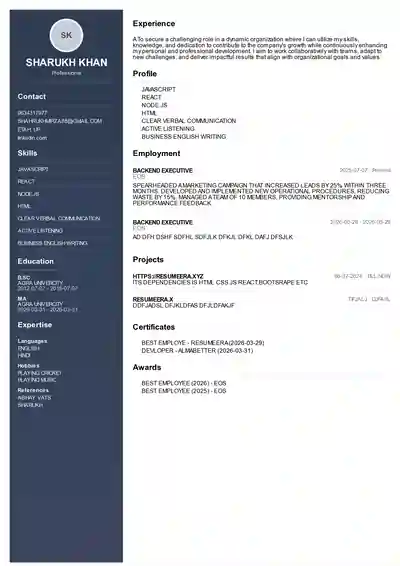
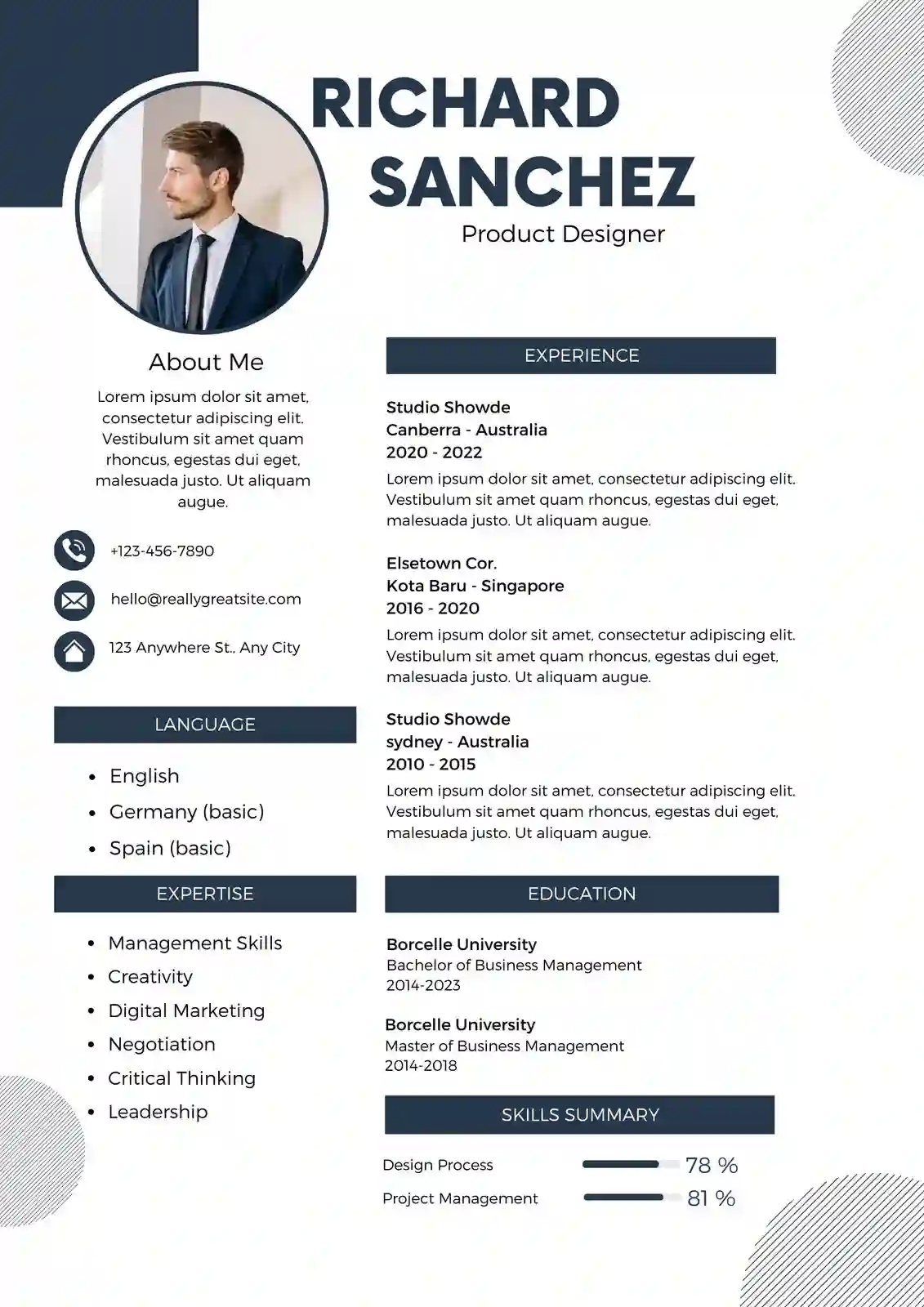
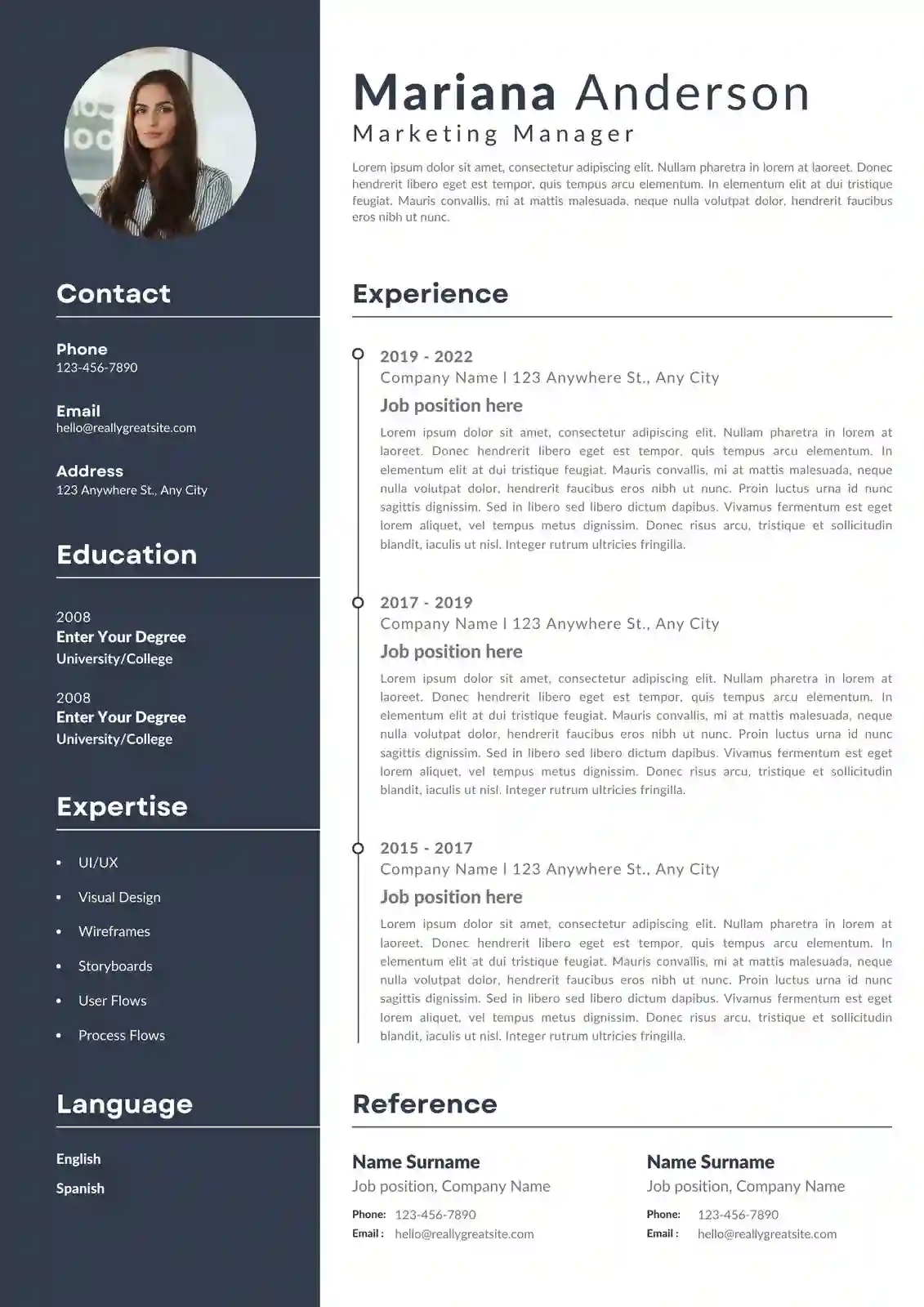
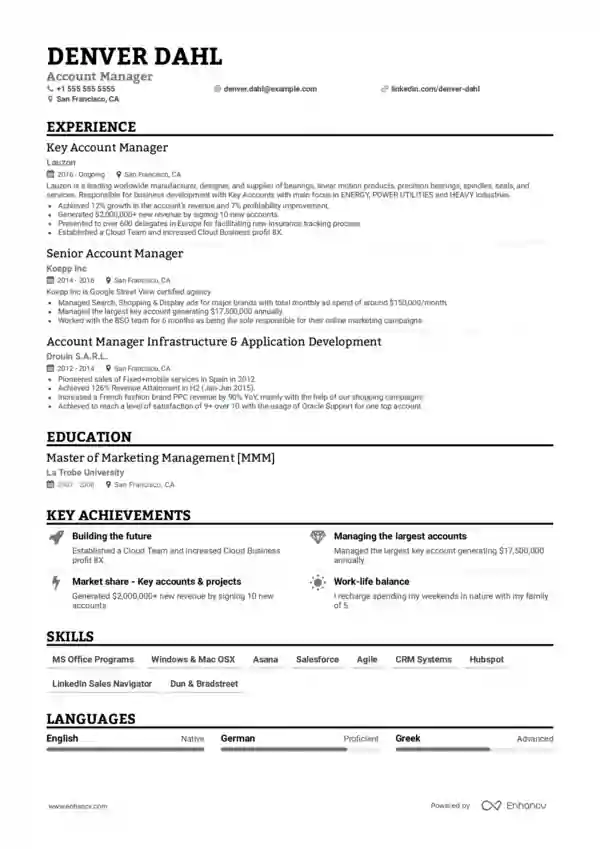
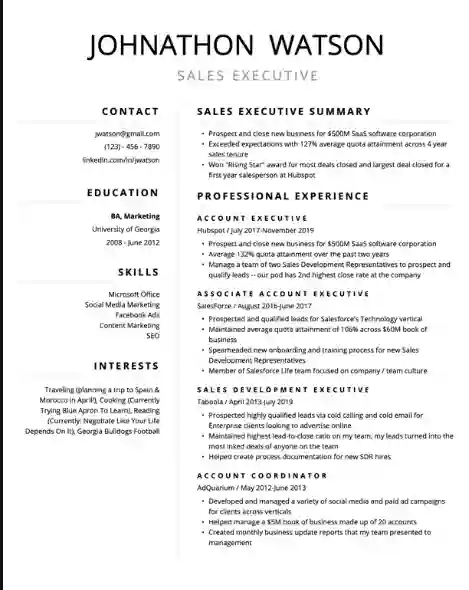
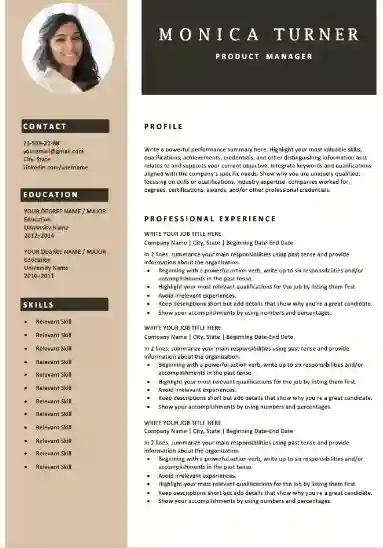

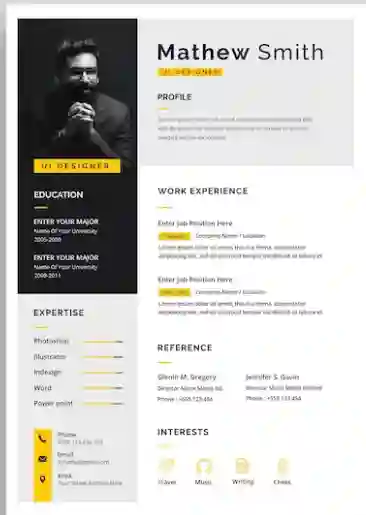
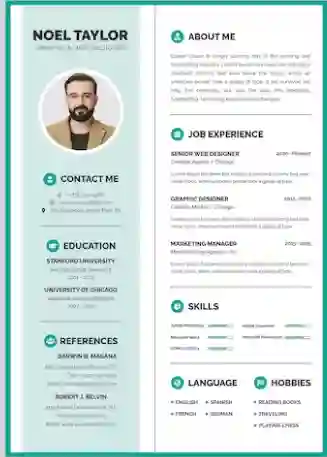
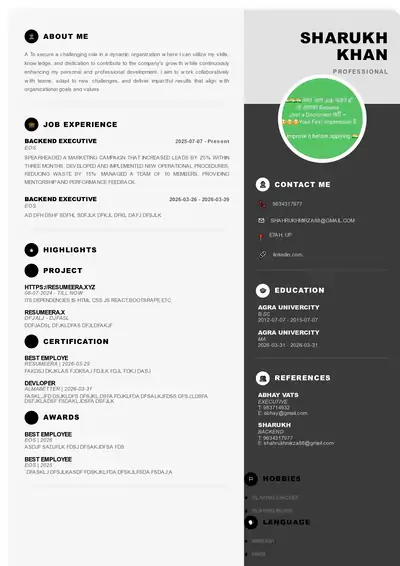
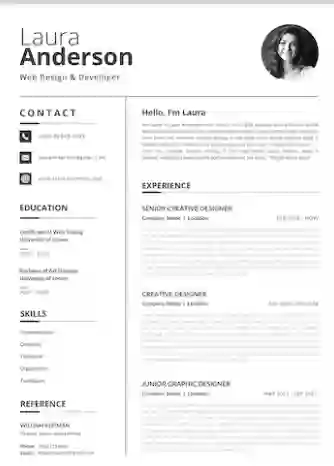
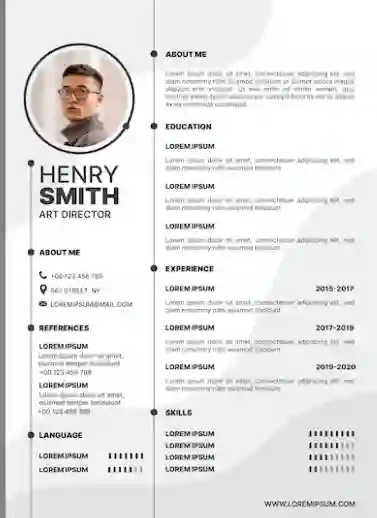
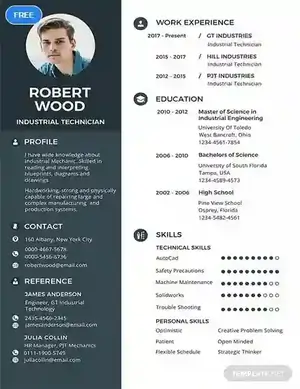
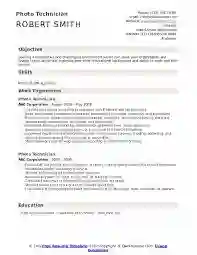
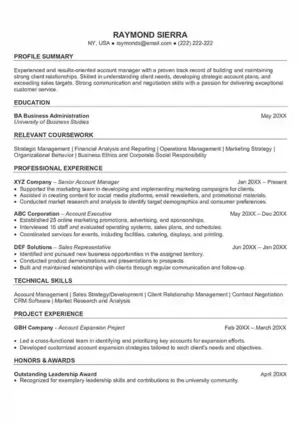
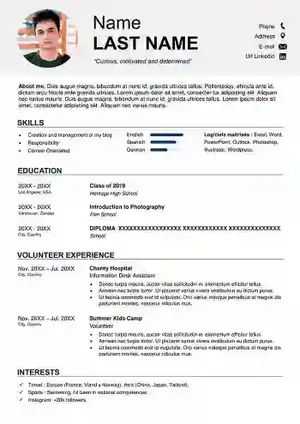
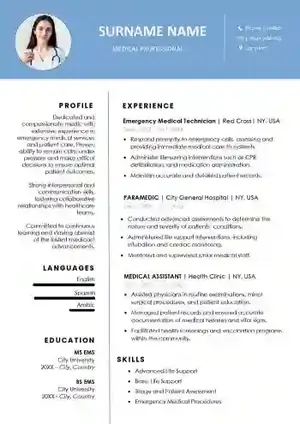
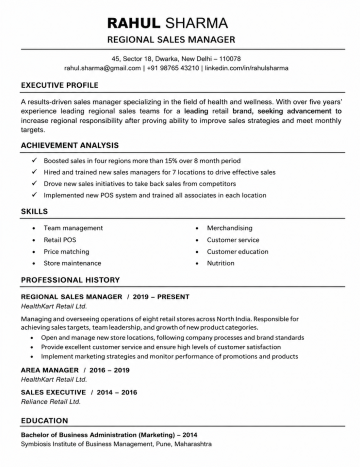
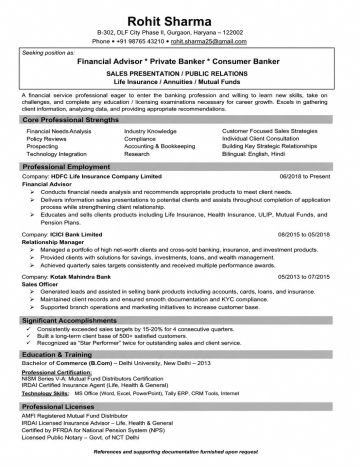
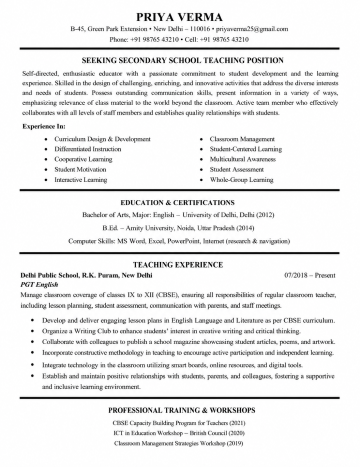
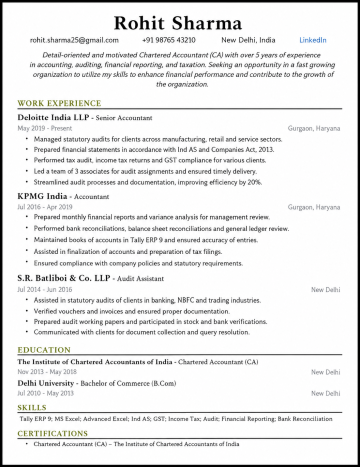
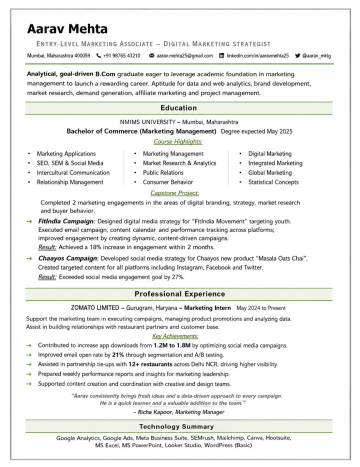
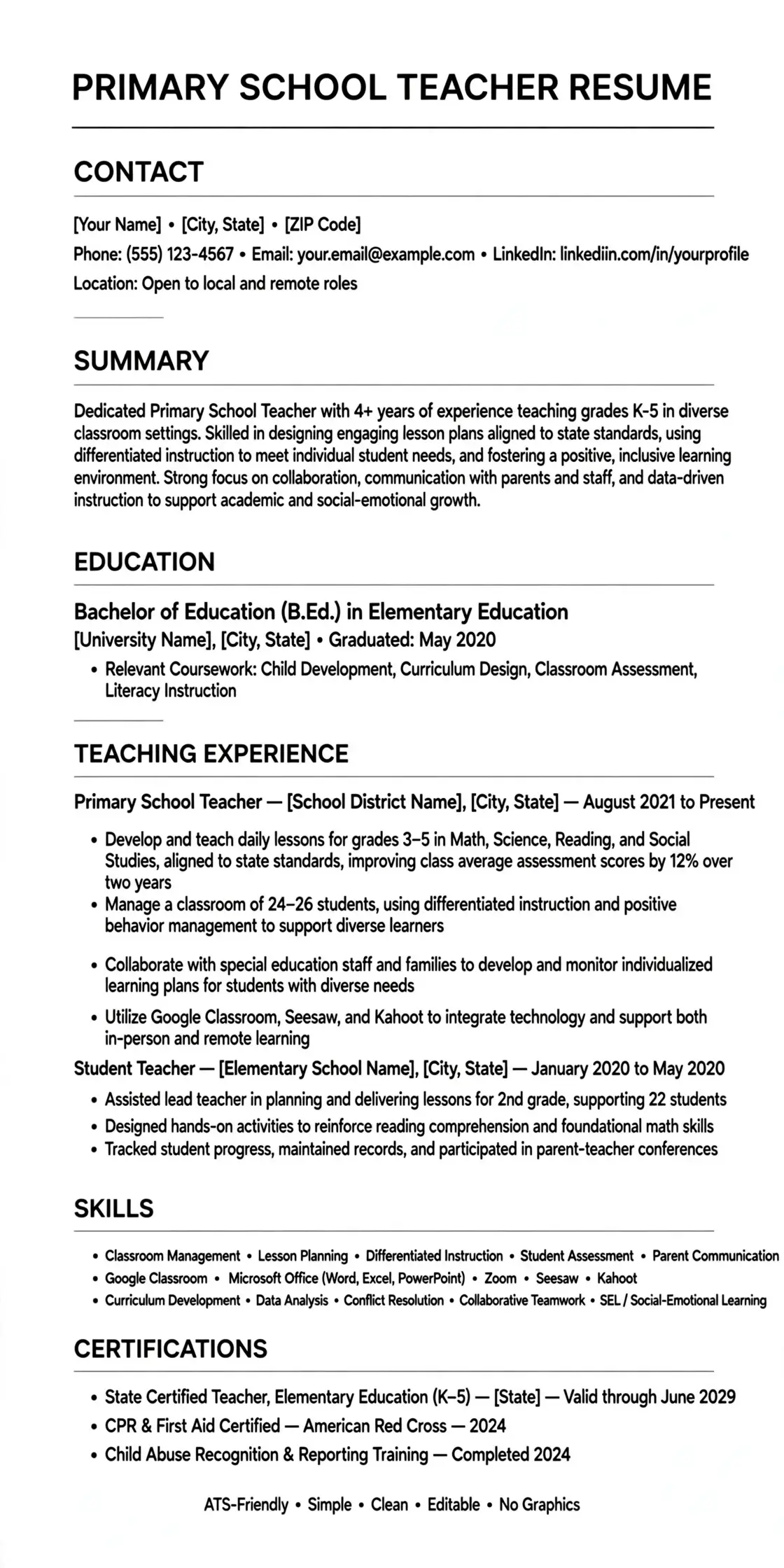
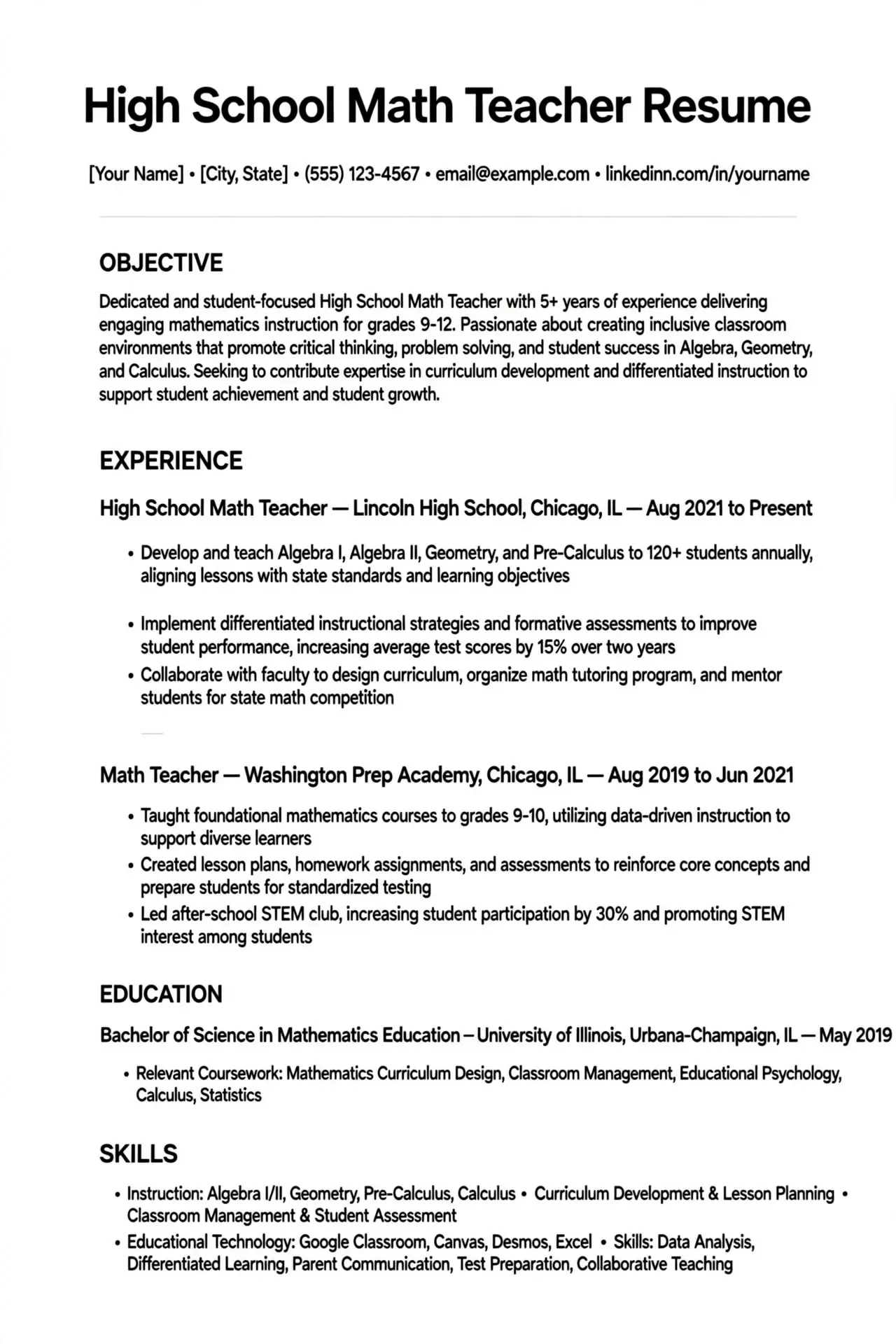
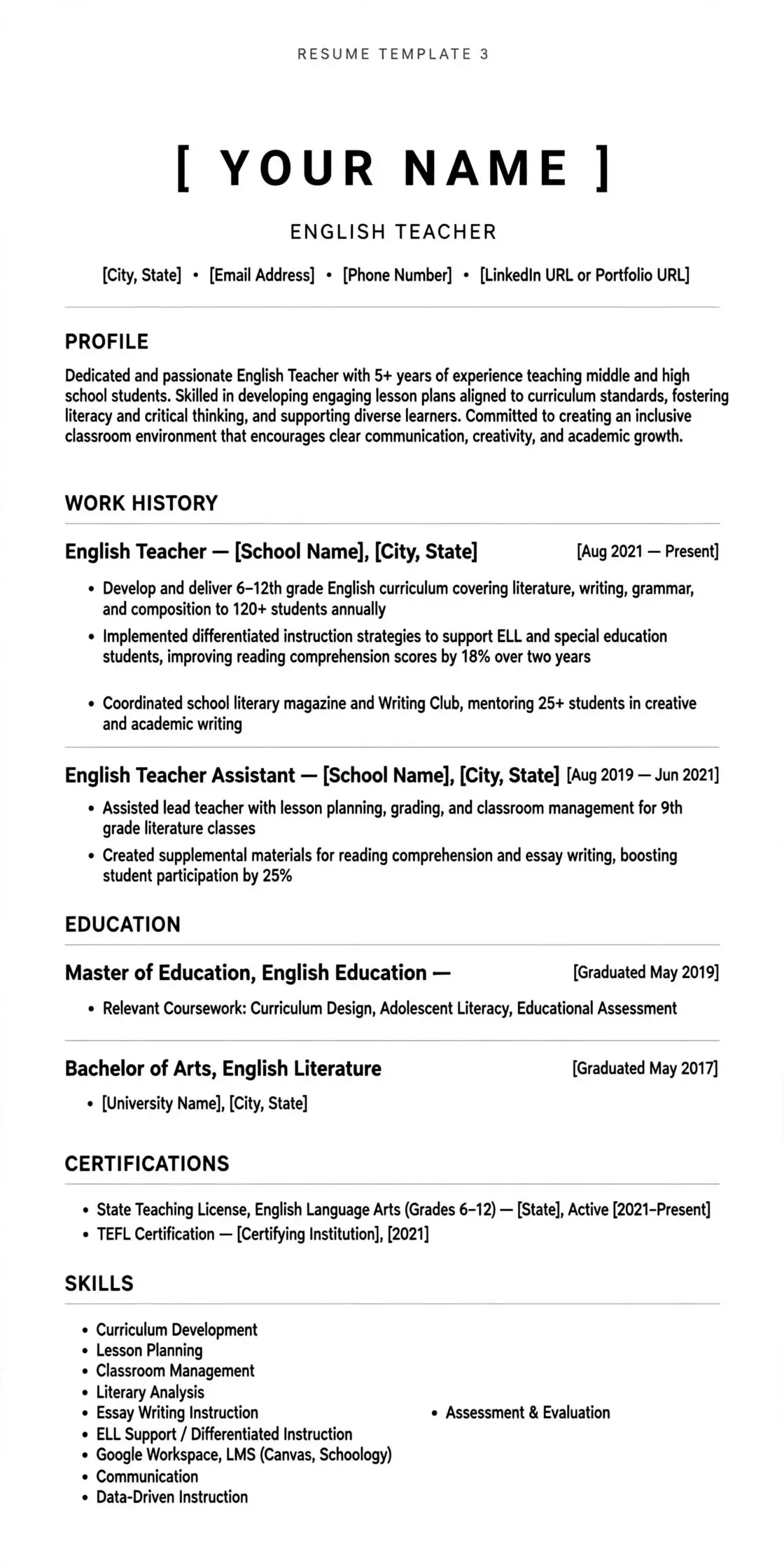
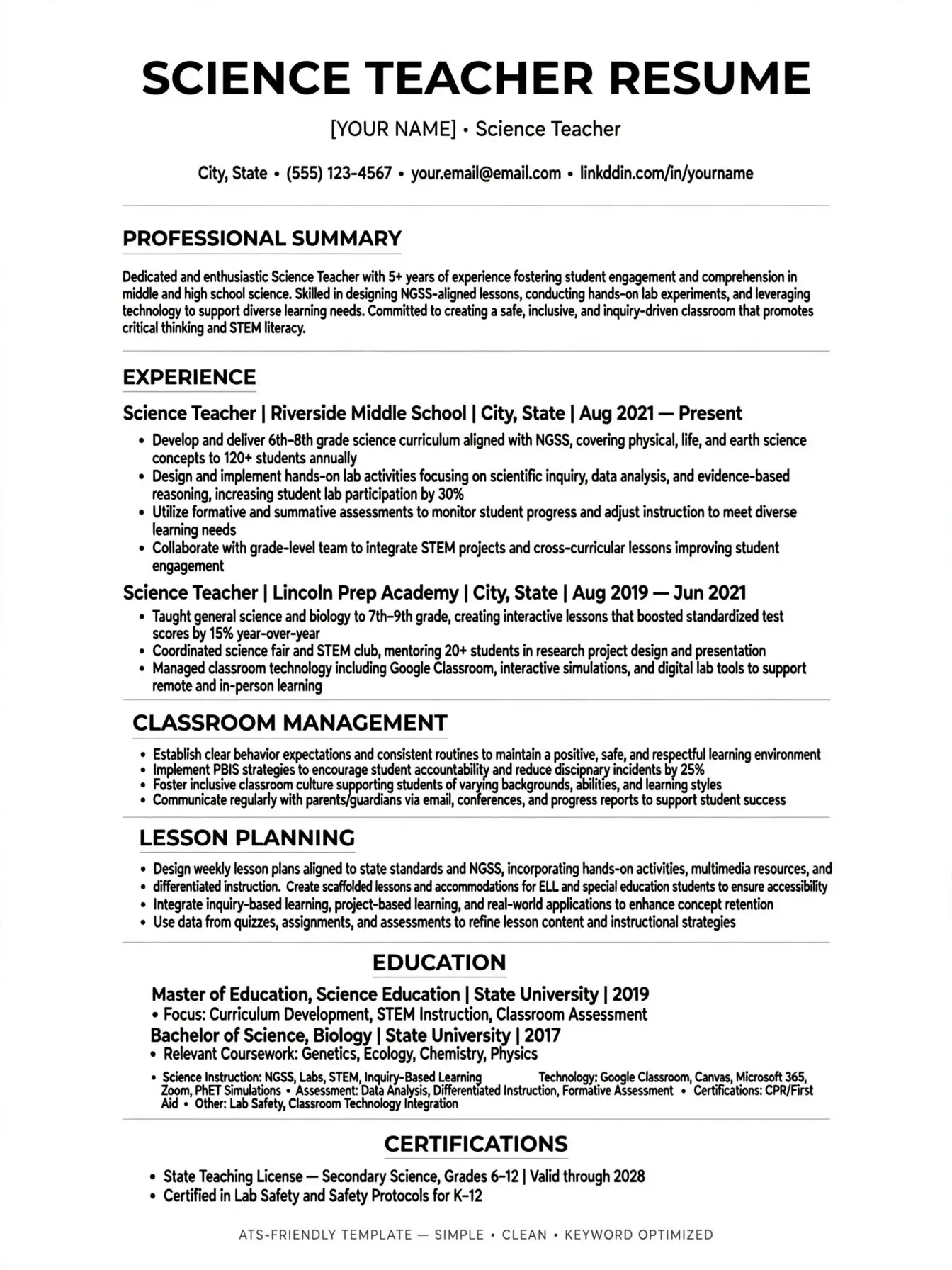
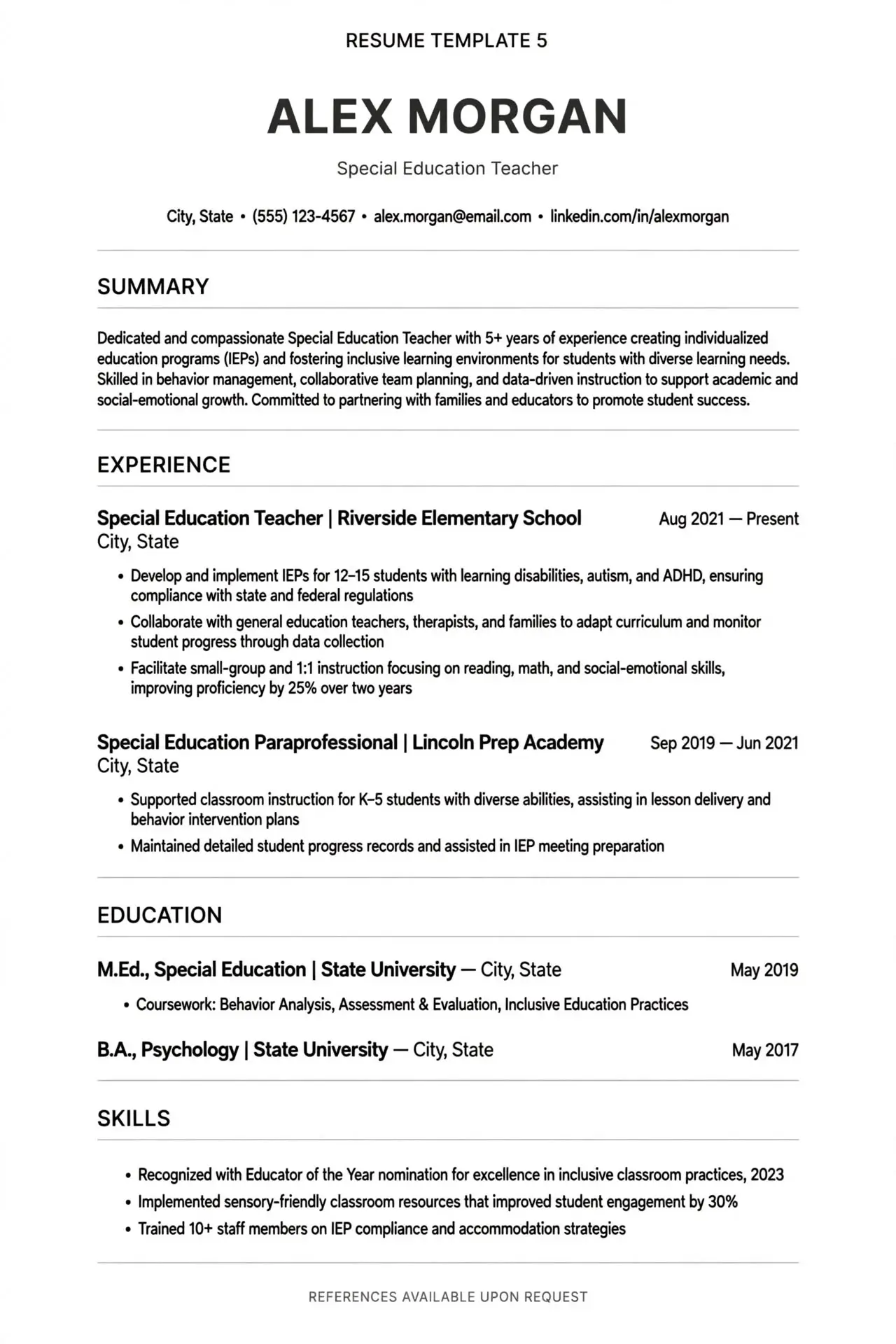
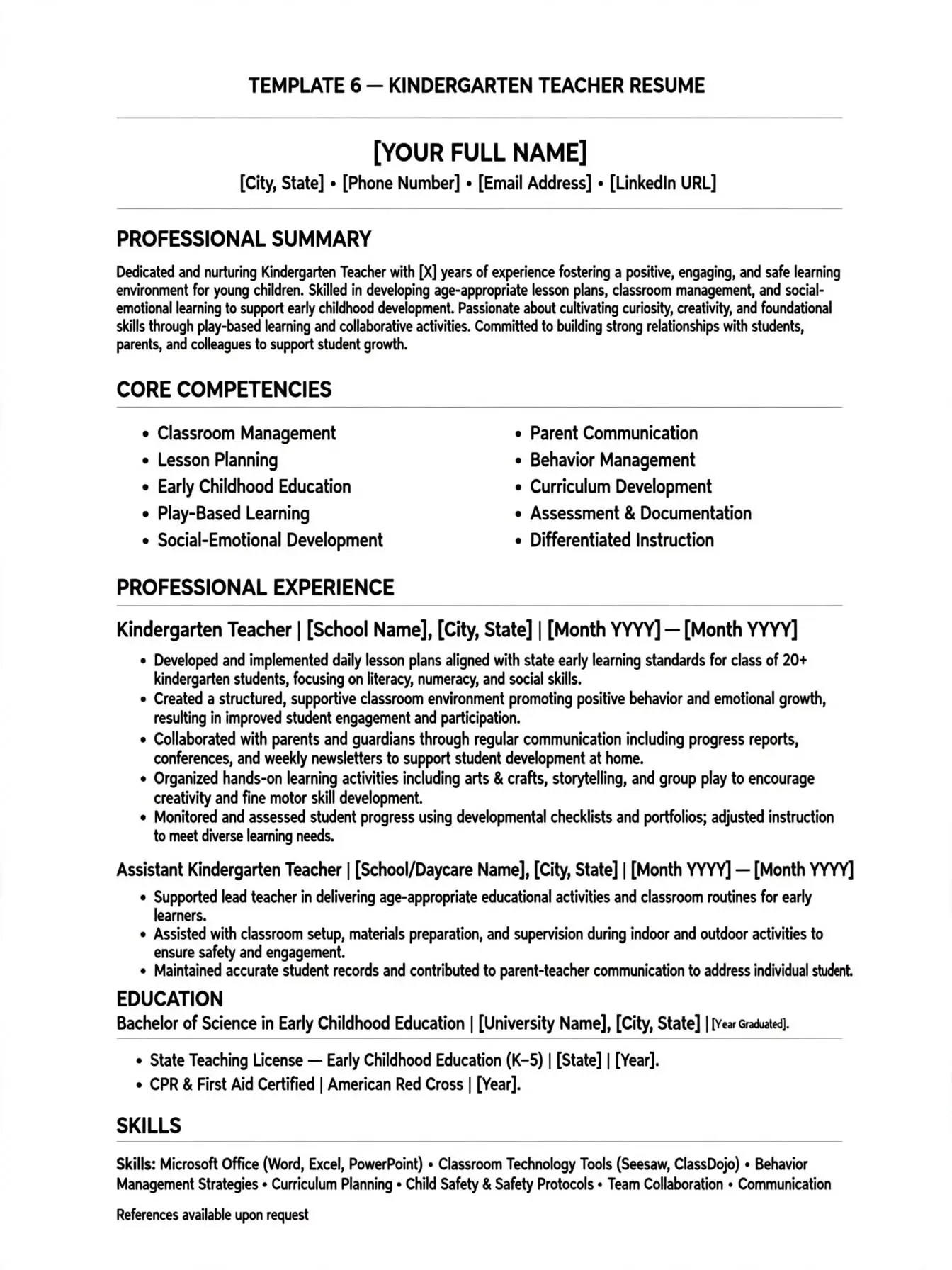
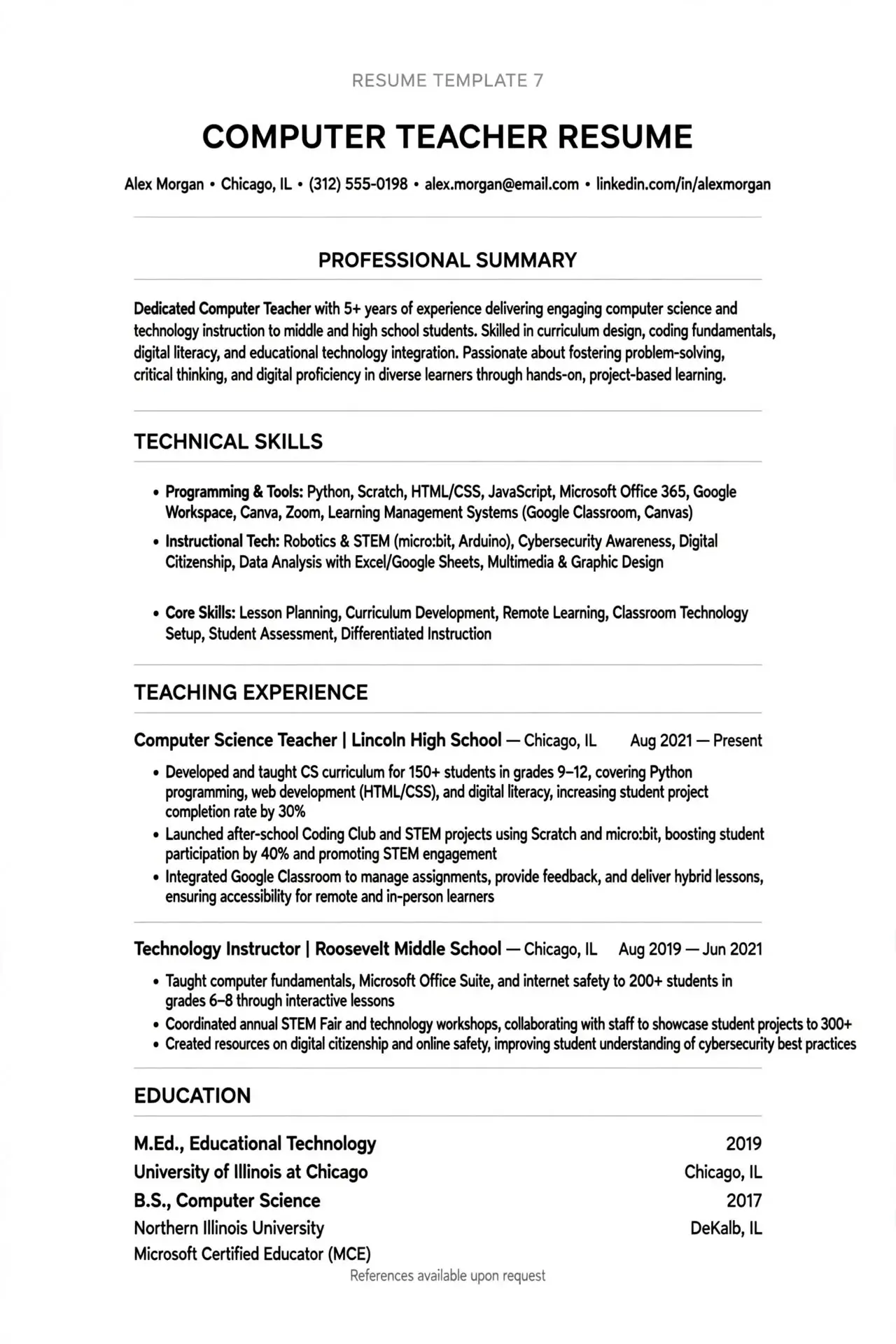
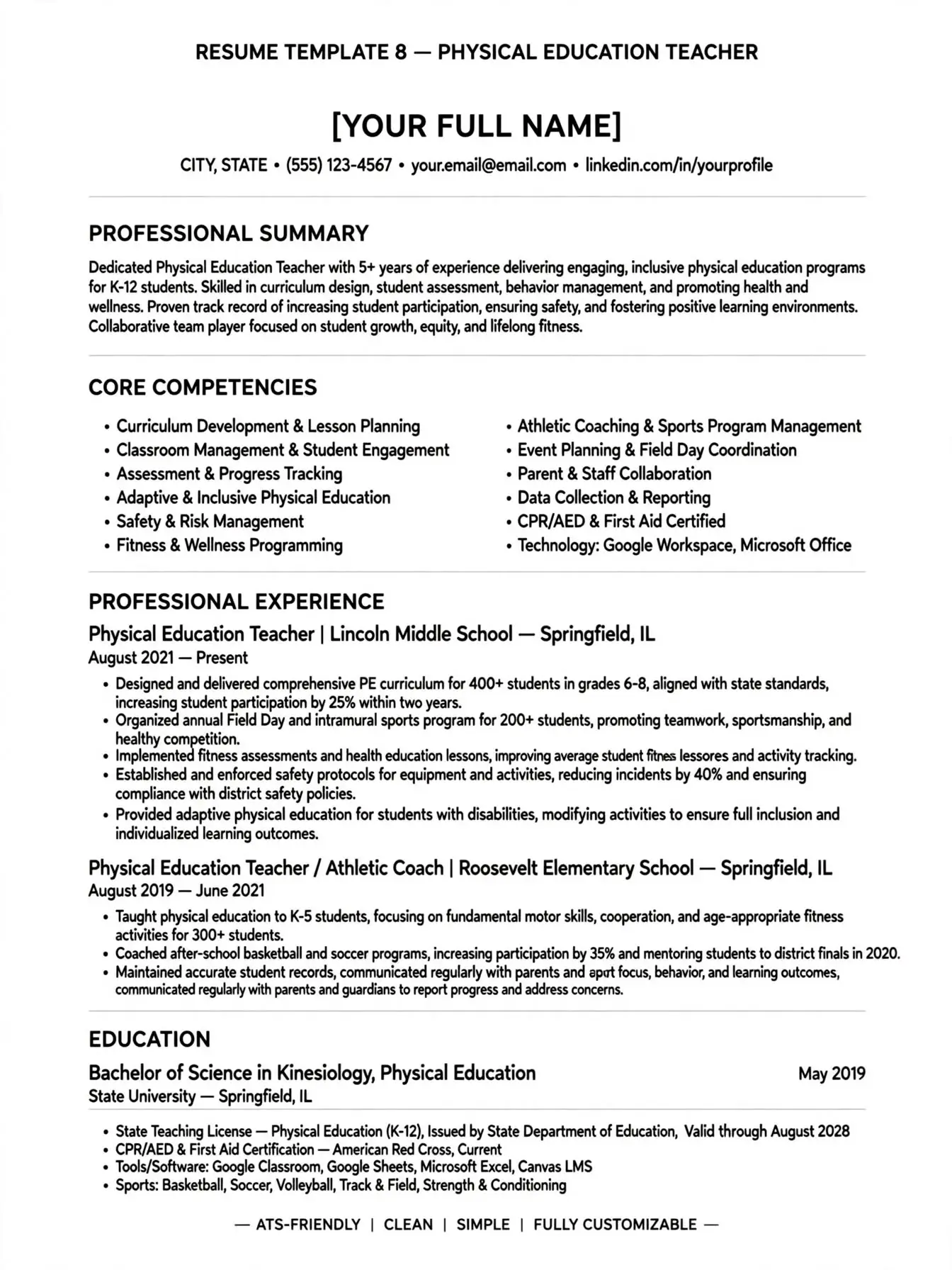
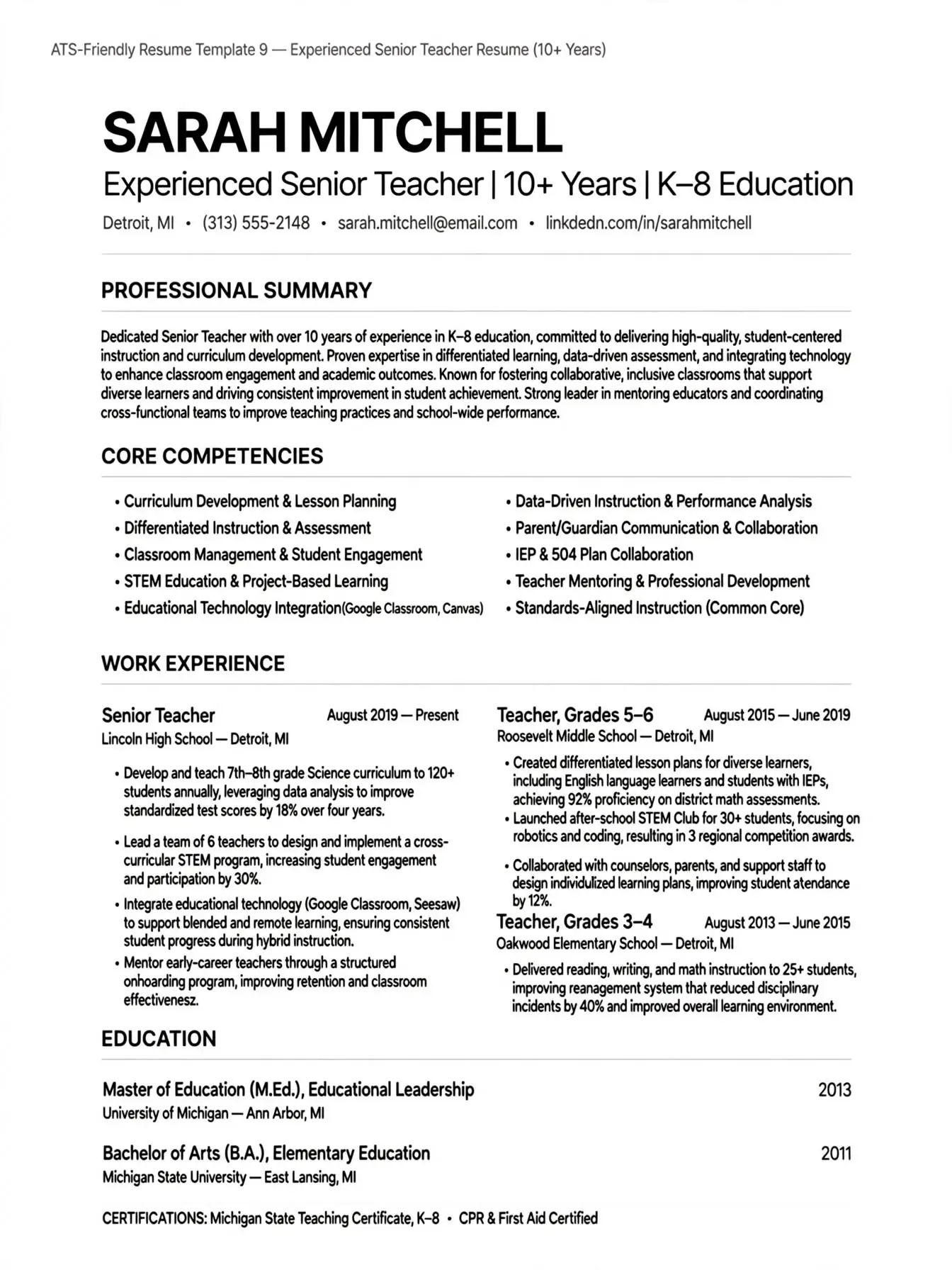
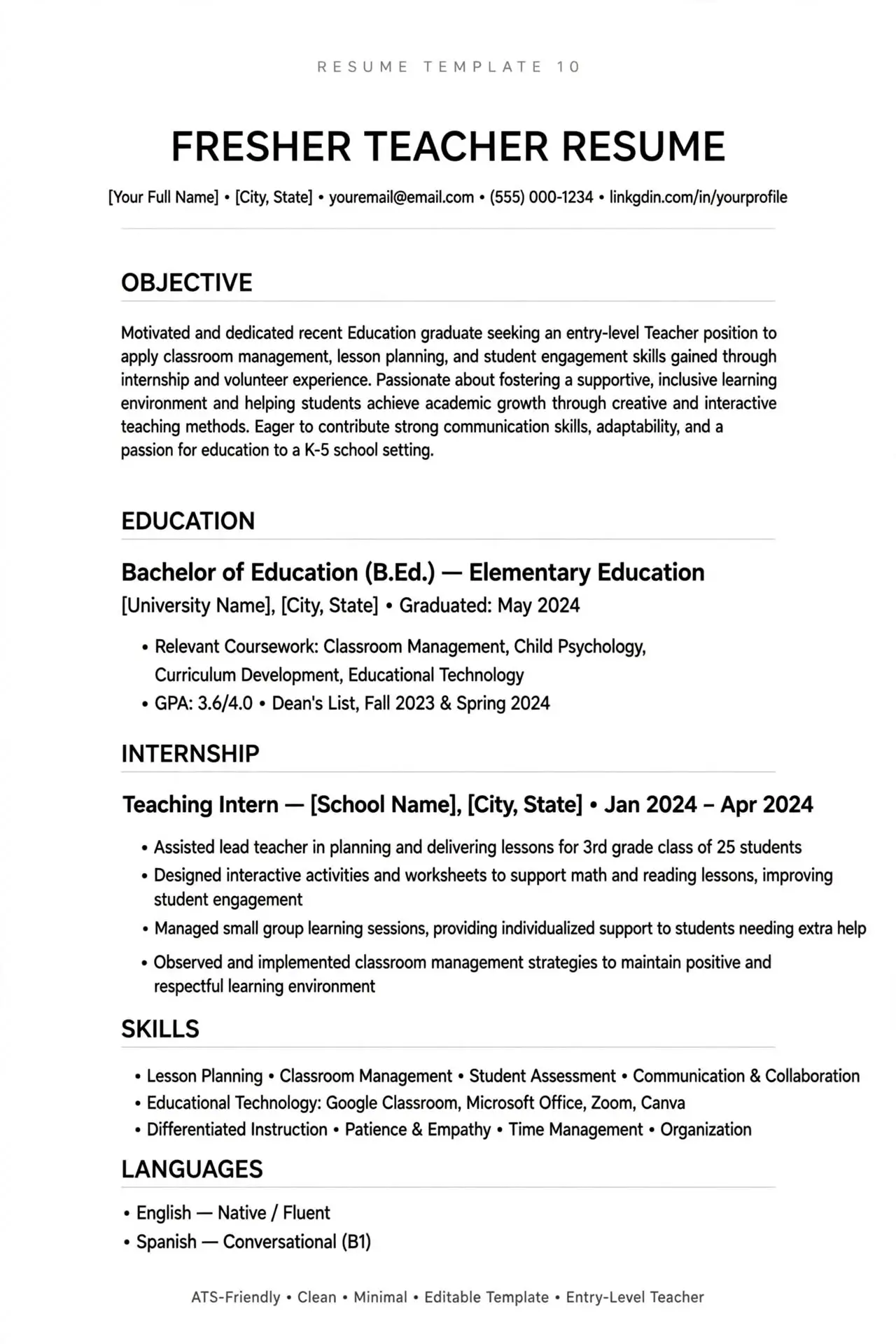
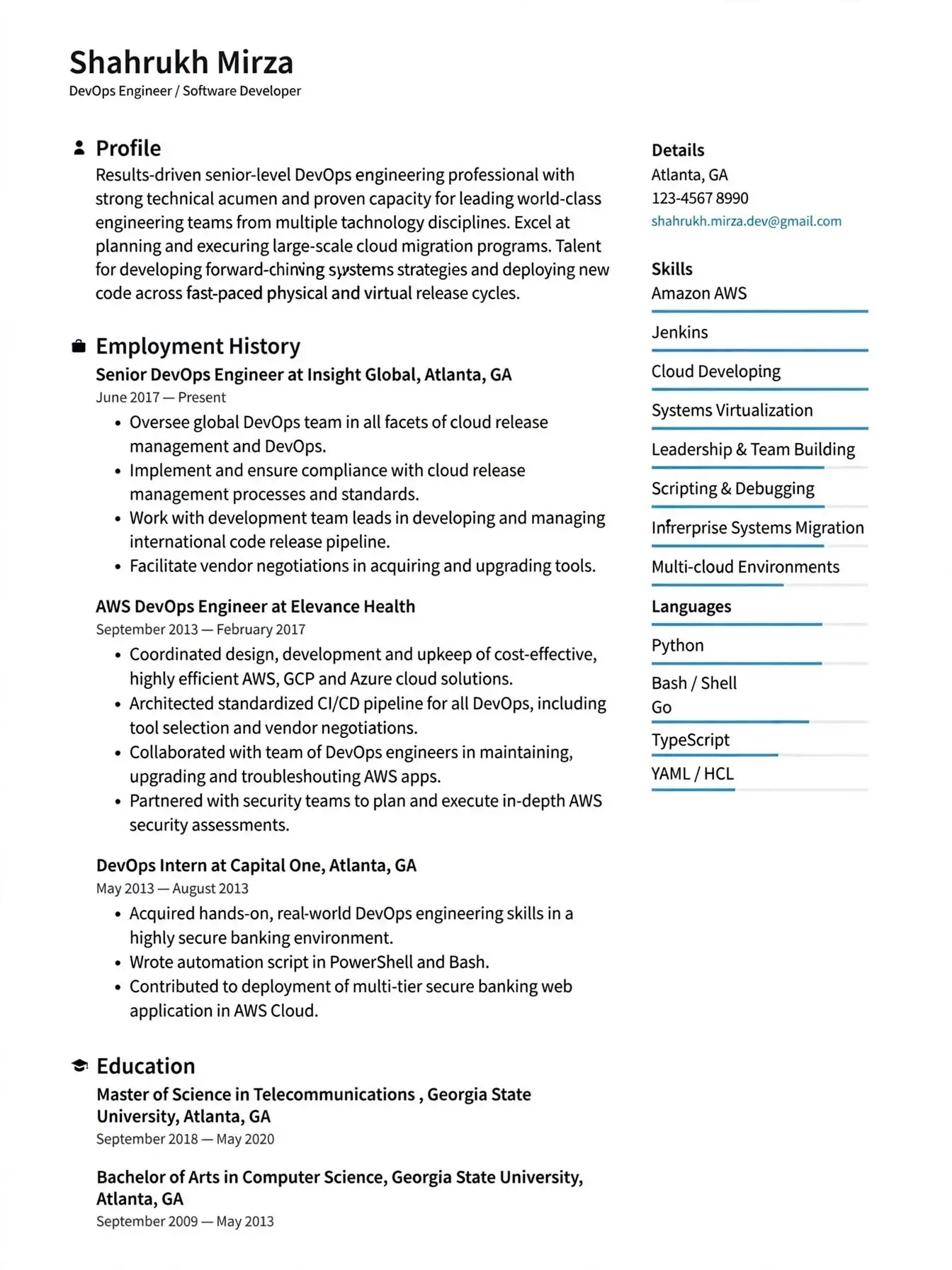
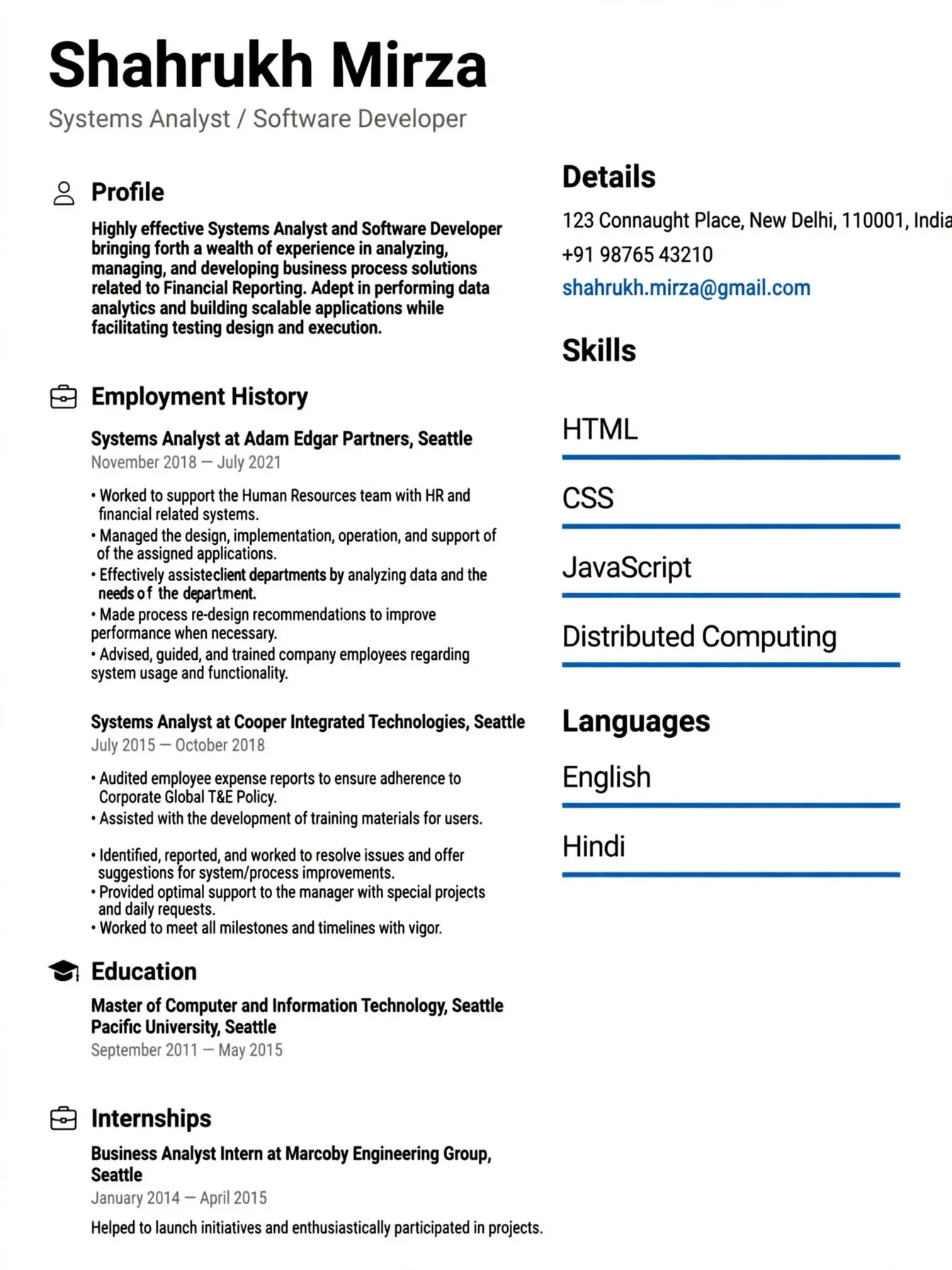
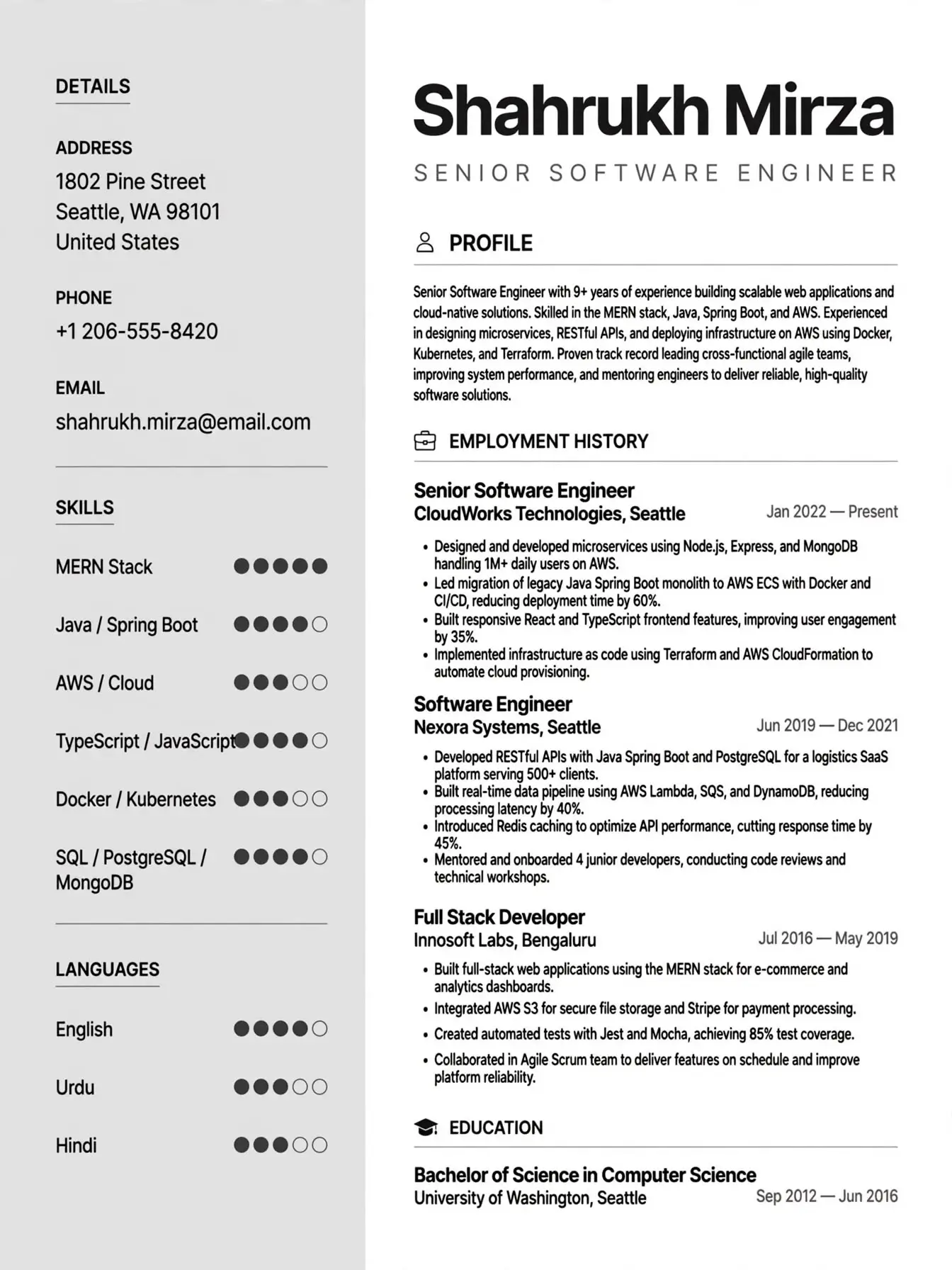
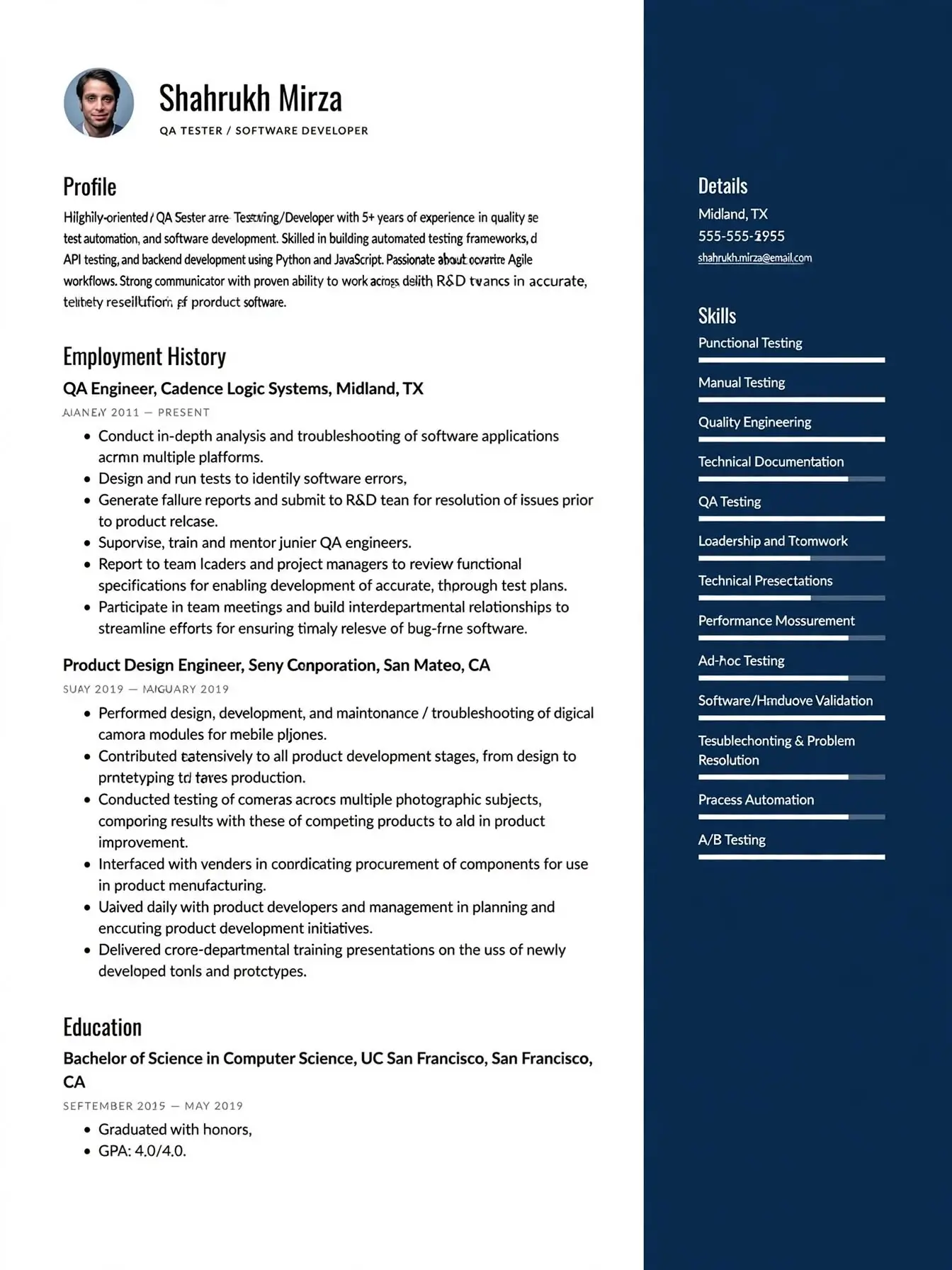
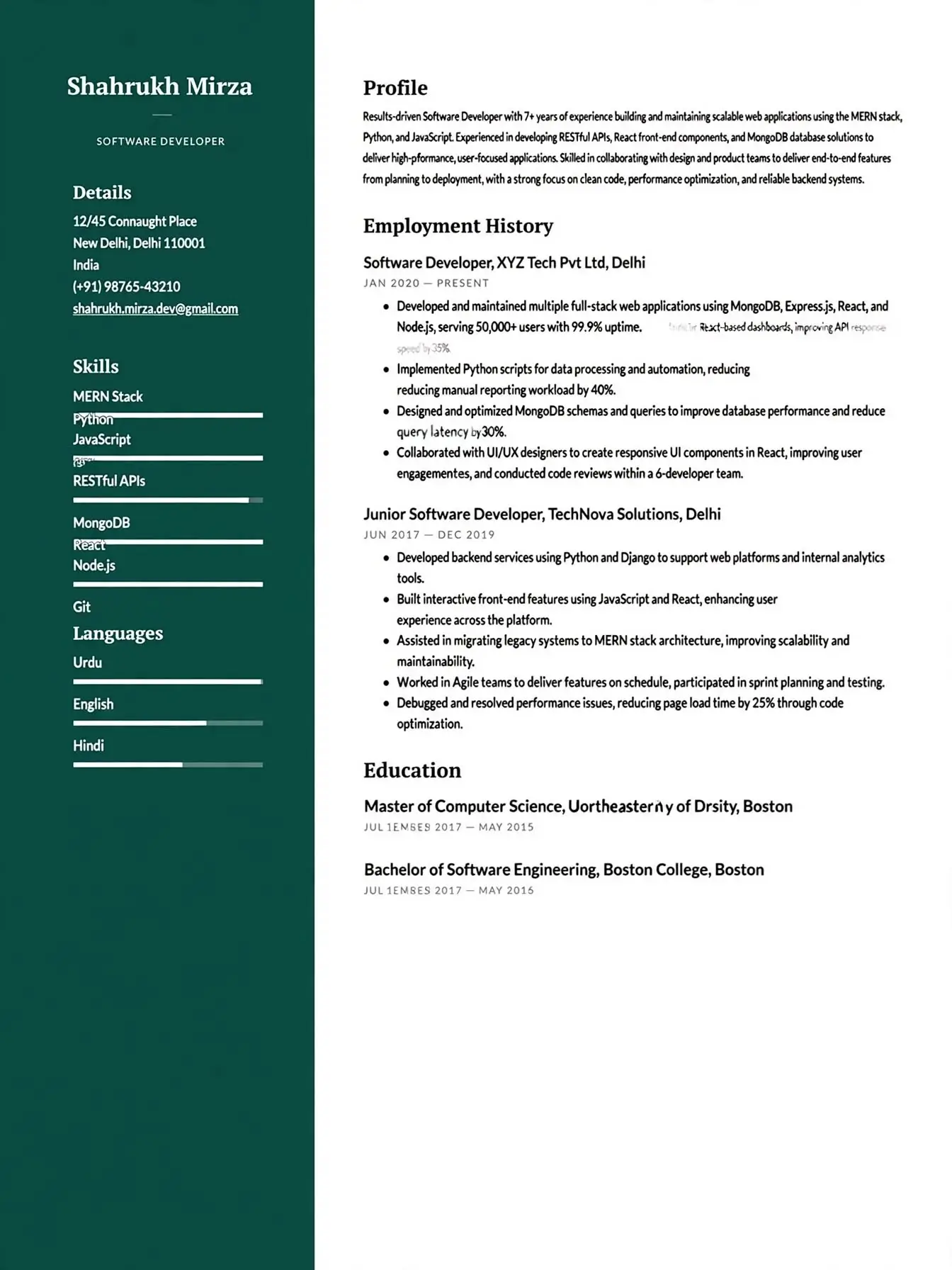
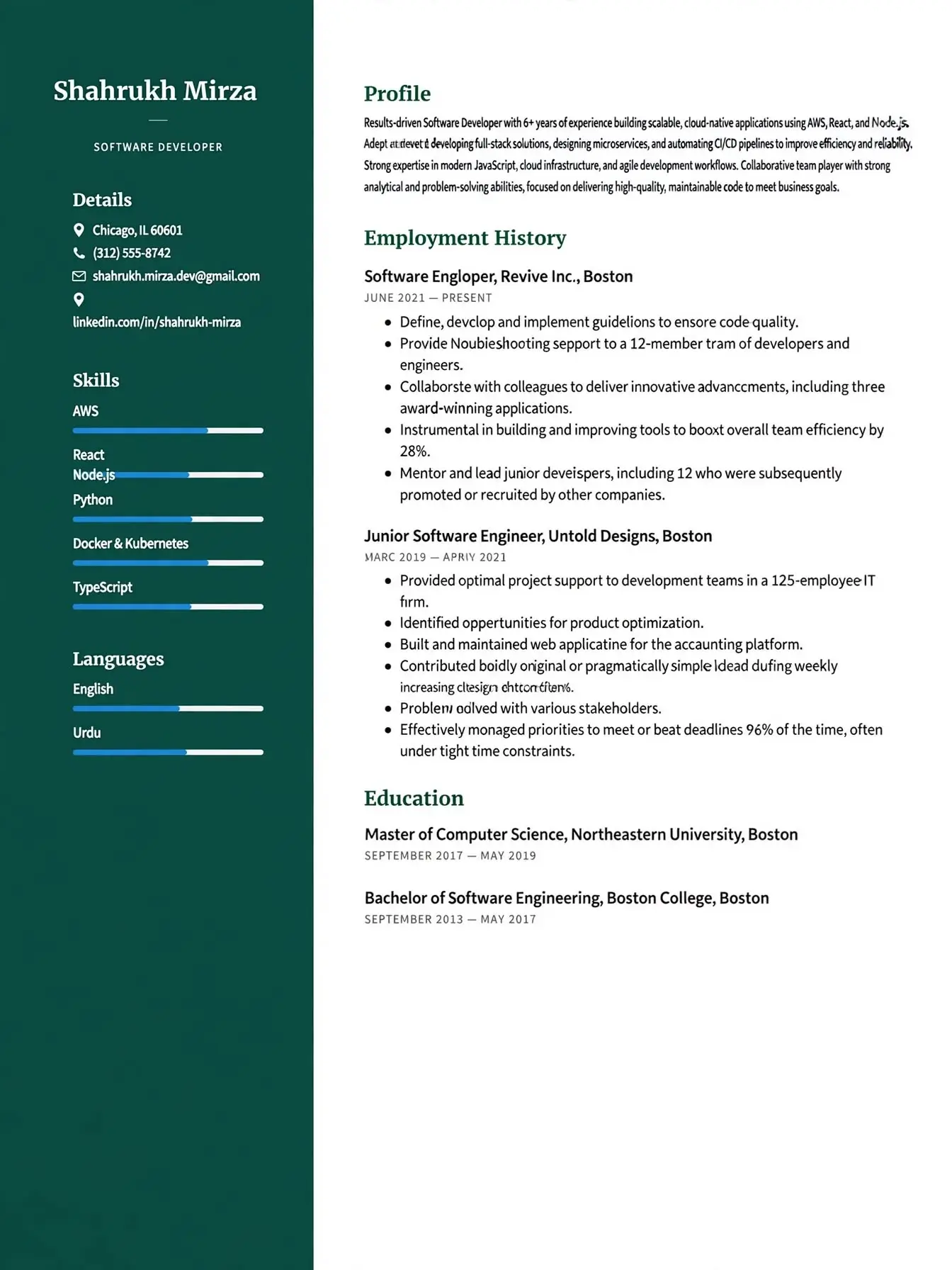
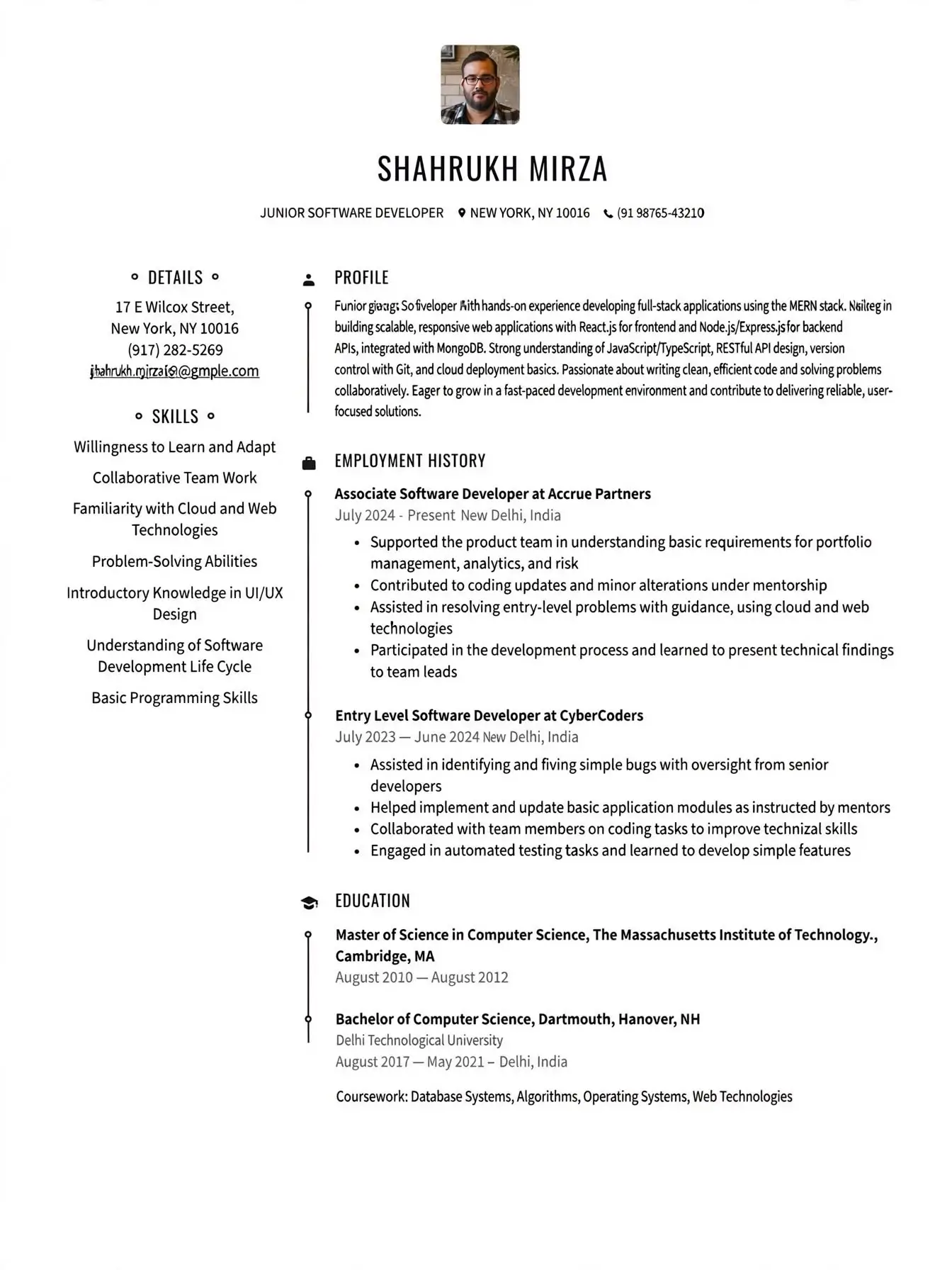
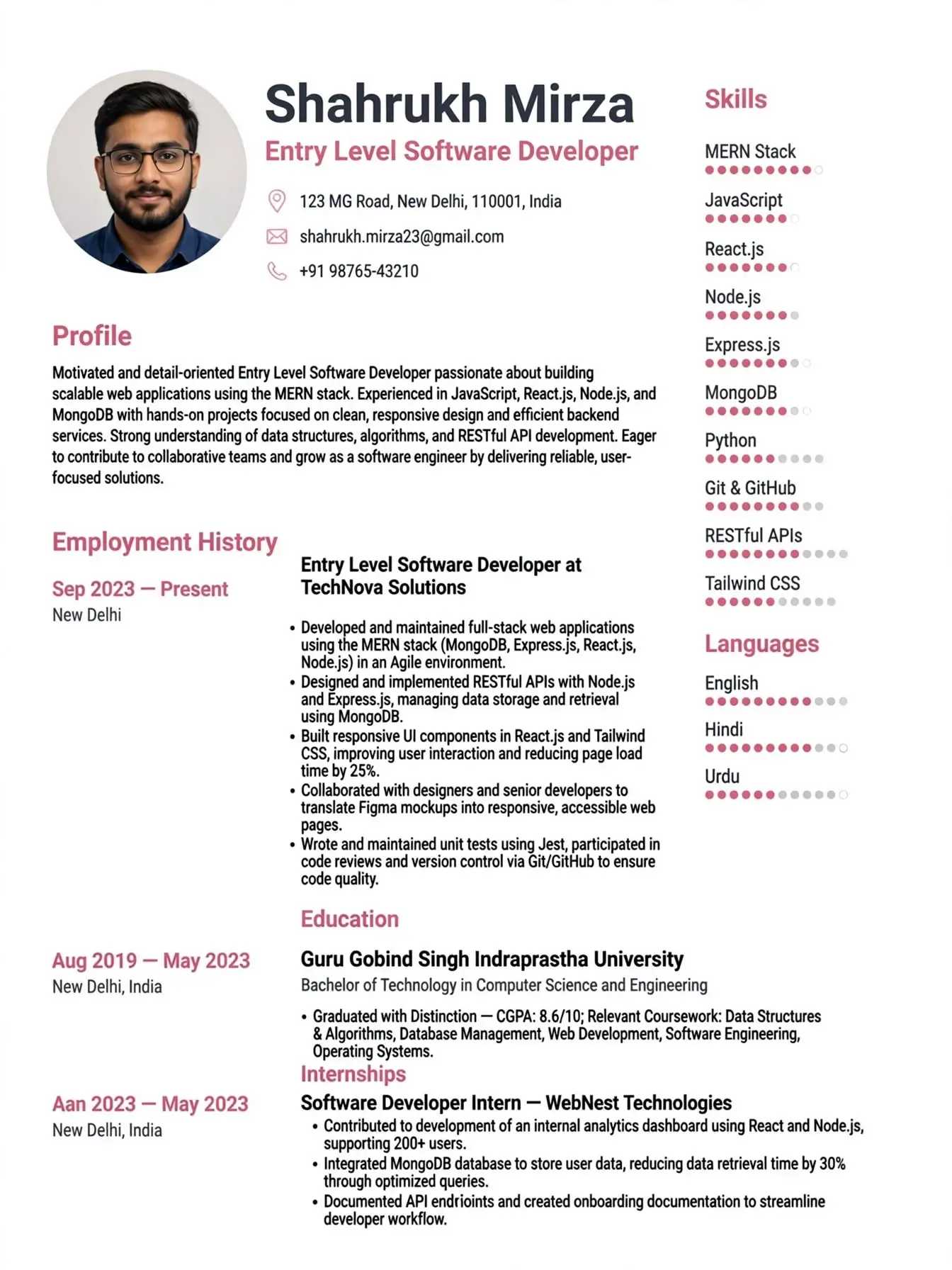
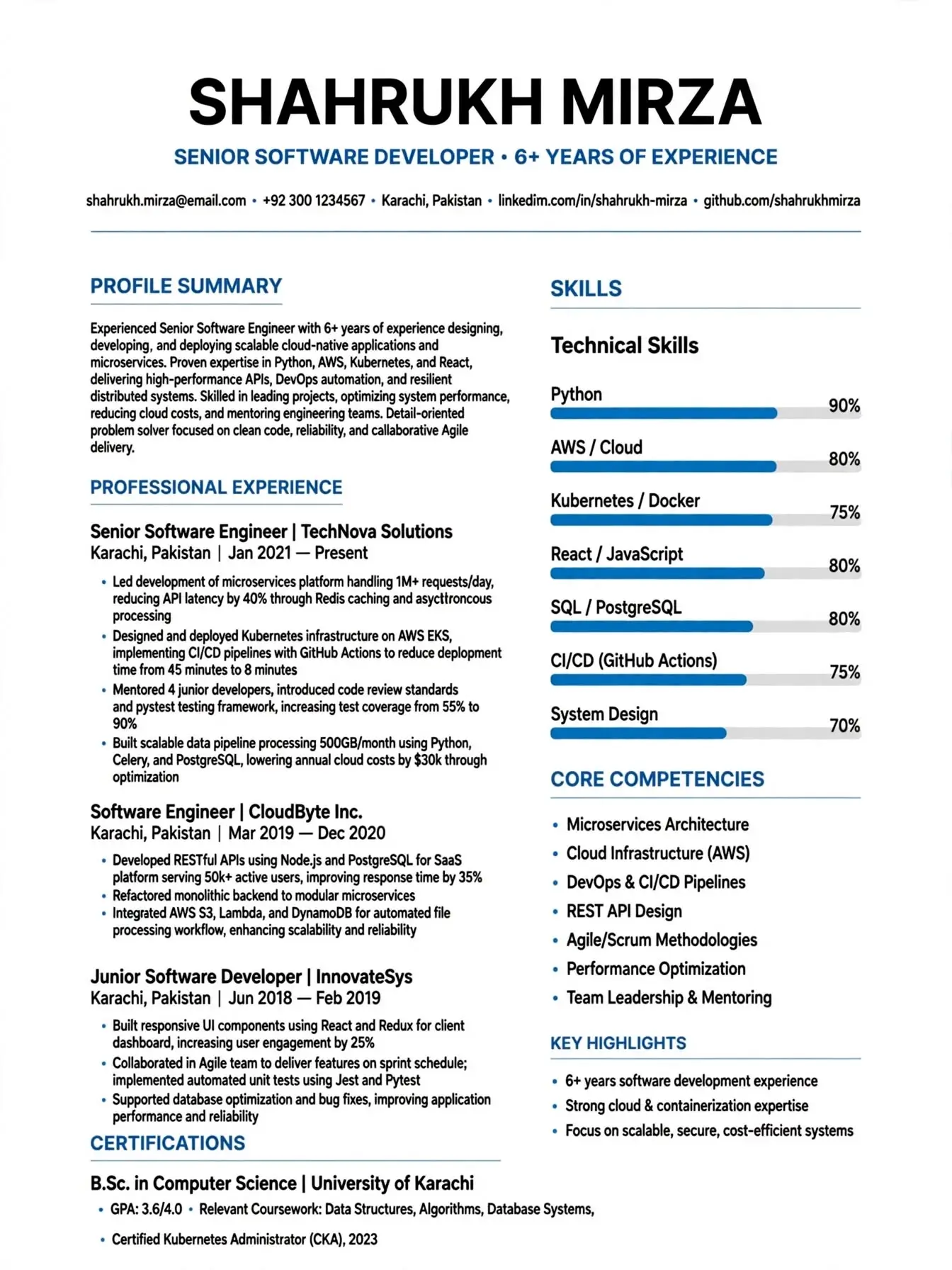
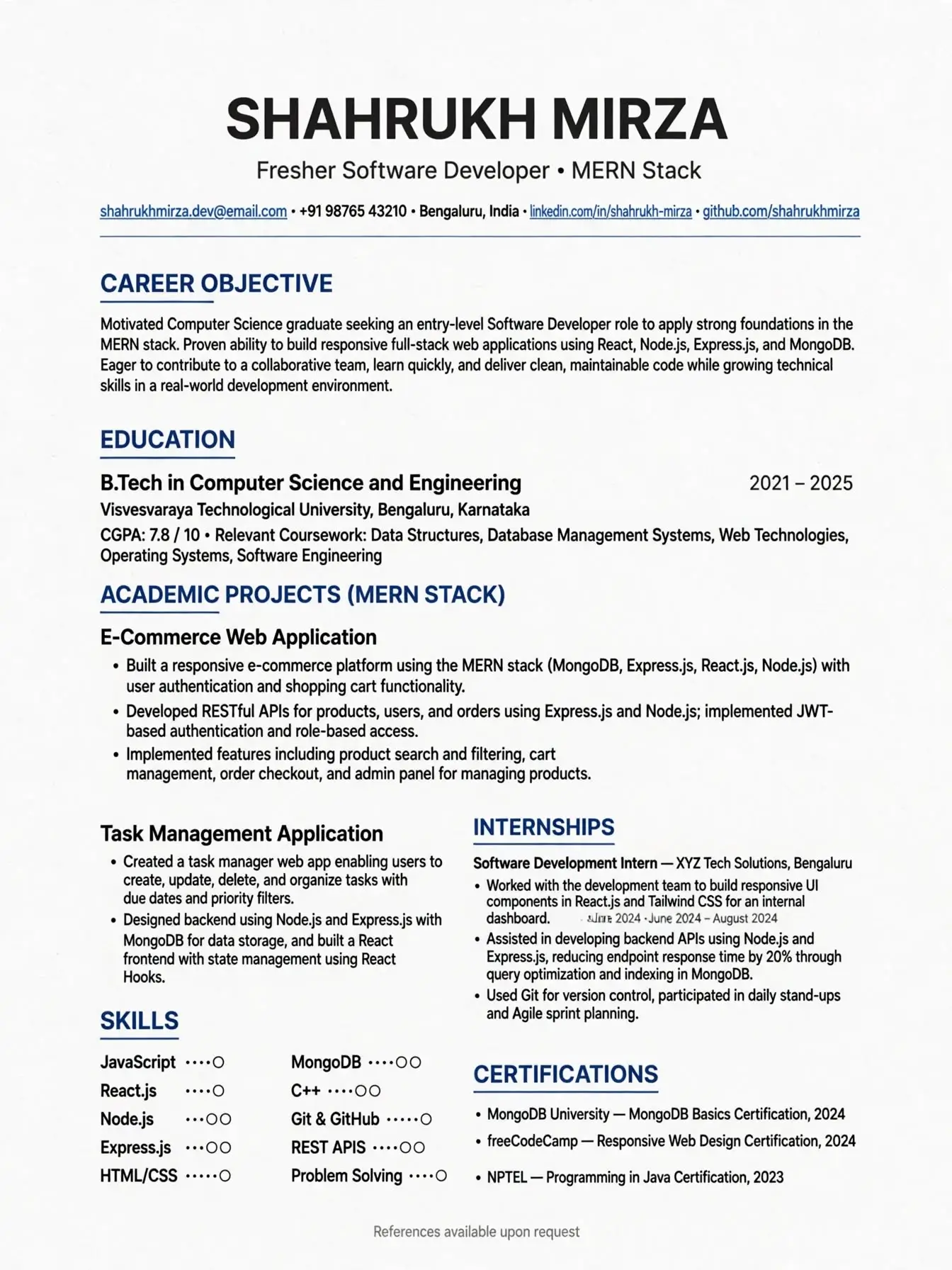
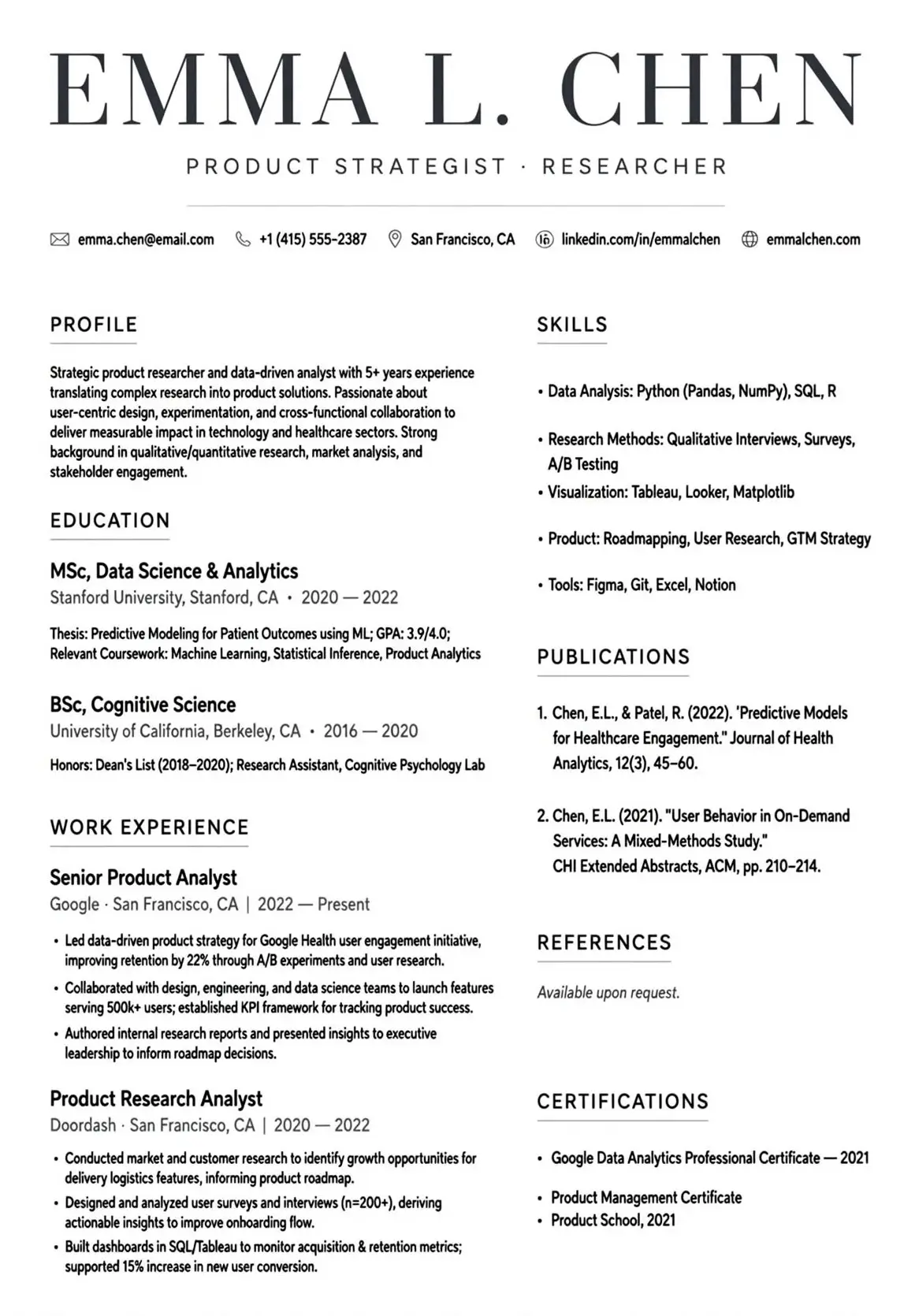
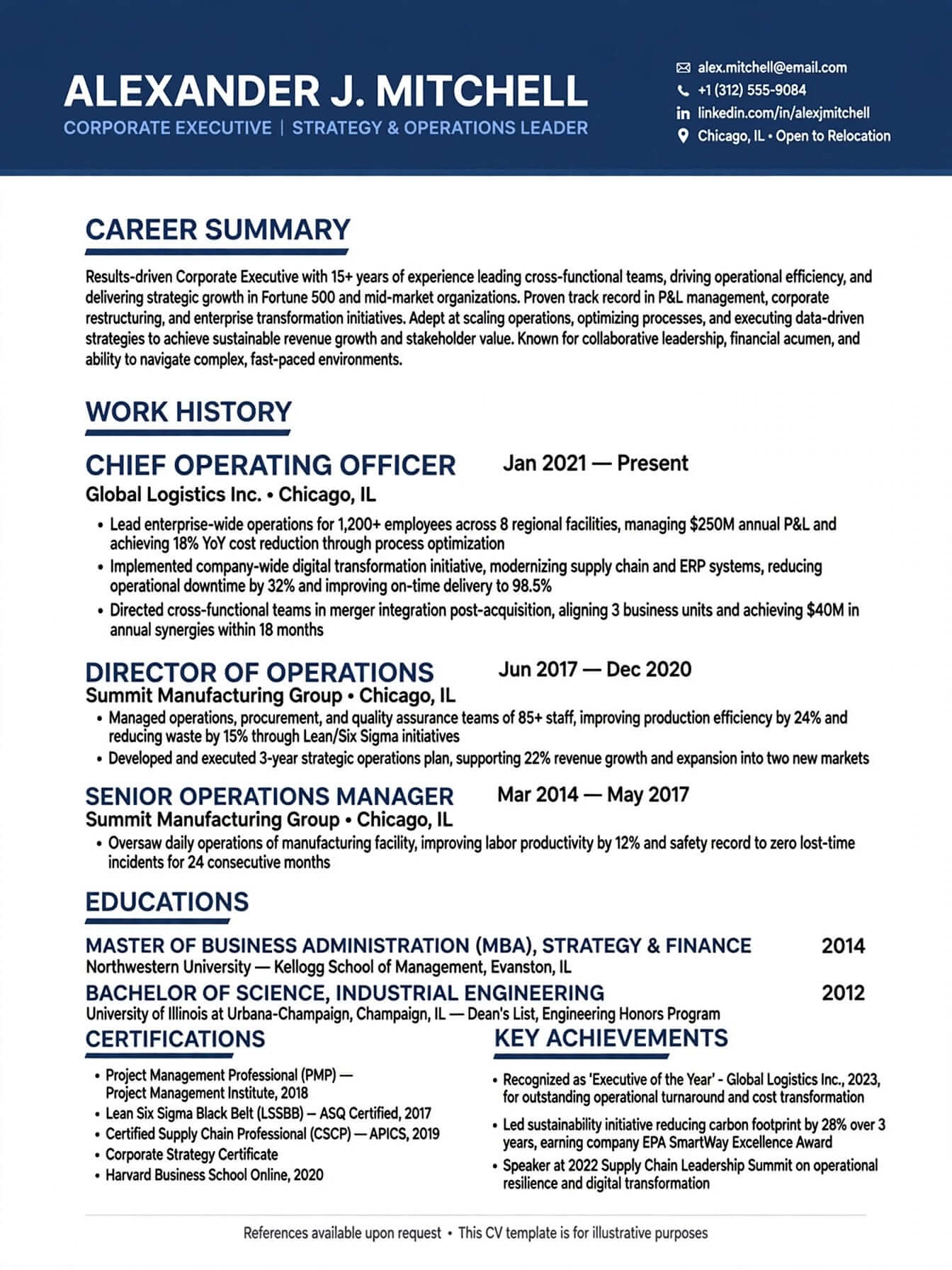
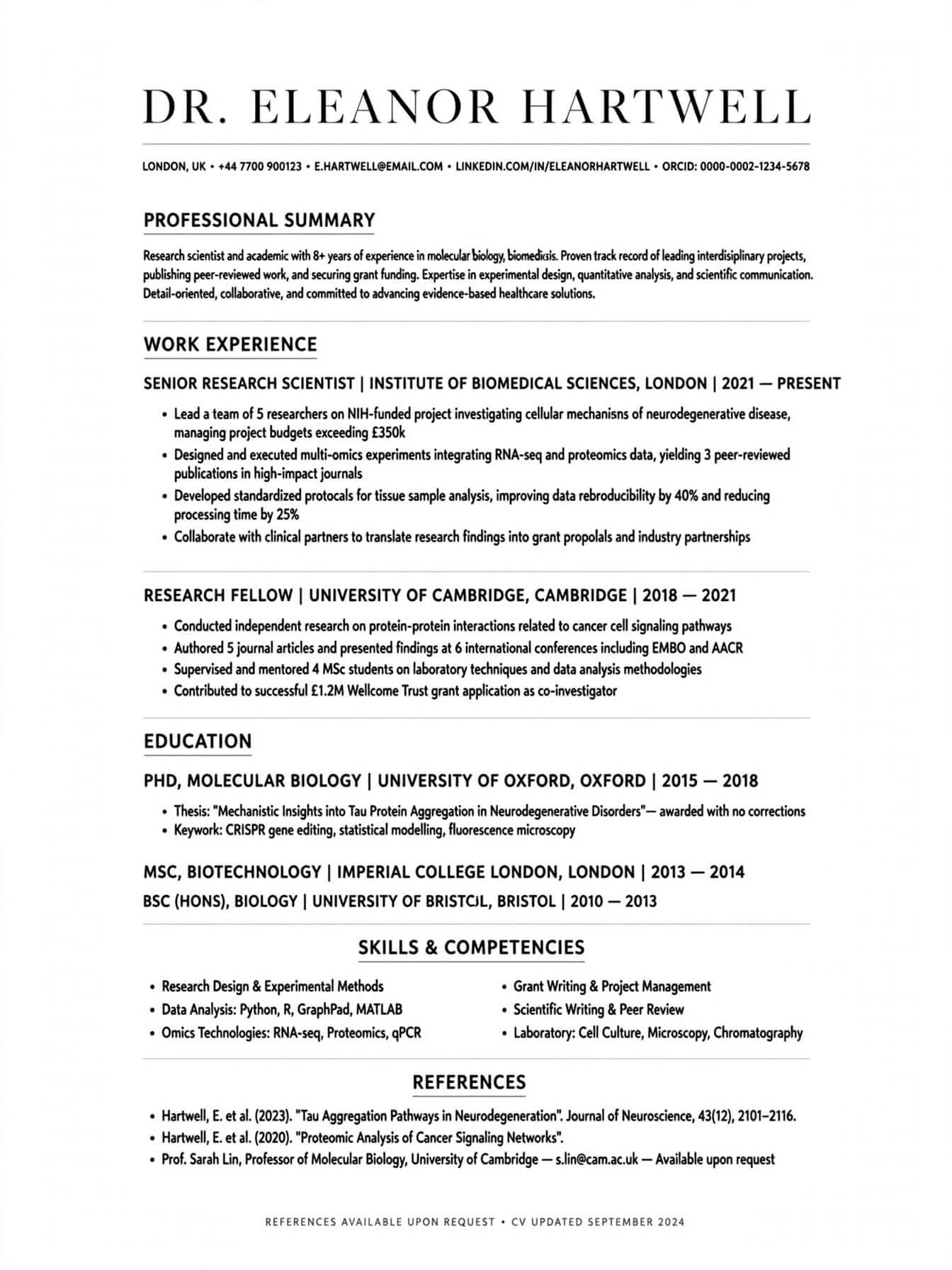
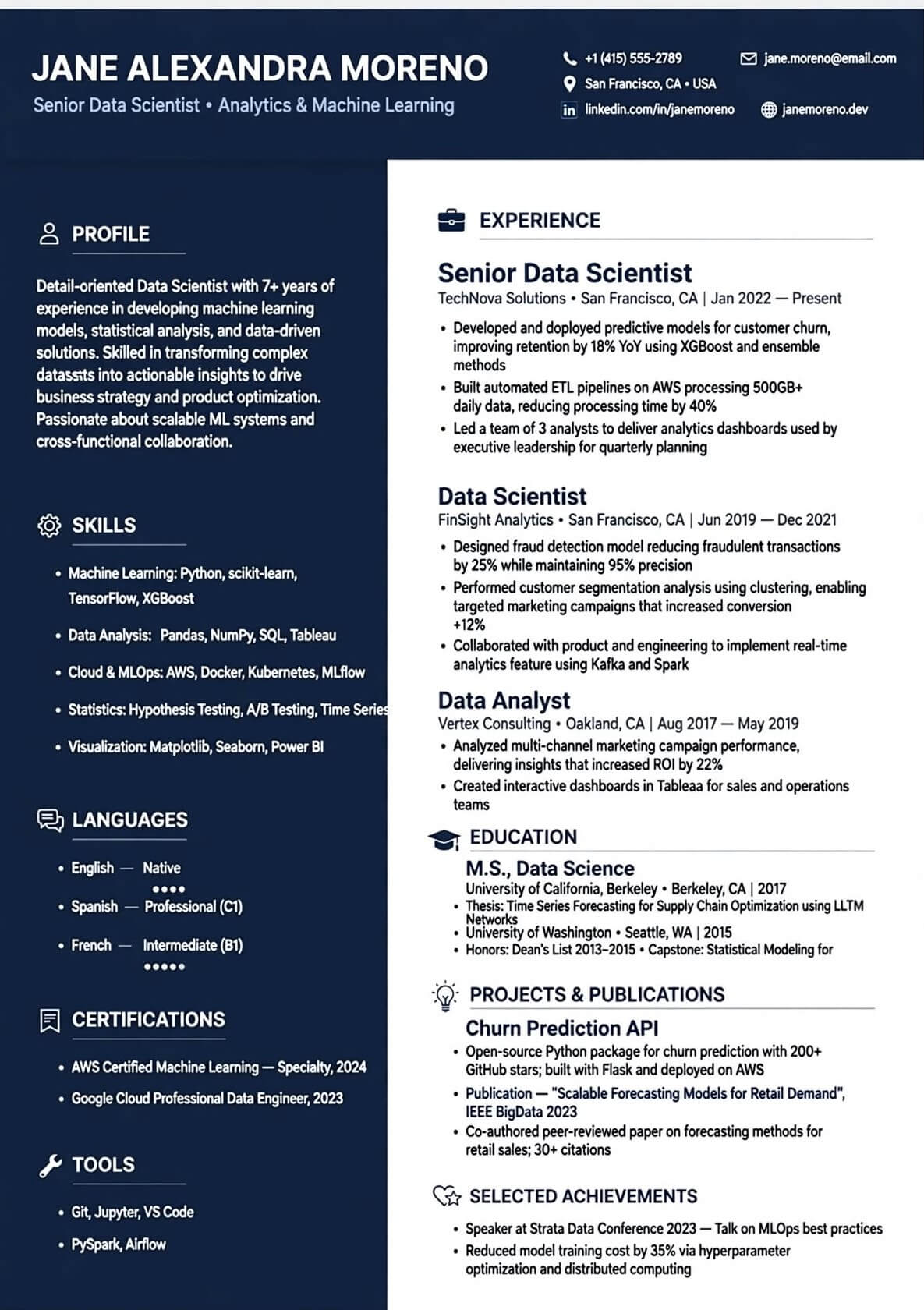
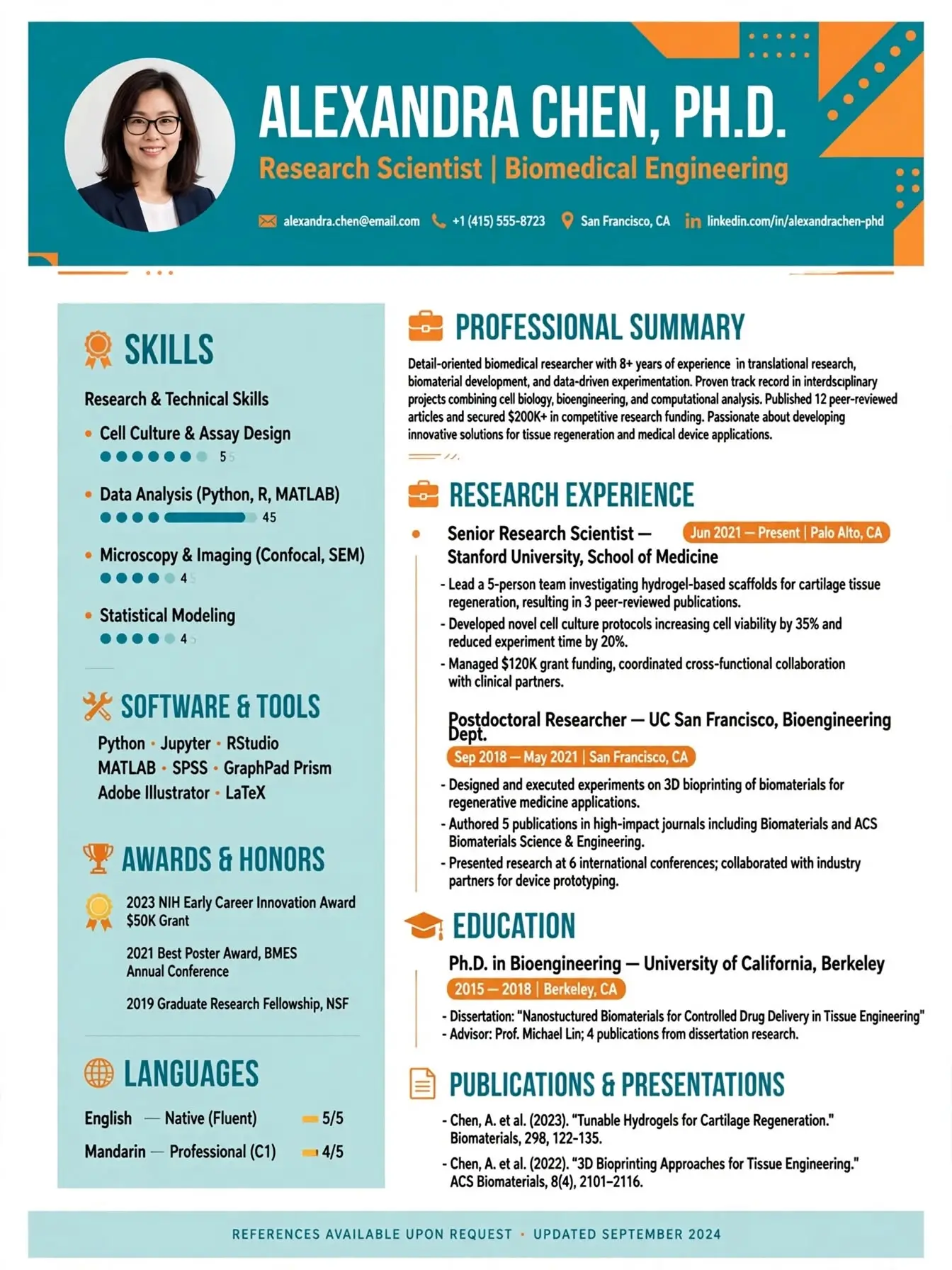
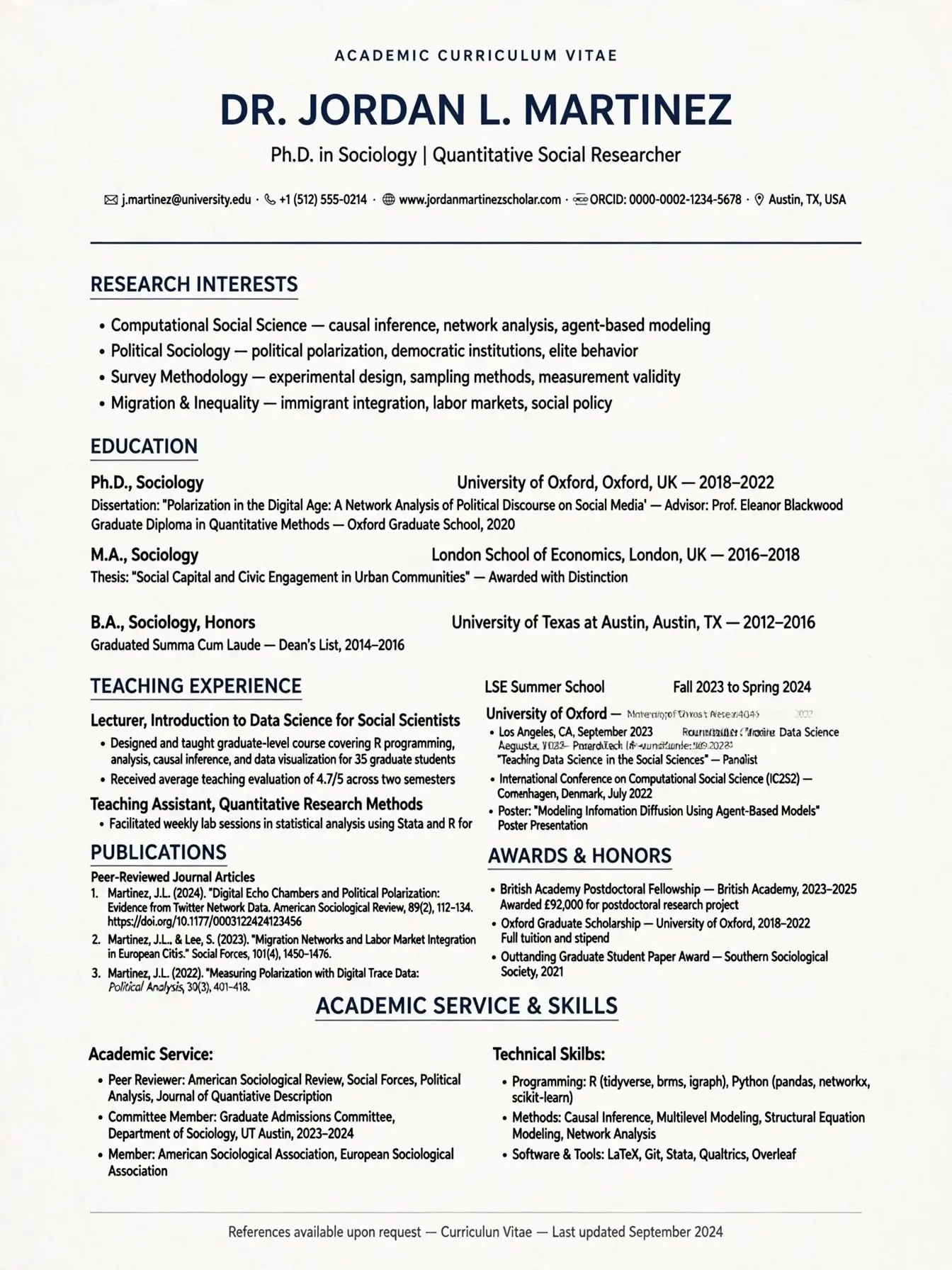
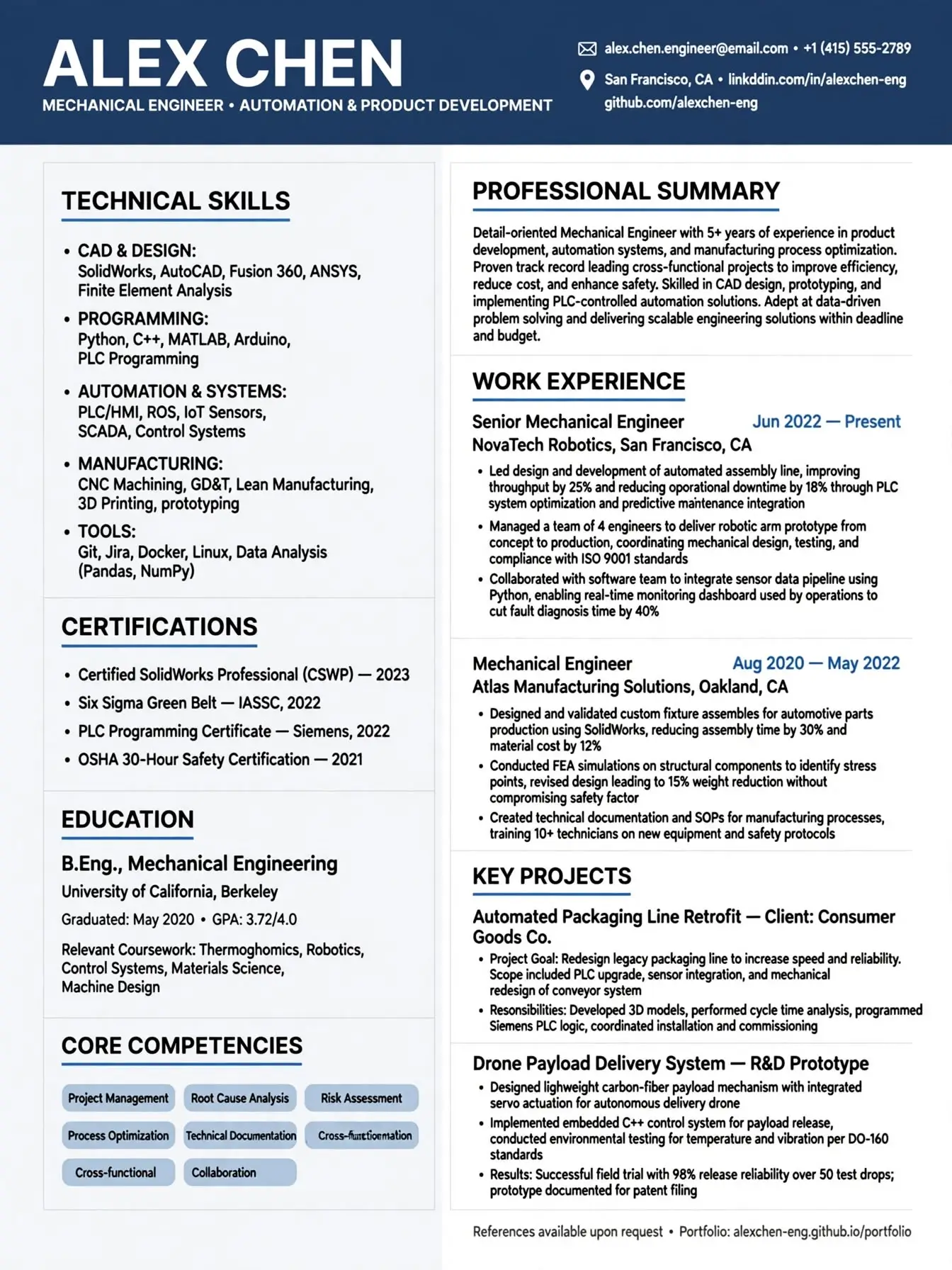
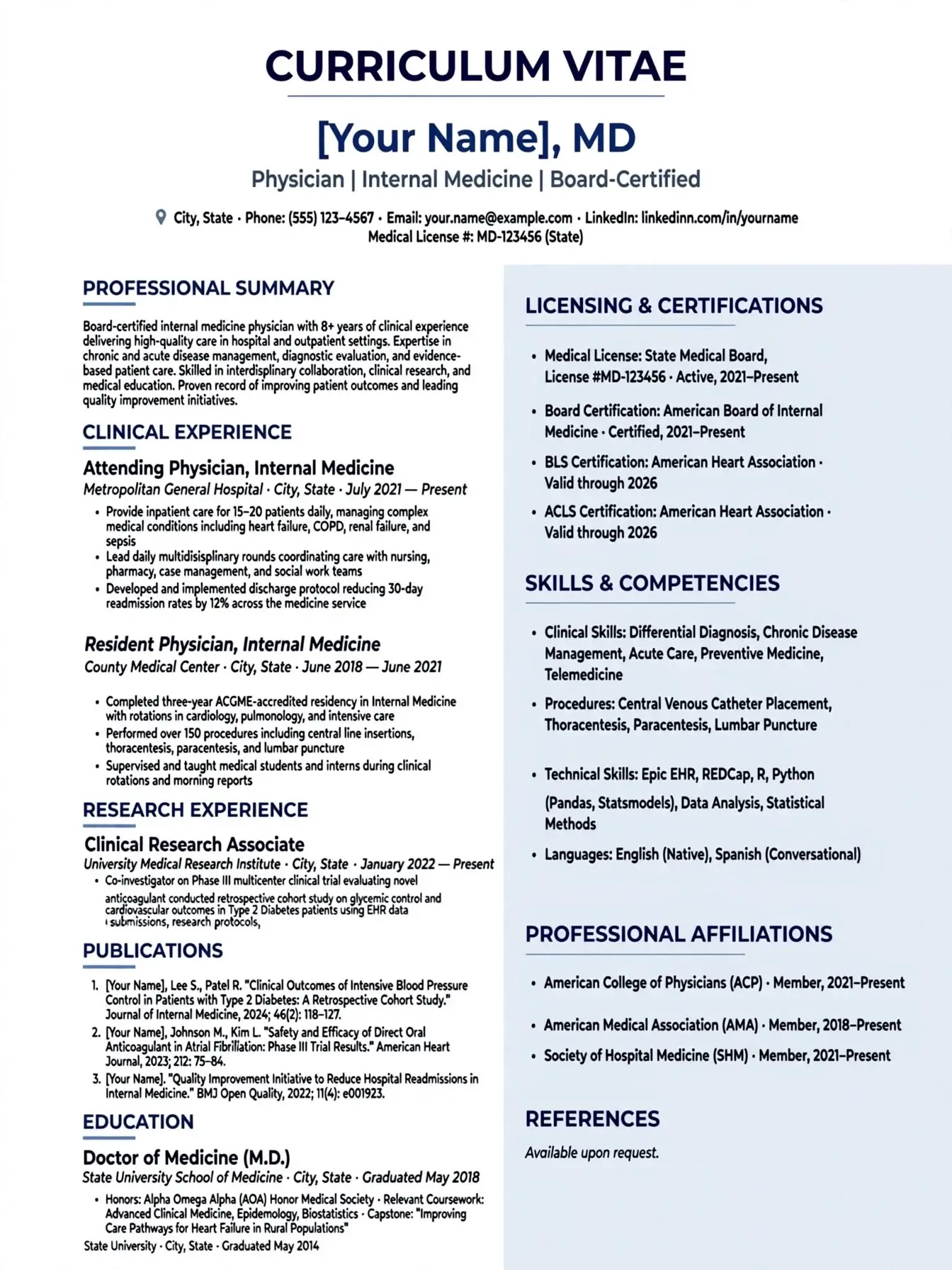
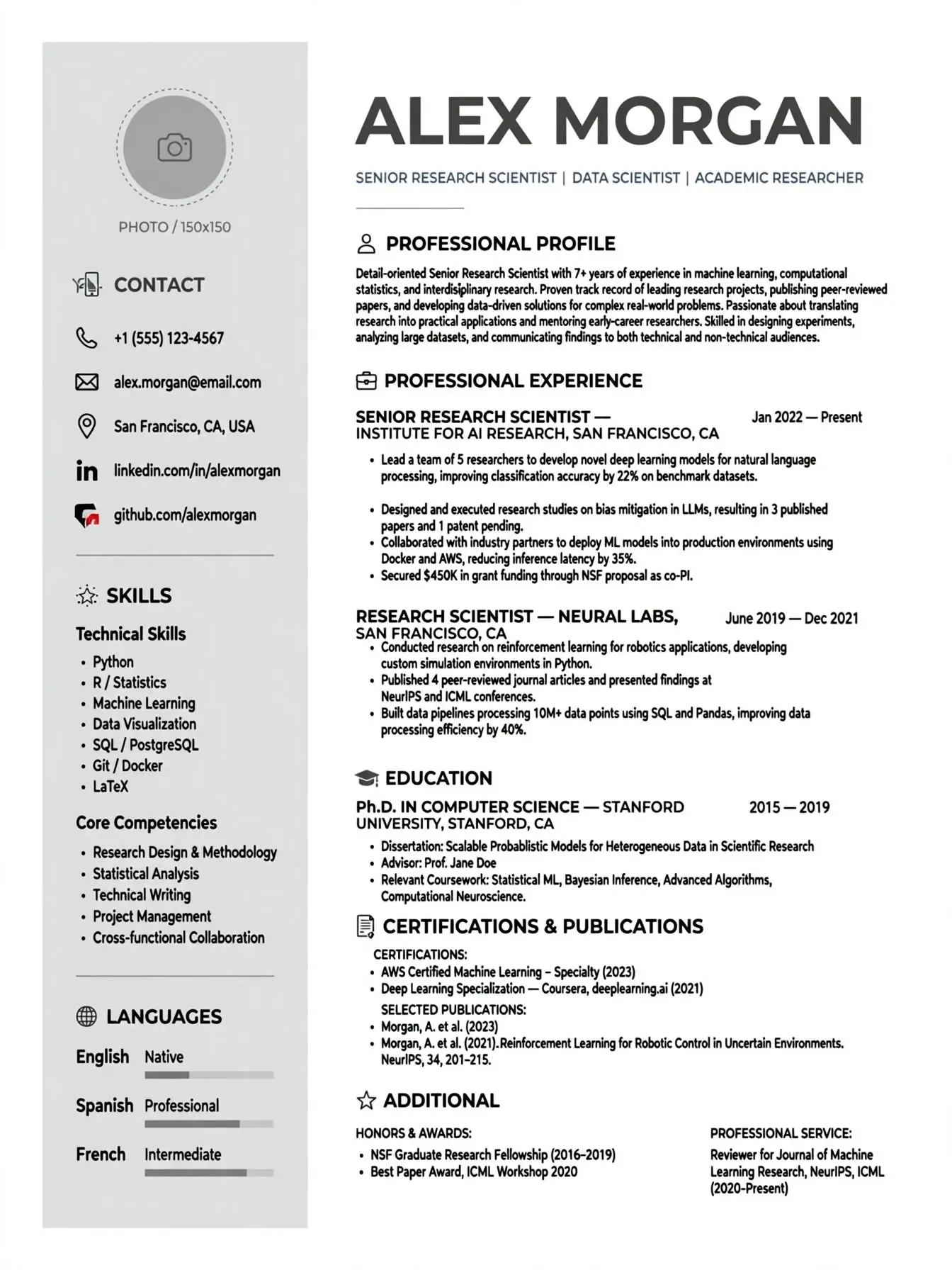
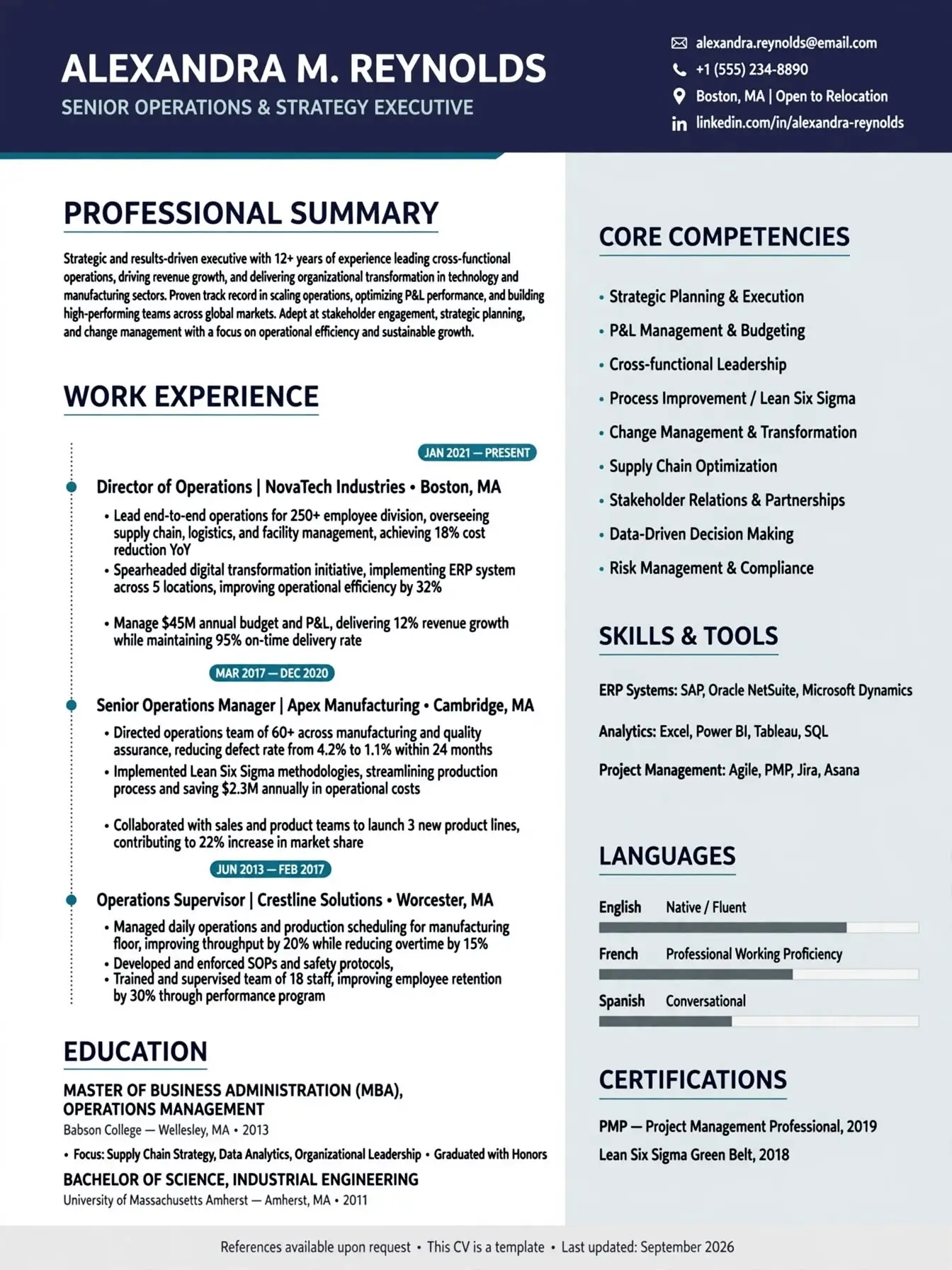
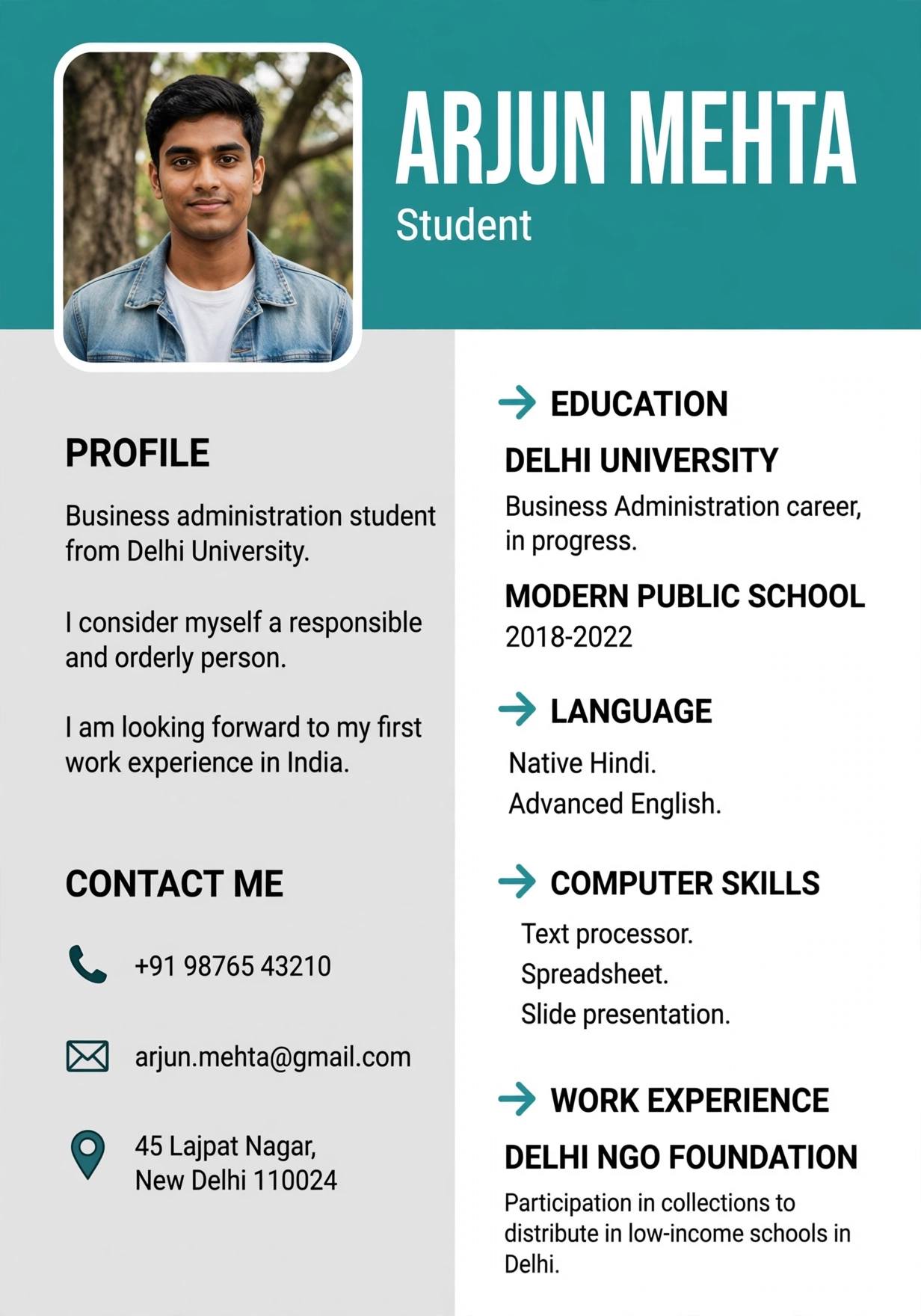
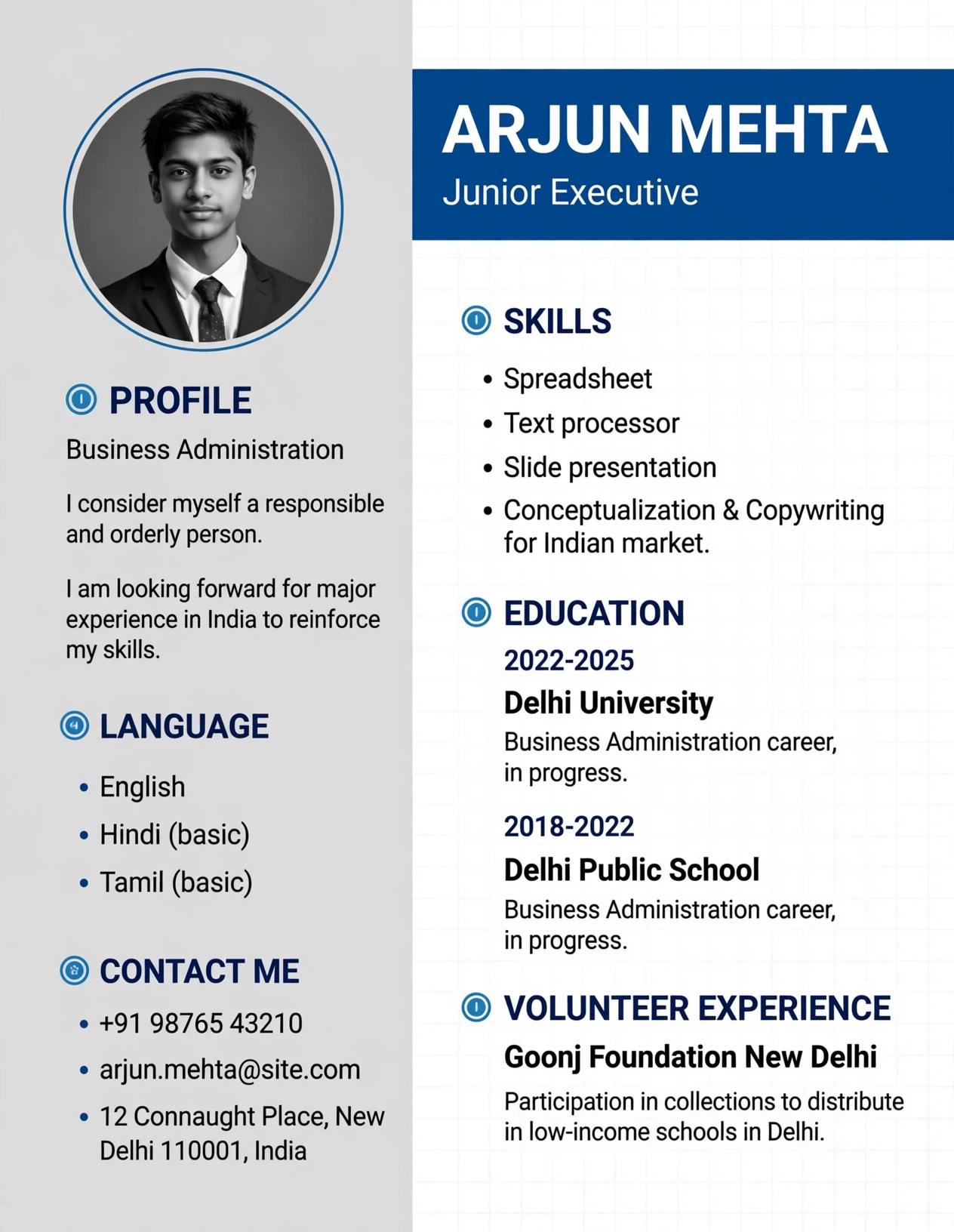
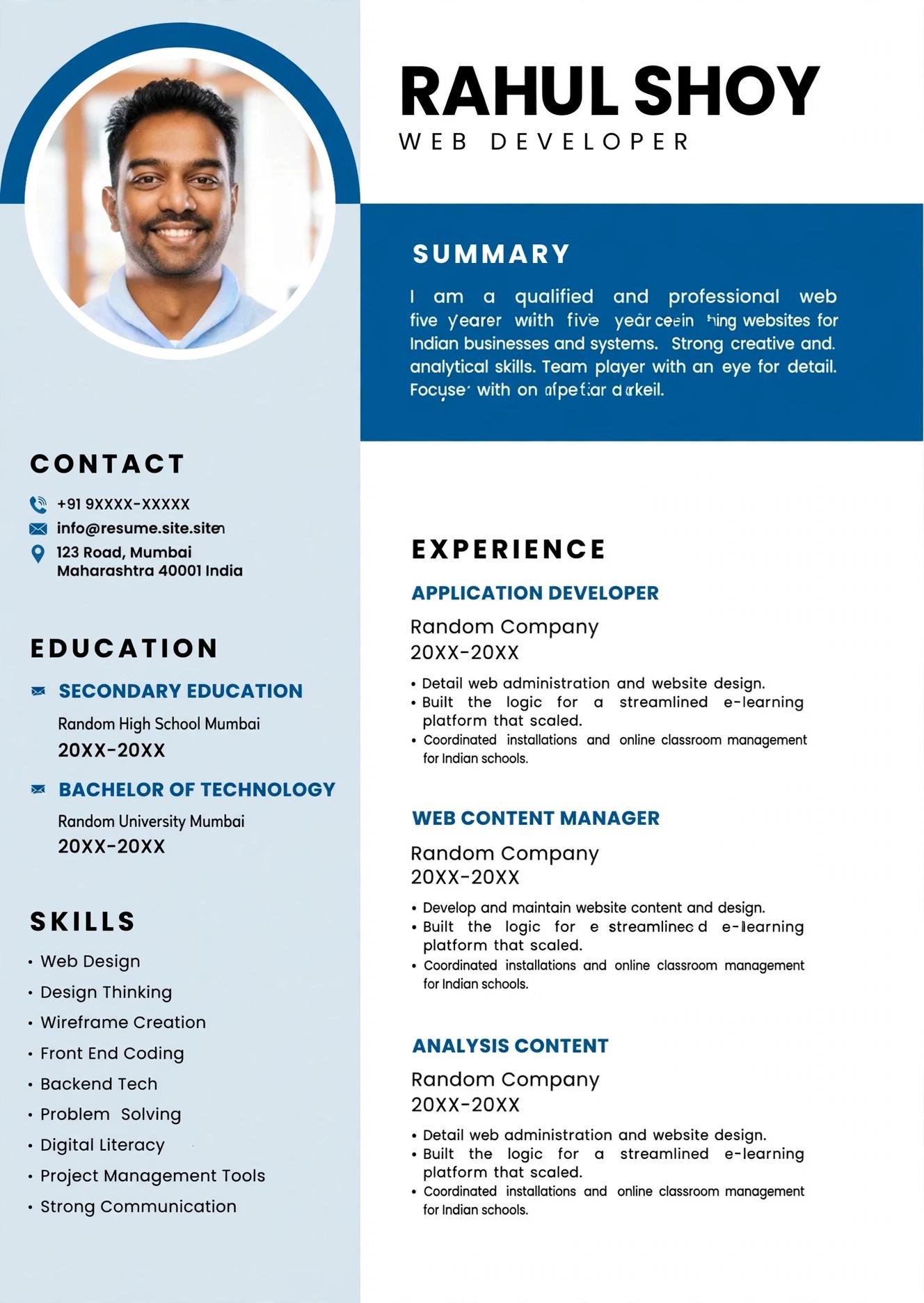
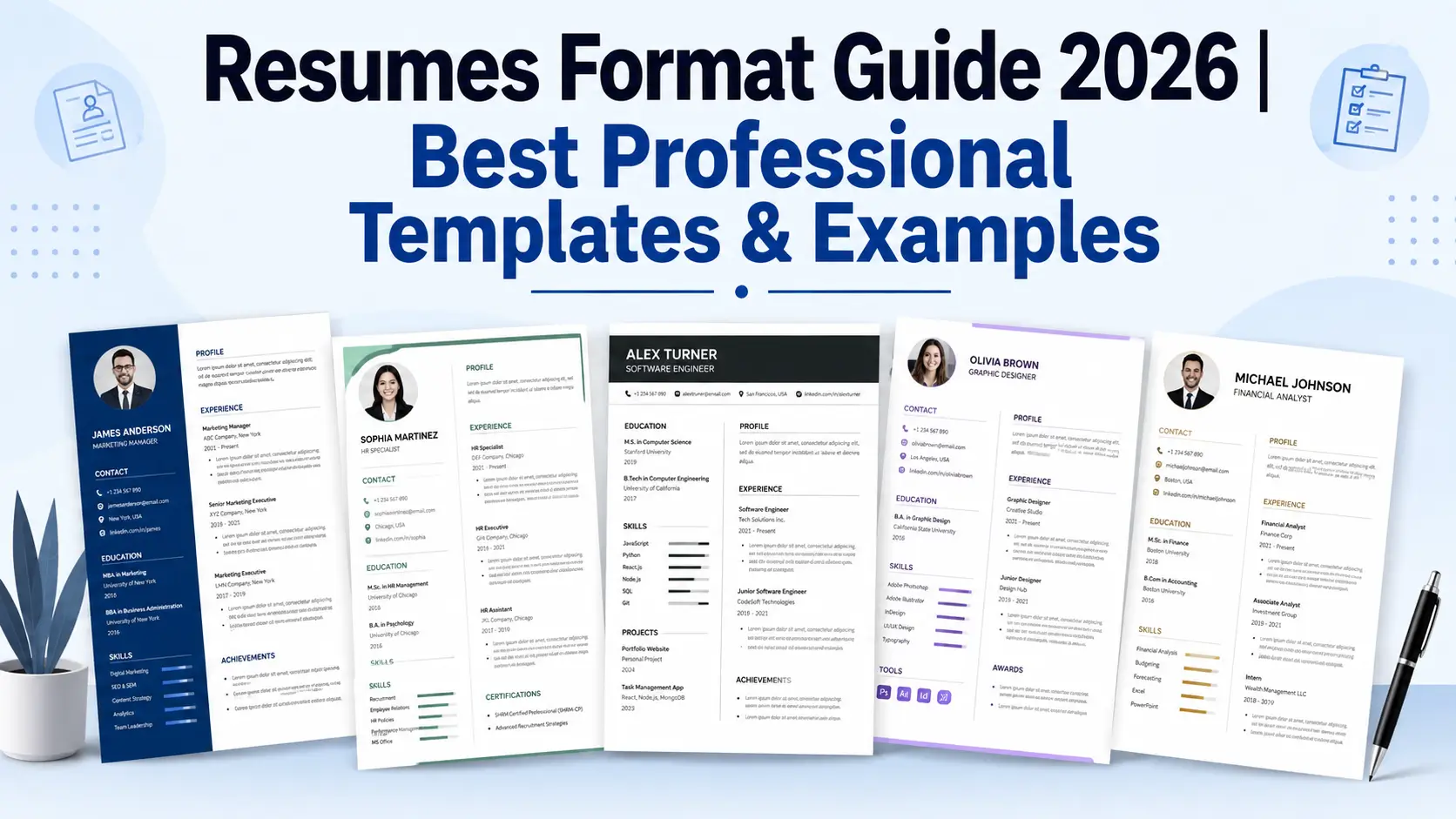
Choosing the right resume format is the first decision that decides whether your application gets shortlisted or ignored. In India, recruiters on Naukri, LinkedIn and company career portals spend an average of 6 to 8 seconds on an initial scan, and most large employers use an Applicant Tracking System (ATS) to filter resumes before a human ever sees them. A clean, professional format ensures your skills, experience and education are parsed correctly by the ATS and are easy for a hiring manager to read. This guide explains every major resume format for 2026, shows you which template to use based on your career stage, and gives you practical layout rules, examples and free download options in PDF and Word that work for Indian freshers, experienced professionals and career switchers.
Why Resume Format Matters for Indian Job Market in 2026
Recruiters in India handle high volumes. A single opening on Naukri for a software engineer, customer support executive or digital marketing role can receive 500 to 2000 applications in a week. Companies like TCS, Infosys, Wipro, HDFC Bank, Reliance and hundreds of startups use ATS software such as Taleo, Greenhouse, Lever and Naukri’s own ATS to automatically rank resumes based on keywords, job titles and formatting. If your resume uses tables for layout, text boxes, heavy graphics or an unusual font, the ATS may fail to read it and you will be rejected without review.
A good format does three things. First, it highlights your strongest selling points within the top half of the first page. Second, it creates a clear hierarchy with headings, bullet points and white space so a recruiter can find your current role, skills and education instantly. Third, it keeps your file compatible across devices and portals. Many Indian candidates still send resumes created in Canva or Photoshop as image-based PDFs, which look attractive but are not ATS-friendly. In 2026, the most effective resumes balance professional design with machine readability.
For Indian job seekers, format also signals professionalism. Recruiters expect a one-page resume for freshers and early-career professionals with 0 to 3 years of experience, and a two-page resume for experienced candidates with 5+ years of experience, managerial roles or extensive projects. Using a standard A4 layout, readable fonts and clear section headings shows you understand corporate expectations in India, whether you are applying through LinkedIn Easy Apply, Naukri, Indeed or directly emailing an HR manager.
- ATS Compatibility: Simple single-column layouts with standard headings like Work Experience, Education and Skills are parsed more accurately than creative multi-column designs.
- Recruiter Readability: Hiring managers prefer chronological order for experienced hires and skills-based highlights for freshers, with consistent dates, locations and bullet points.
- Mobile Viewing: Many recruiters check resumes on mobile phones. A clean PDF with 10 to 11.5 pt font and proper margins displays correctly on small screens.
- Professional Impression: A consistent format with aligned dates, uniform bullet styles and no spelling errors builds trust before the interview.
The 3 Main Resume Formats Explained for 2026
There are three widely accepted resume formats. Your choice depends on your work history, career gaps, industry and the role you are targeting. All three can be made ATS-friendly if you follow basic layout rules. Below is a detailed breakdown with when to use each format in the Indian context.
1. Chronological Resume Format
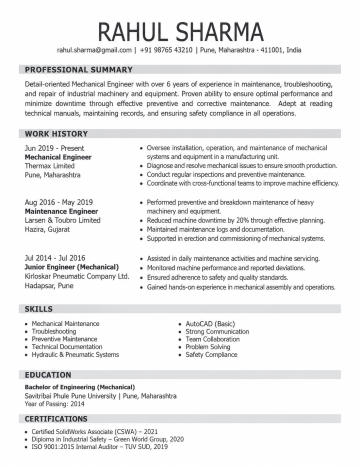
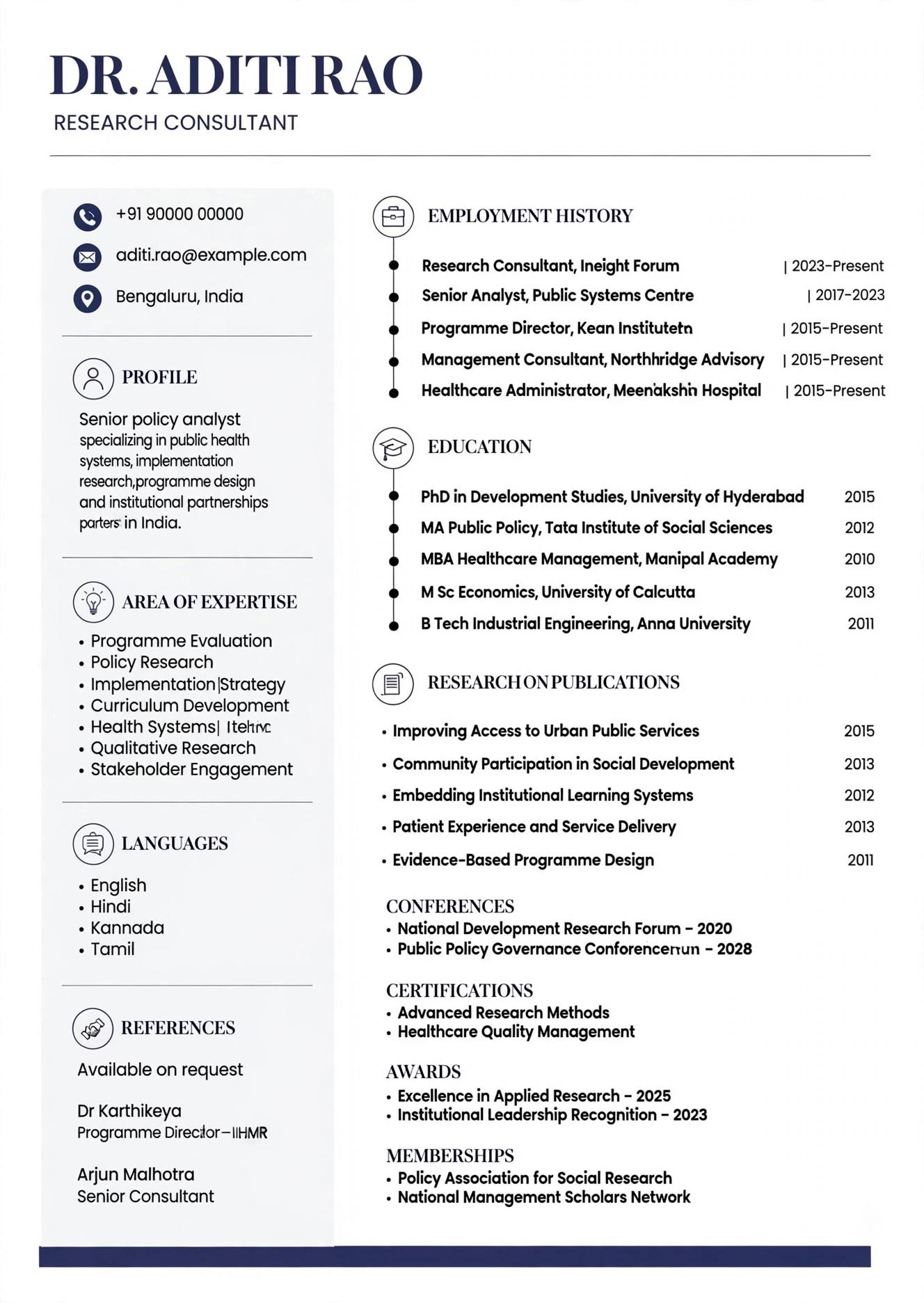
The chronological format lists your work experience in reverse chronological order, starting with your most recent job and going backwards. Each entry includes job title, company name, location, employment dates and 3 to 5 bullet points describing responsibilities and achievements with numbers where possible. This is the most preferred format among Indian recruiters and MNCs because it clearly shows career progression, stability and recent relevance.
Best for: Experienced professionals with a steady career graph, candidates applying within the same domain, and those with 2+ years of experience in IT, banking, sales, healthcare or engineering. For example, a software developer with 4 years at Cognizant and then 2 years at a product startup should use this format to show growth from Junior Developer to Senior Developer. It is also ideal for Naukri profiles where recruiters filter by current designation and total experience.
Limitation: Not ideal if you have long career gaps of more than a year, frequent job switches within 6 to 8 months, or if you are a fresher with no full-time experience. In such cases, gaps become very visible.
2. Functional or Skills-Based Resume Format
The functional format focuses on skills and competencies rather than job history. Instead of a detailed work timeline, it groups your abilities under skill headings such as Technical Skills, Customer Service, Project Management or Digital Marketing, with examples of how you applied those skills. Work history is listed briefly at the bottom with only company names and dates.
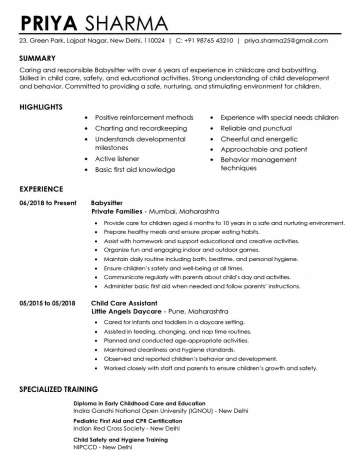
Best for: Freshers, recent graduates, candidates with career gaps, homemakers returning to work, or those switching industries. For example, a B.Com graduate applying for an HR trainee role can highlight skills like communication, MS Excel, recruitment coordination and internship projects rather than a thin work history. In India, this format helps first-time job seekers who have done internships, volunteer work, NCC, NSS or college fest organisation but lack formal employment.
Limitation: Many Indian ATS and recruiters are cautious about functional resumes because they hide employment dates. Some hiring managers may assume you are hiding gaps. Use it only when you have a genuine reason and keep the skill examples specific with results.
3. Combination or Hybrid Resume Format
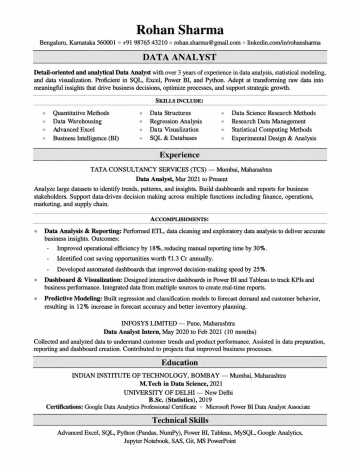
The combination format merges the strengths of chronological and functional formats. It starts with a strong professional summary and a key skills section, followed by a detailed reverse-chronological work experience section. This allows you to showcase both what you can do and where you have done it. It is the most flexible and modern format for 2026.
Best for: Mid-career professionals with 3 to 10 years of experience, career switchers who want to highlight transferable skills, and candidates with diverse projects. For example, a mechanical engineer moving into data analytics can show analytical skills and tools like Python, SQL and Power BI at the top, while still listing engineering roles below. It also works well for candidates who have freelanced, worked on contracts or handled multiple roles in startups.
For Indian job seekers targeting competitive roles on LinkedIn or through referrals, the hybrid format gives you space to add a summary, core competencies, work experience, education, certifications and projects without looking cluttered. Keep the skills section concise with 9 to 12 relevant skills matching the job description.
Choosing the Right Format: Fresher vs Experienced vs Career Gap
Your career stage should drive your format choice. Indian recruiters have different expectations for campus placements, lateral hiring and return-to-work programs.
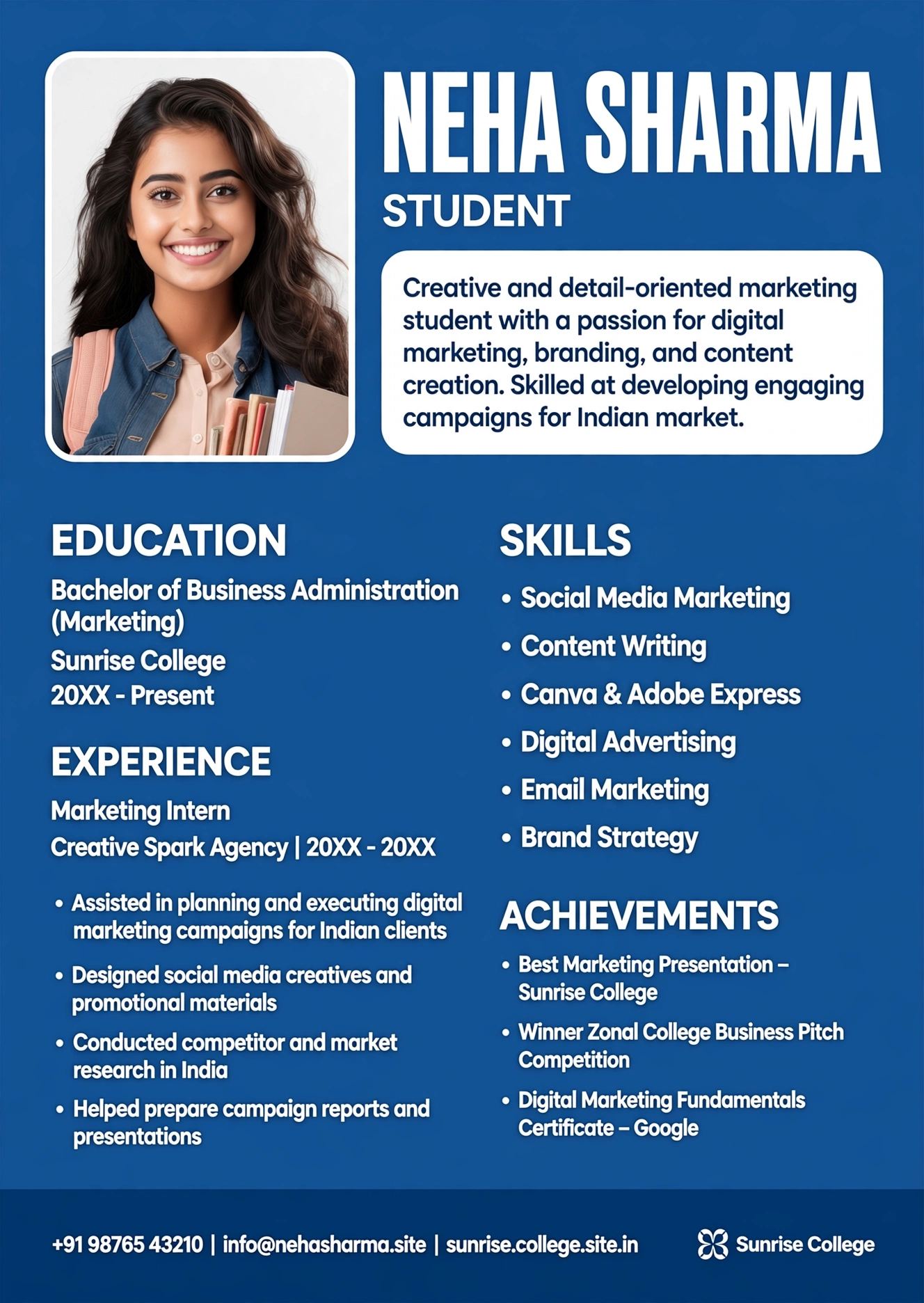
For Freshers and Recent Graduates (0 to 2 years): Use a functional or combination format with emphasis on education, internships, academic projects, certifications and technical skills. Place your B.Tech, BBA, BCA, MBA or degree details near the top, along with CGPA if it is 7.5 or above. Add sections for Internships, Projects and Certifications. For example, an MCA fresher applying for a Java developer role should list projects like Online Banking System or E-commerce Website with technologies used and your contribution. Keep it to one page.
For Experienced Professionals (3+ years): Use chronological or combination format. Start with a 3 to 4 line professional summary tailored to the target role, followed by Key Skills and Work Experience with quantified achievements. Example: Increased sales by 22% in 6 months or Reduced server downtime by 30%. Indian MNCs value stability, so show employment dates in Month YYYY format and avoid unexplained gaps. Two pages are acceptable if your experience is extensive, but the first page must contain your most recent and relevant role.
For Career Gaps, Breaks or Industry Switch: Use combination format. Address gaps honestly but briefly. You can include a short Career Break section with reason like Family Responsibilities or Upskilling with relevant courses from Coursera, NPTEL or Google Certificates. Focus on transferable skills and freelance or volunteer work during the gap. For women returning after maternity breaks under programs like Tata Second Careers or Infosys Restart, highlight skills refreshed through training and any part-time projects.
Recruiters in India do not reject candidates for gaps alone. They reject resumes where gaps are hidden or unexplained. A clear format with honest dates and a focus on current skills builds credibility.
Best Professional Templates and Layout Rules for ATS in India
A professional template is not about heavy colours or graphics. It is about structure, readability and ATS compliance. The best templates for 2026 used by candidates on ResumeEra.xyz follow these principles and are available in both Word Docx and PDF.
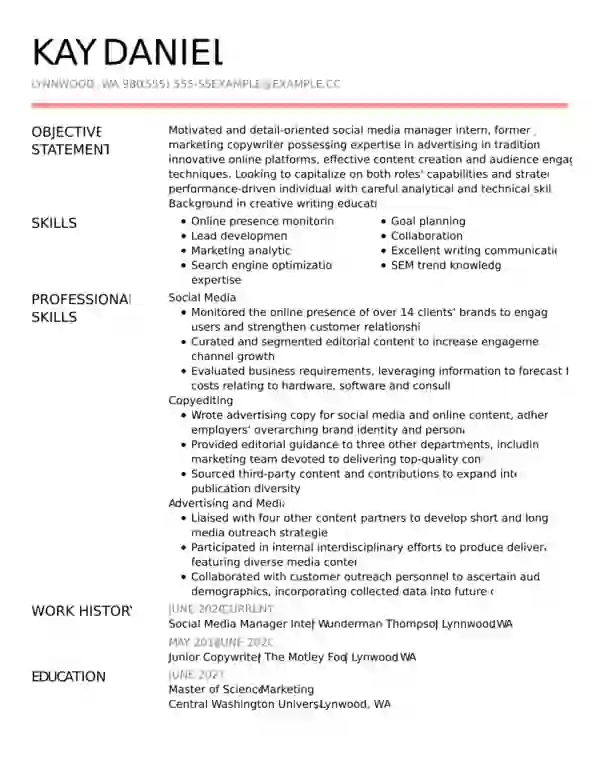
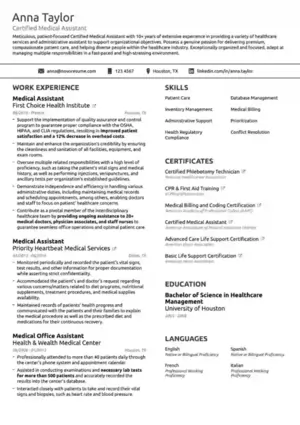
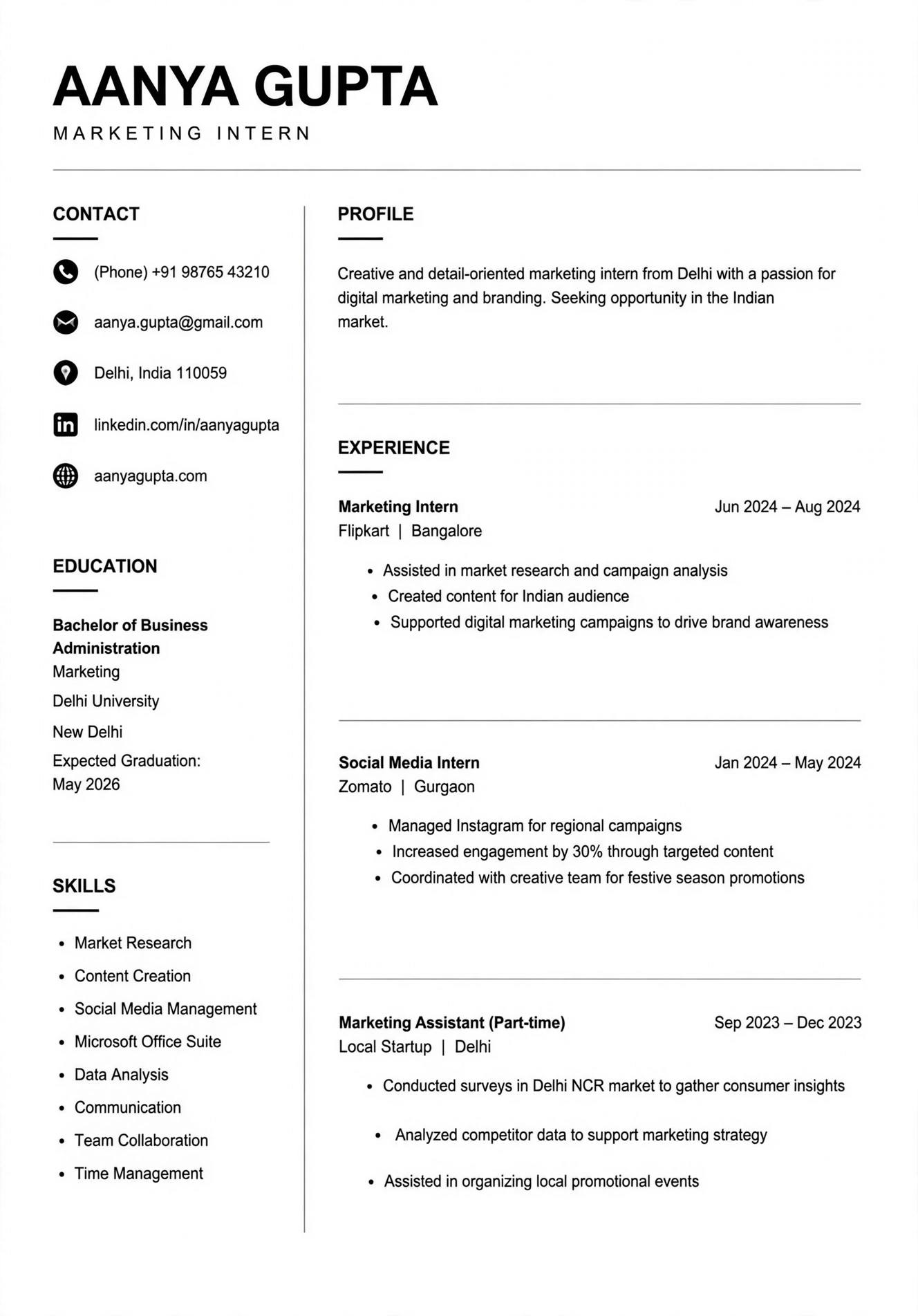
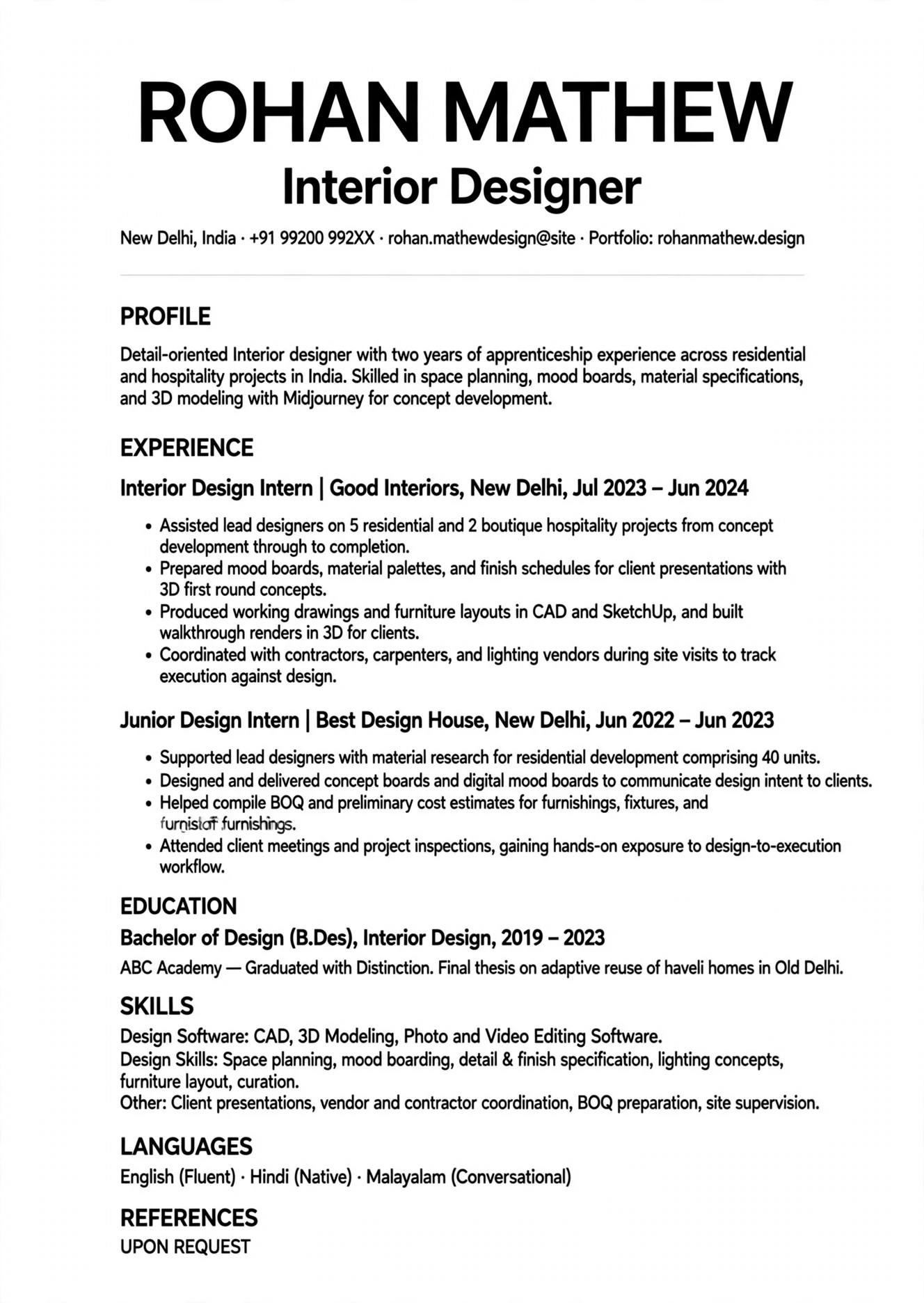
Layout Rules That Pass ATS: Use a single-column layout. Avoid headers, footers, text boxes and tables for structuring content. Use standard section headings such as Professional Summary, Work Experience, Education, Skills and Certifications. Stick to ATS-safe fonts like Calibri, Arial, Garamond or Verdana in 10 to 11.5 pt. Maintain margins of 0.5 to 0.7 inches and line spacing of 1.0 to 1.15. Save your file as YourName_Resume.pdf or YourName_Resume.docx. Avoid using only an image-based PDF exported from design tools.
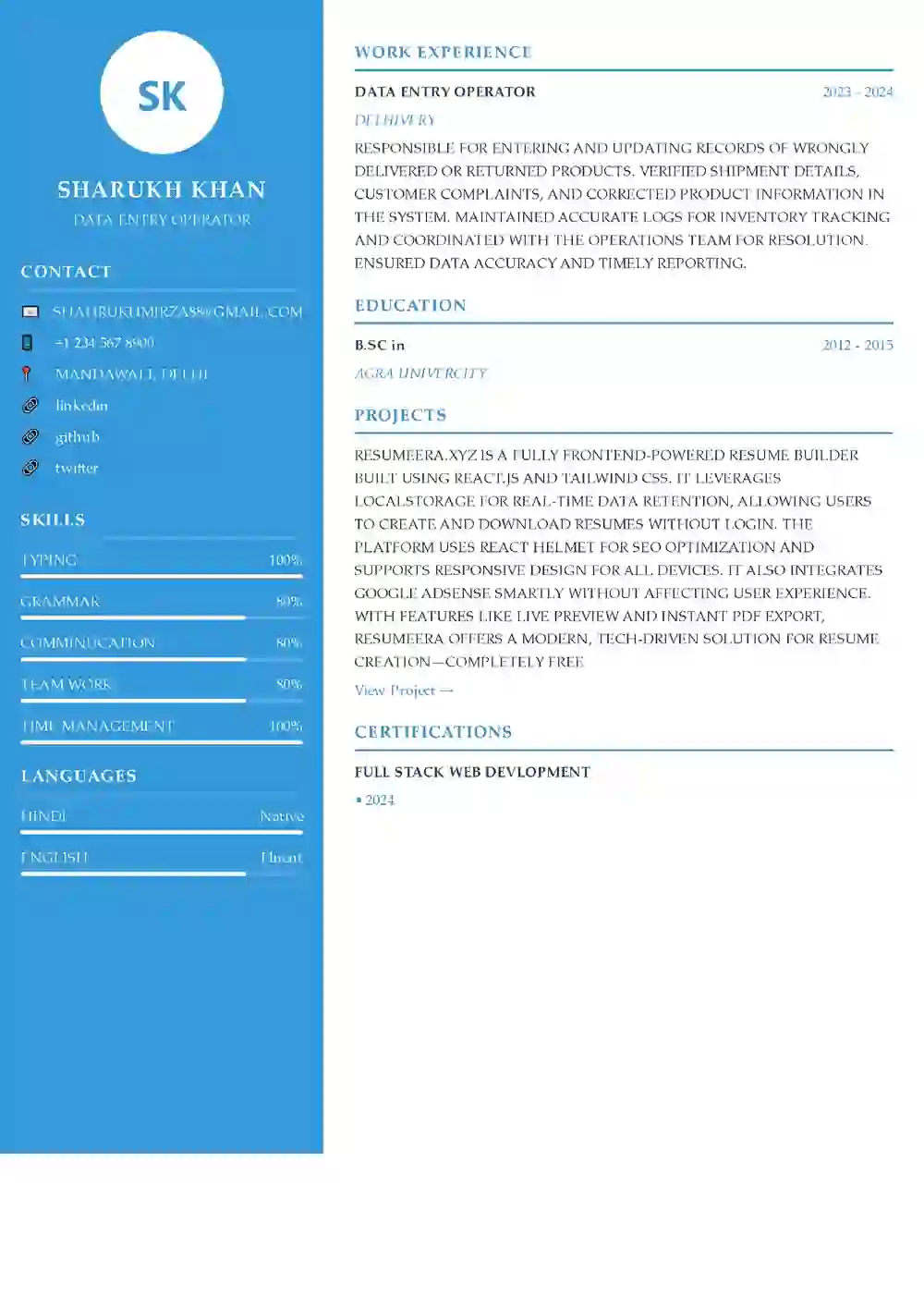
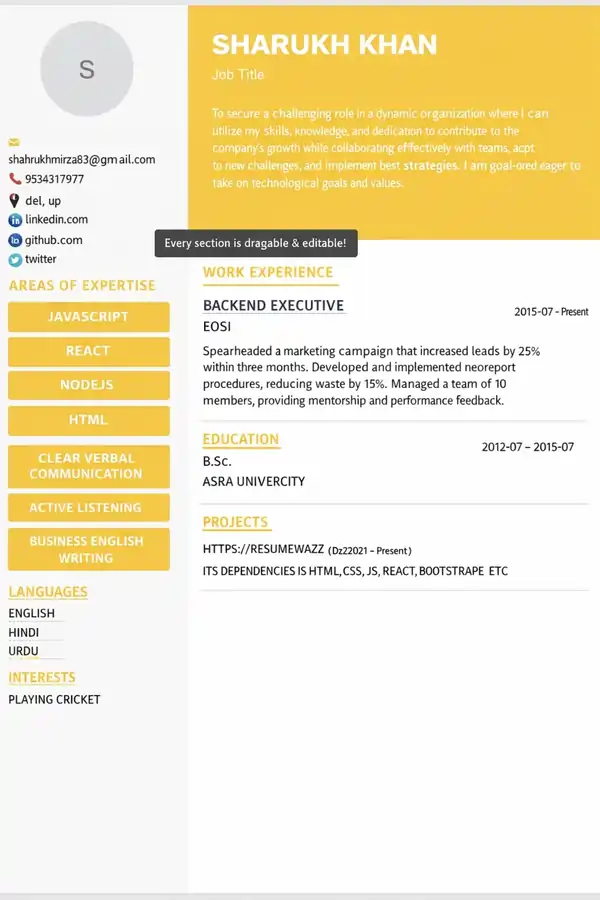
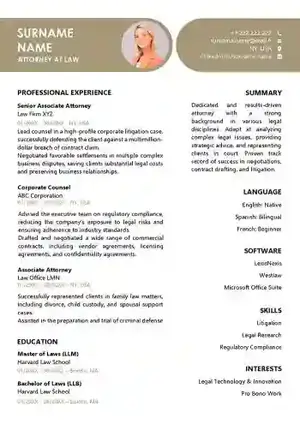
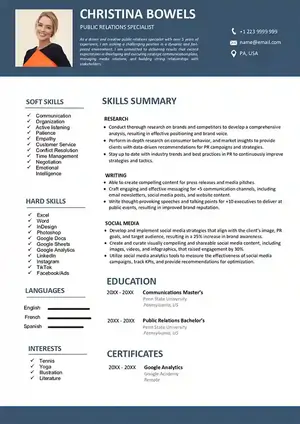
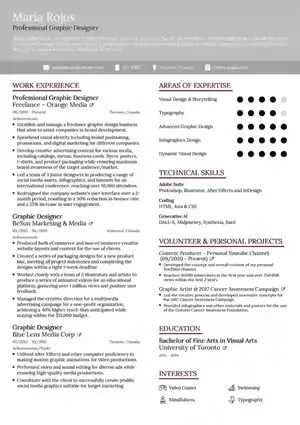
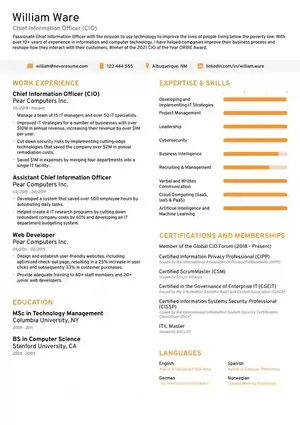
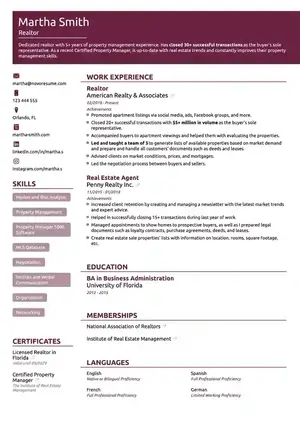
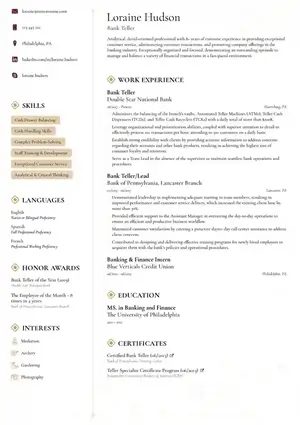
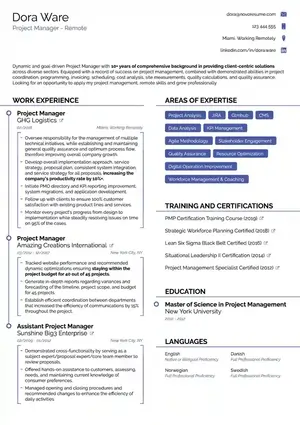
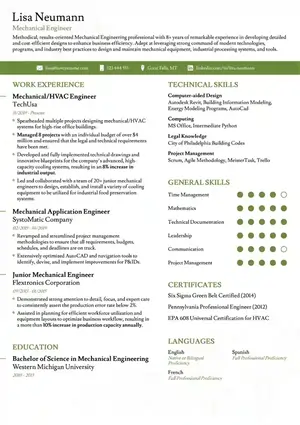
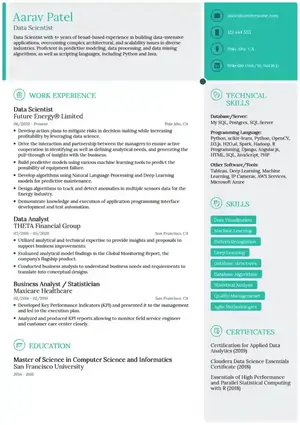
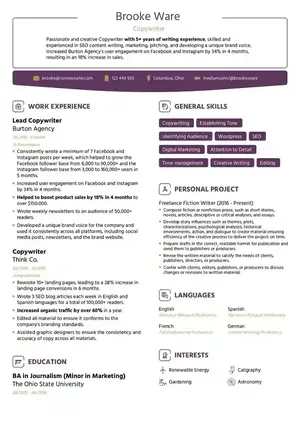
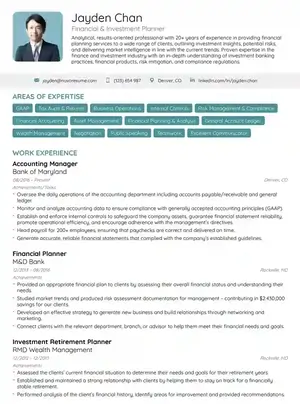
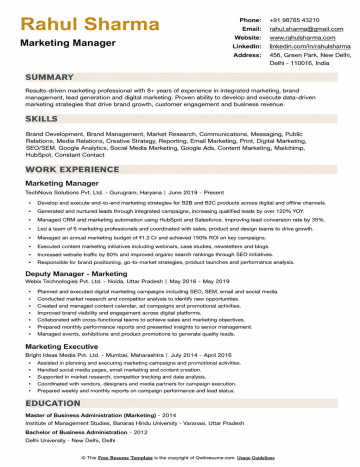
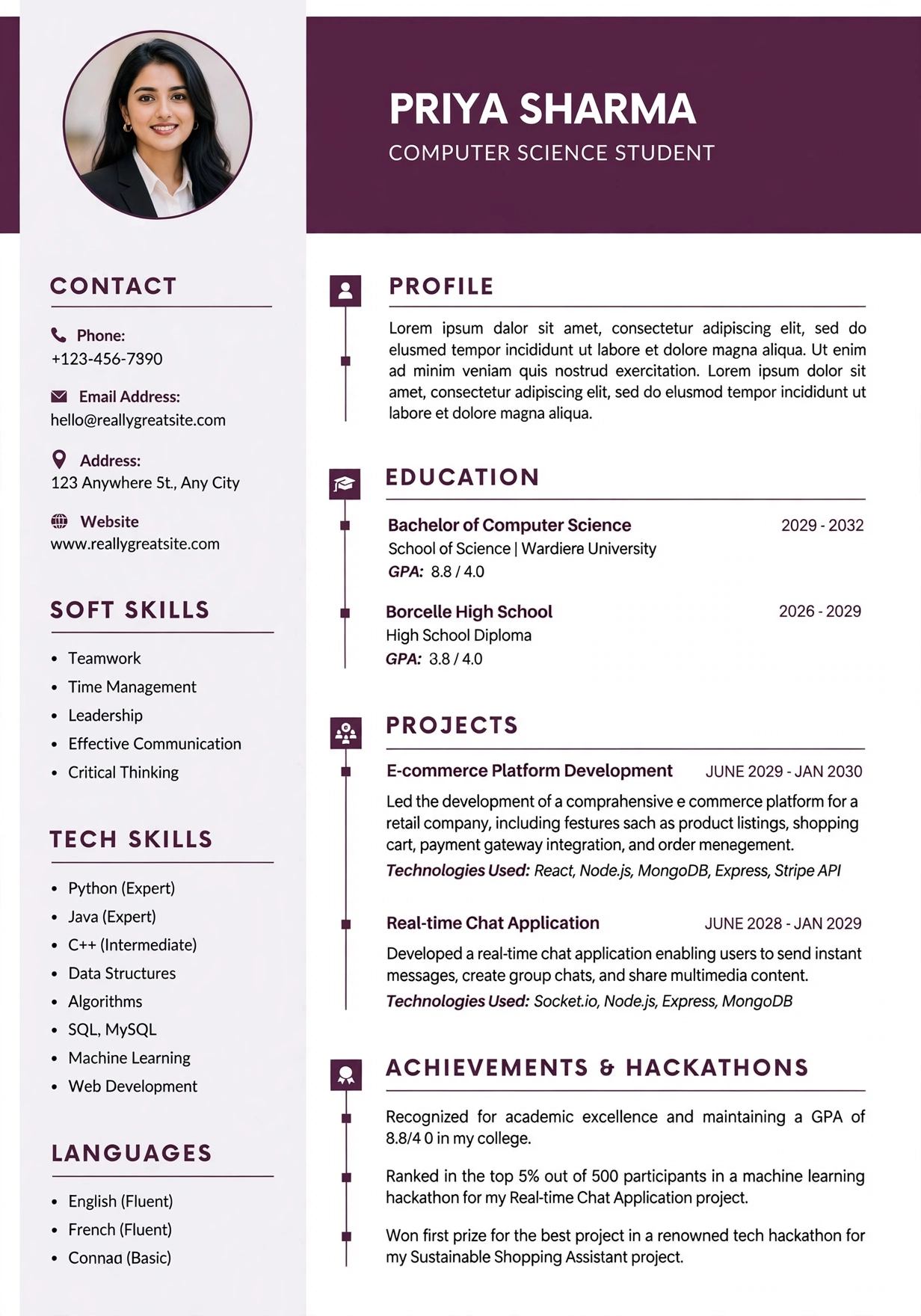
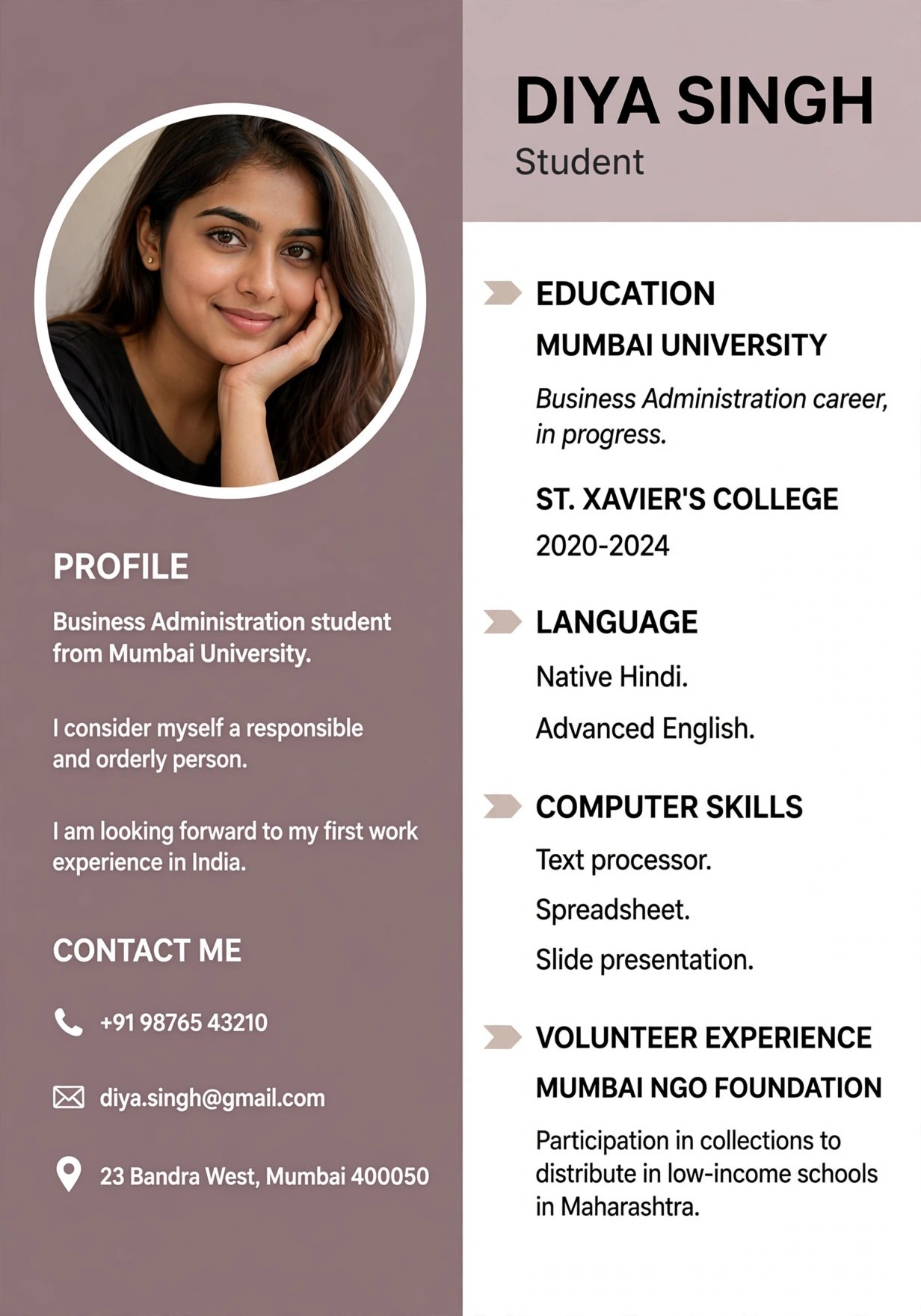
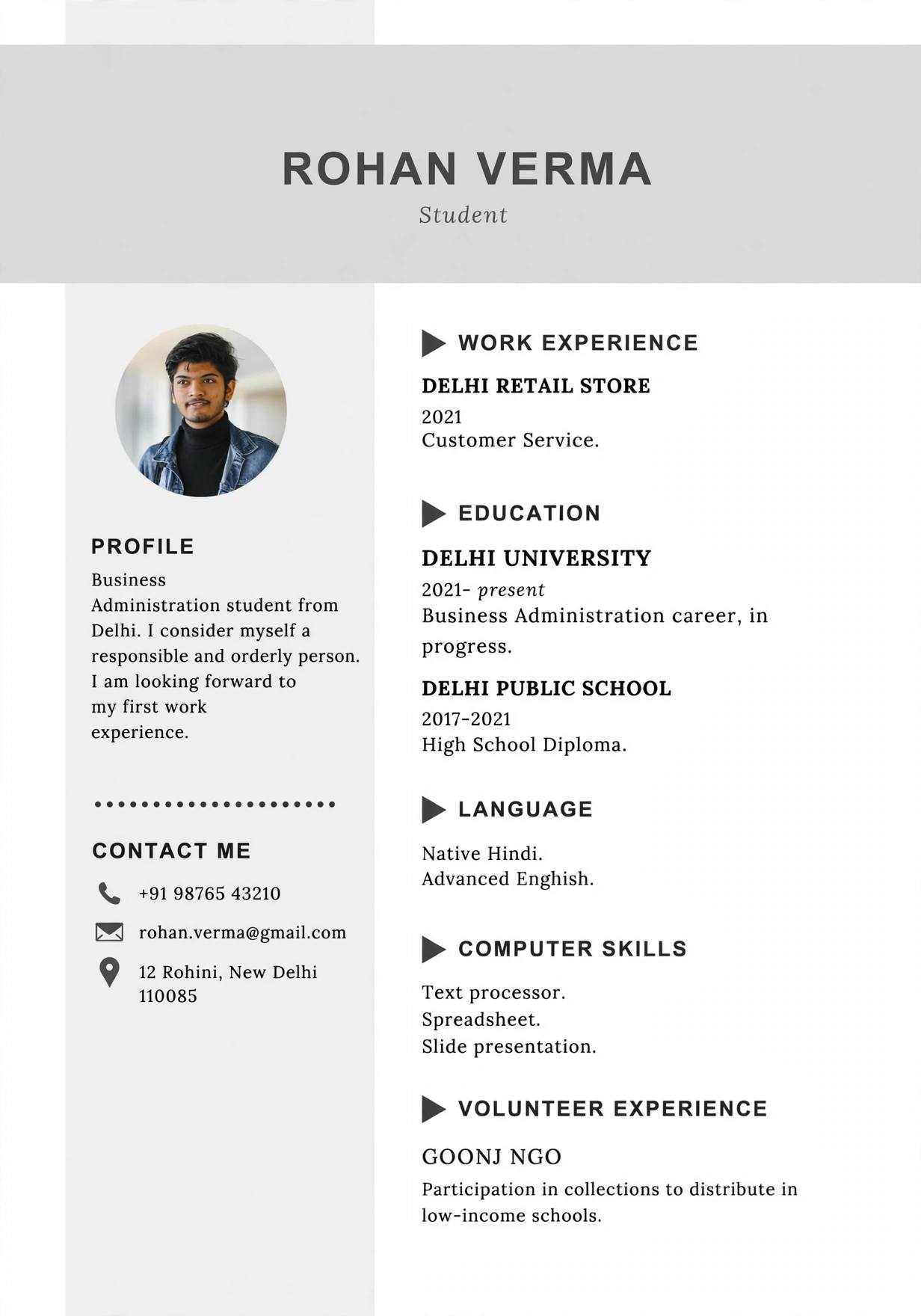
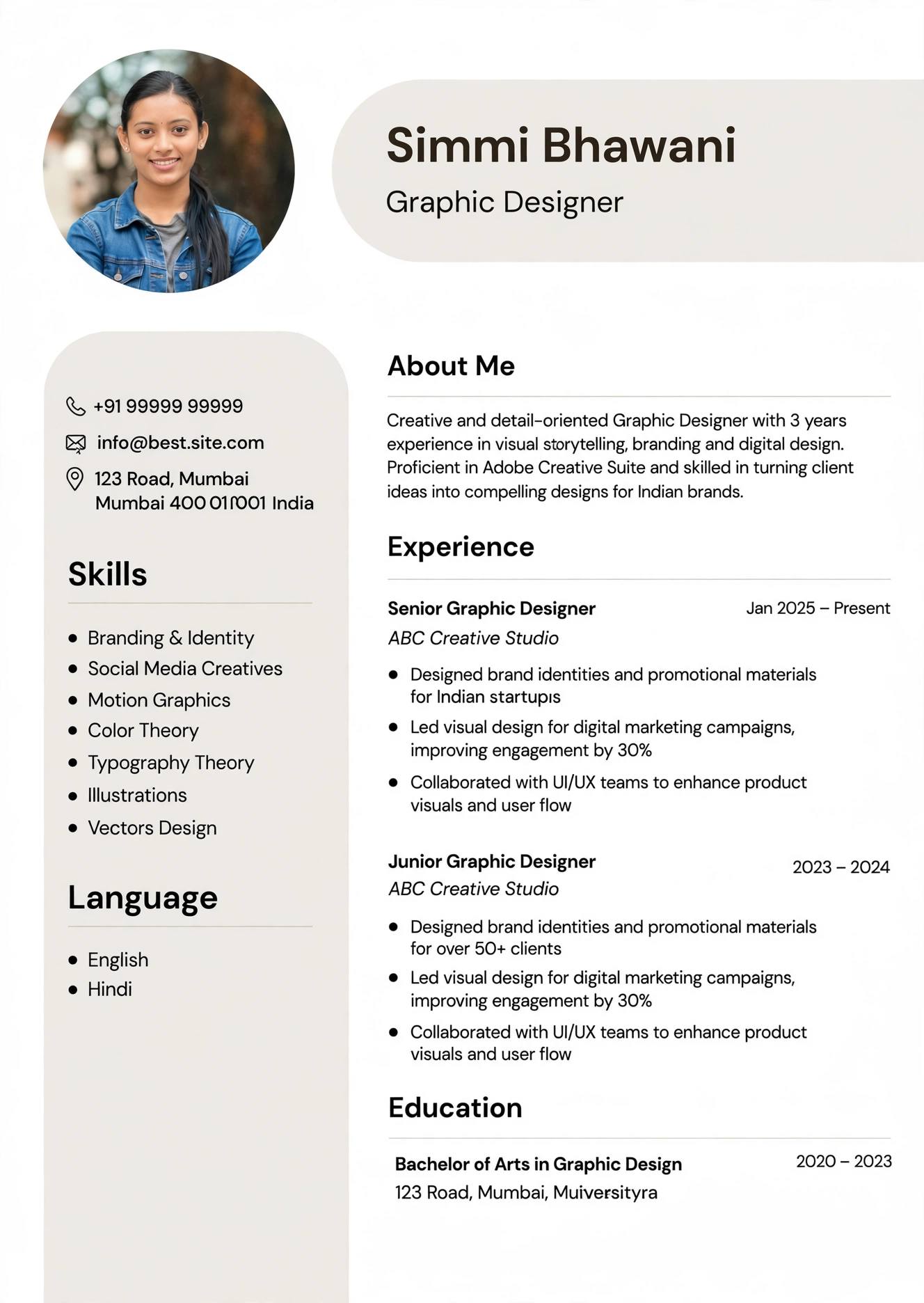
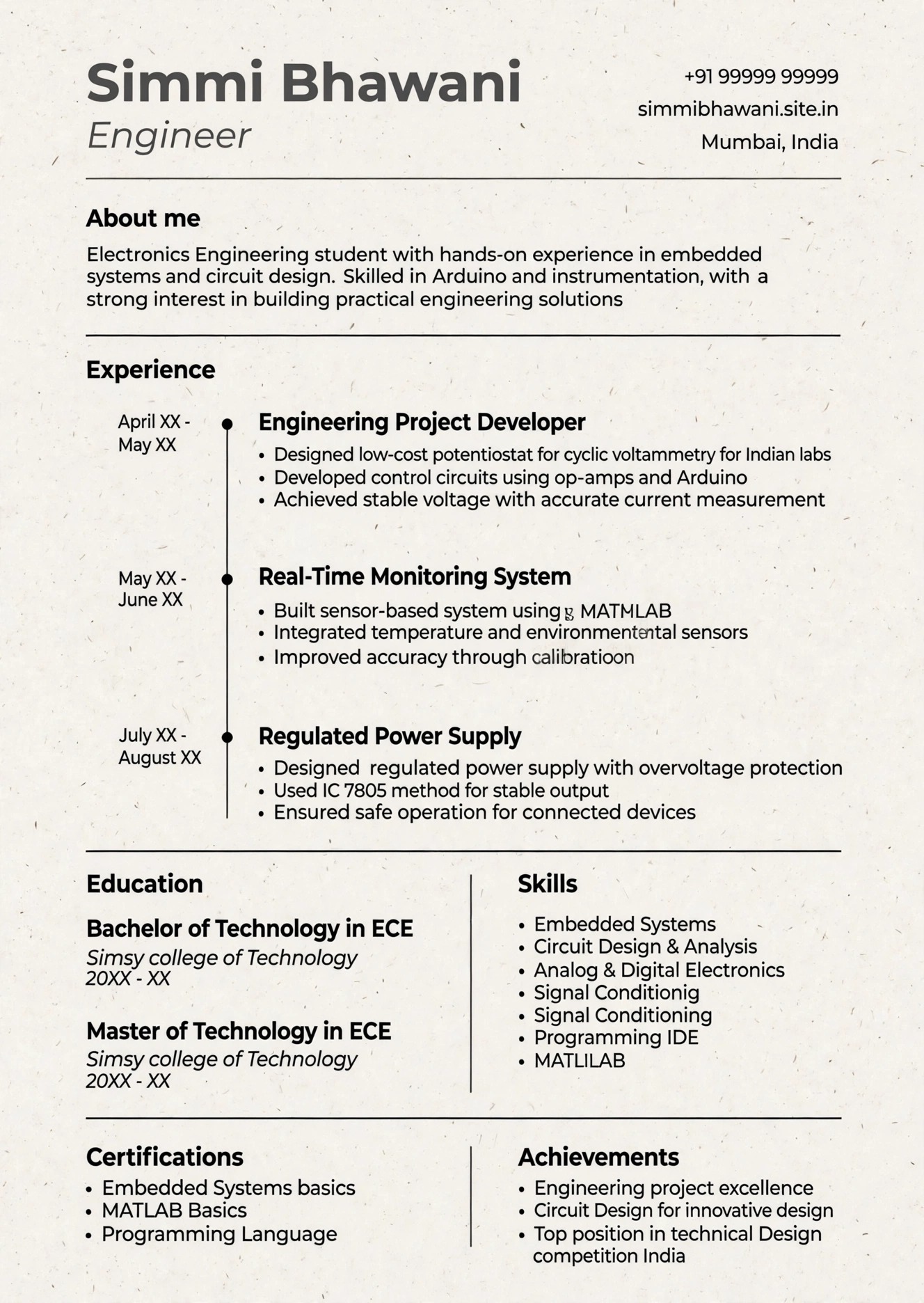
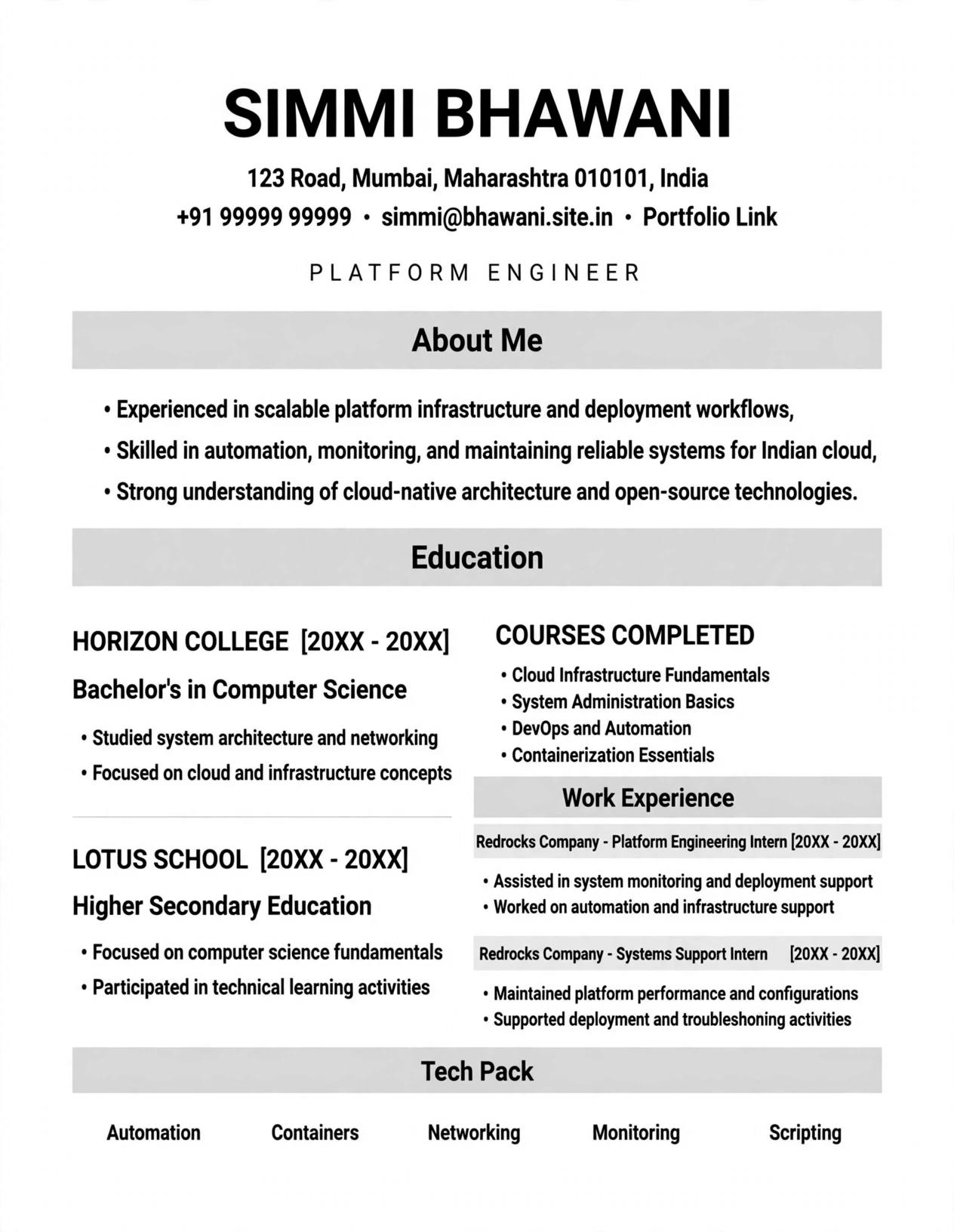
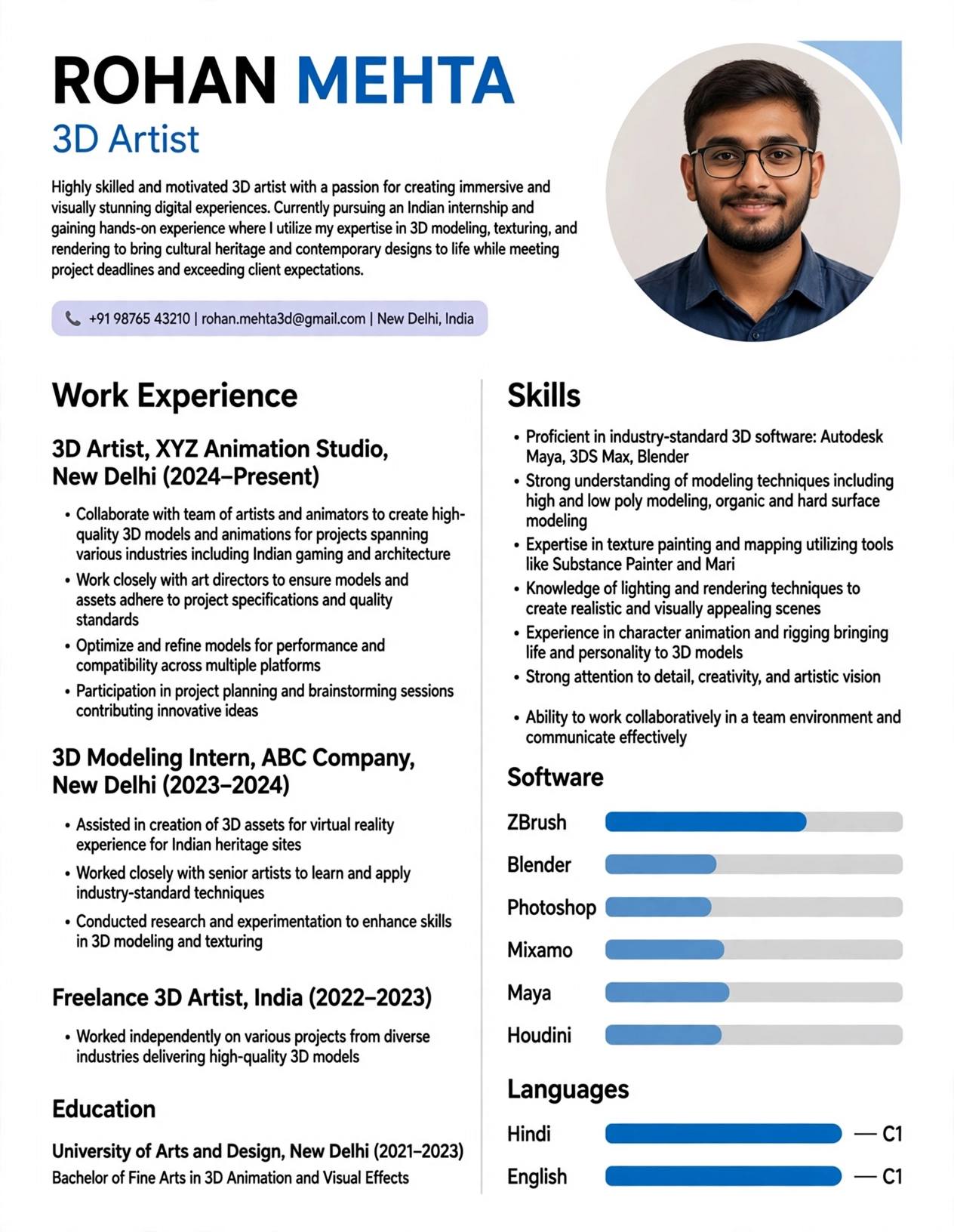
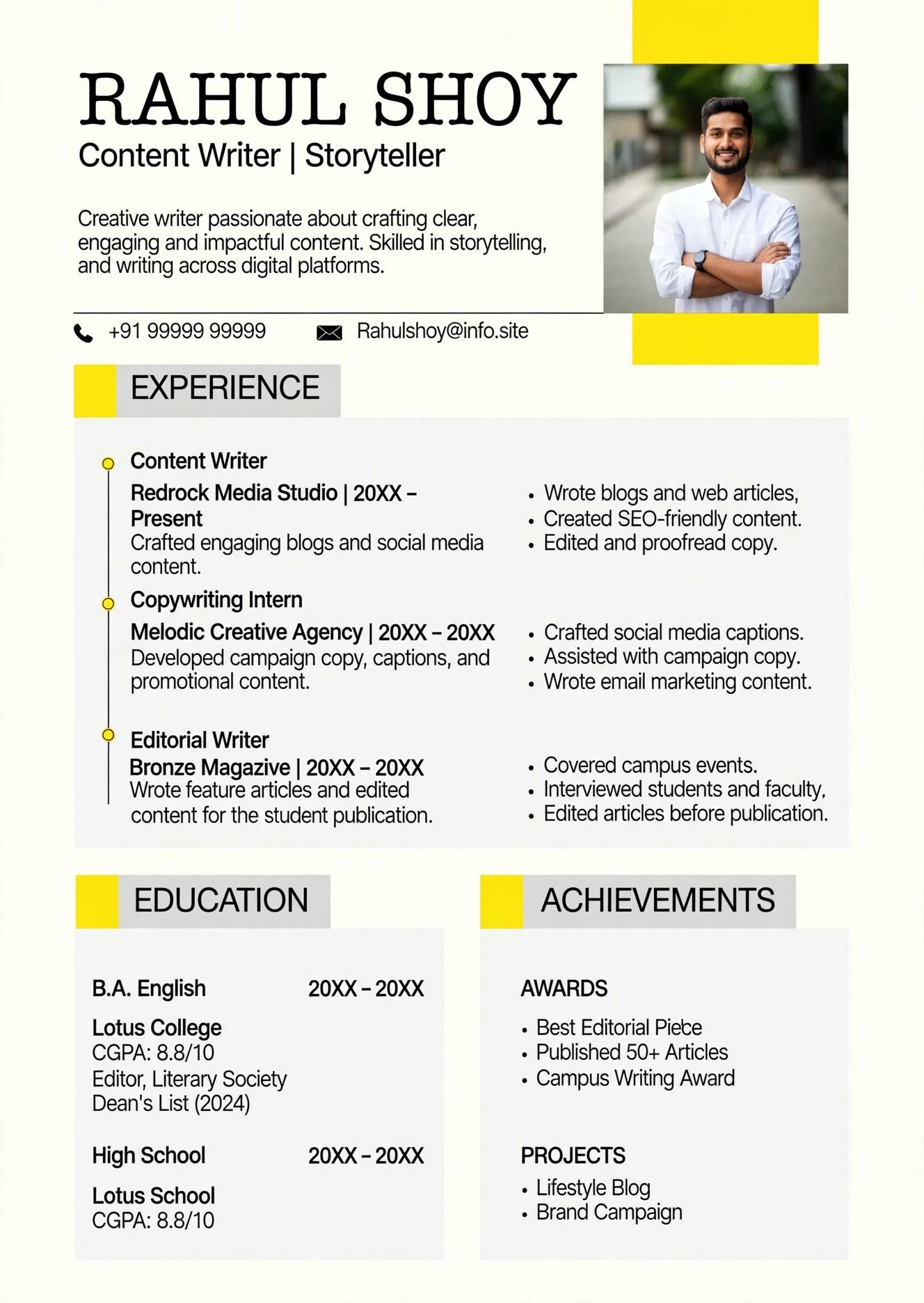
Template Styles: Simple and Minimal templates work best for IT, banking, government exams and core engineering roles where ATS filtering is strict. Modern and Professional templates with a subtle colour bar on the left or top are suitable for marketing, design, HR and business roles while still remaining ATS-friendly if the colour is used only for headings and not for background shading. Creative templates with icons and infographics should be used only for portfolio roles and when applying directly via email, not through an ATS portal.
All ResumeEra.xyz templates are tested for Naukri and LinkedIn ATS parsing, with proper heading tags and no embedded tables. You can download them as Docx to edit in MS Word or Google Docs and then export as PDF for final submission.
| Format Type | Best For | ATS Friendliness | Recruiter Preference in India |
|---|---|---|---|
| Chronological | Experienced professionals with stable history | Very High | Most preferred by MNCs and consultancies |
| Functional | Freshers, career gaps, career switchers | Medium | Accepted for entry-level, but questioned for senior roles |
| Combination / Hybrid | Mid-career, freelancers, diverse experience | High | Increasingly preferred for 2026 lateral hiring |
| Creative / Infographic | Designers, artists, portfolio roles | Low | Only for direct email or portfolio links, not ATS |
When you download a template from https://resumeera.xyz, choose the file type based on the application method. For Naukri, LinkedIn and company ATS portals, upload PDF unless the portal specifically asks for Docx. For email applications where the recruiter may want to edit or forward your resume, keep a Docx version ready.
Step-by-Step: How to Format Your Resume Correctly
Follow this sequence to format your resume from scratch or using a ResumeEra.xyz template. This process ensures consistency and prevents common formatting errors.
- Set Document Setup: Open MS Word or Google Docs, set page size to A4, margins to 0.6 inches on all sides, and font to Calibri or Arial 11 pt. Set line spacing to 1.1.
- Add Header with Contact Details: At the top, add your full name in 16 to 18 pt bold, followed by phone number, professional email, city and state, LinkedIn profile URL and portfolio link if relevant. Do not add full home address, photo, date of birth or marital status unless required for overseas roles.
- Write a Tailored Professional Summary: Write 3 to 4 lines summarising your experience, key skills and career goal aligned to the job description. For freshers, write a Career Objective focused on what you offer. Keep it specific, not generic.
- Create Core Skills Section: List 9 to 12 skills relevant to the target job. Group them if needed, for example Technical Skills: Python, SQL, Power BI and Soft Skills: Communication, Team Leadership. Match keywords from the Naukri job description.
- Format Work Experience with Achievements: List jobs in reverse chronological order. For each role, write Company Name, Job Title, Location and Dates on one line, then 3 to 5 bullet points starting with action verbs like Developed, Managed, Achieved. Add numbers, percentages or scale.
- Add Education and Certifications: List degrees with university name, year and CGPA or percentage if strong. Add certifications like AWS, Google Digital Marketing, NPTEL or Coursera with year. For freshers, place education above experience.
- Include Projects, Internships and Extra Sections: Add internships, academic projects, volunteer work, languages and awards. Keep each entry brief with 1 to 2 lines.
- Final Check and Export: Run spell check, align all dates to the right, keep bullet style consistent, and check for extra spaces. Save as Docx first for ATS, then export as PDF using Save As. Name the file as FirstName_LastName_Resume_2026.pdf. Test by opening on mobile and uploading to a free ATS parser to confirm it reads correctly.
Common Mistakes Indian Job Seekers Make in Resume Formatting
Even strong candidates get rejected due to avoidable formatting errors. Avoid these mistakes that Indian recruiters frequently report.
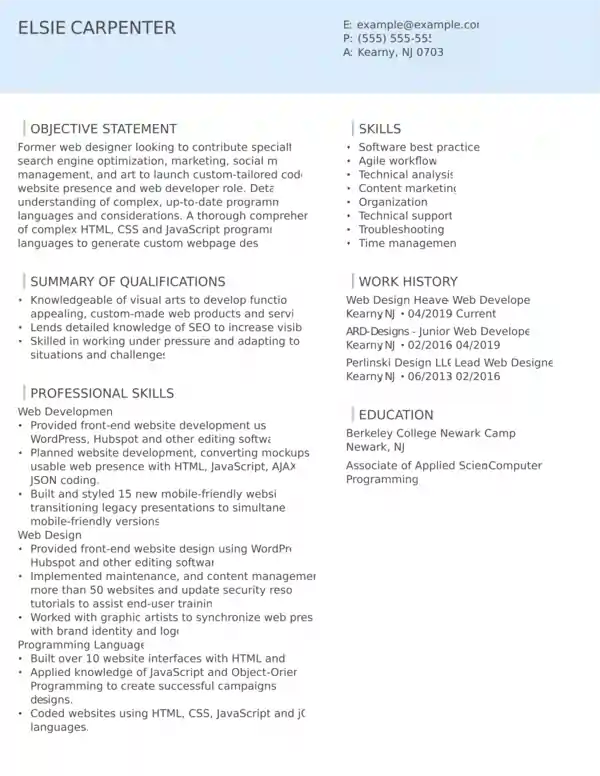
- Using Tables, Columns and Text Boxes for Layout: Many Word templates use tables to align content. ATS often reads table content out of order or skips it. Use simple paragraphs and bullet points instead.
- Adding Photo, Age or Personal Details Unnecessarily: Unless applying for acting, modelling or some hospitality roles, avoid photos. Details like father’s name, religion or full postal address are outdated and can introduce bias. Keep it professional.
- Overloading with Graphics, Icons and Colours: Heavy design elements distract from content and may not render on ATS. Use minimal colour only for headings. Avoid progress bars for skills, which ATS cannot interpret.
- Inconsistent Dates and Formatting: Mixing formats like 2021-23, May 2021 and 05/21 in the same resume looks careless. Use Month YYYY consistently, for example June 2022 - Present.
- Making the Resume Too Long or Too Dense: Freshers submitting 2 to 3 page resumes with large paragraphs are often skipped. Use bullet points, keep sentences under 20 words and leave white space. Experienced candidates should not exceed two pages.
- Not Tailoring for Each Application: Sending the same resume for a Data Analyst and a Business Analyst role reduces shortlisting chances. Adjust your summary and skills to match keywords in each job description from Naukri or LinkedIn.
- Saving with Wrong File Name or Format: Files named Resume.pdf or MyCV.docx get lost in recruiter downloads. Always use YourName_Role_Resume.pdf and check if the portal asks for PDF or Docx.
Before you apply, upload your resume to https://resumeera.xyz and use the preview to check alignment, font consistency and section order. Print a test copy or view as PDF to ensure no content is cut off at the margins.
Free Download: PDF vs Word – What Recruiters on Naukri and LinkedIn Prefer
Both PDF and Word formats are accepted in India, but the right choice depends on where you are applying.
PDF Format: Best for final submission via email, LinkedIn Easy Apply and most company portals. PDF preserves your layout, fonts and spacing across devices. Recruiters prefer PDF when they want to view your resume exactly as designed. Always export as text-based PDF, not image-based. Most ATS in India now parse PDFs correctly if they are text-based and use standard fonts. Use PDF when the job post does not specify a format.
Word Docx Format: Best when the recruiter or consultancy explicitly asks for Docx, or when applying through Naukri where some ATS parse Docx more reliably. Word files are easier for recruiters to edit, add comments or forward to hiring managers. Keep a well-formatted Docx version ready. Avoid using .doc old format; always use .docx.
Best Practice for 2026: Create your resume in Word or Google Docs using a ResumeEra.xyz template, save the master copy as Docx, and then export a PDF for each application. Keep both versions updated and identically formatted. When in doubt, send PDF and mention that Docx is available on request. Never send both files together unless asked.
All templates on https://resumeera.xyz are available for free download in both PDF and Word Docx. You can edit offline in MS Word, online in Google Docs, or directly on the site and download instantly without watermark for most designs.
Frequently Asked Questions
Which resume format is best for freshers in India in 2026?
For freshers, the combination format is best. It lets you highlight education, internships, projects and skills at the top, followed by a brief work history. If you have no work experience at all, a functional format focusing on skills and academic achievements works well. Keep it to one page and place education above experience.
What is the most ATS-friendly resume format for Naukri and LinkedIn?
The chronological format with a single-column layout, standard headings and text-based PDF or Docx file is the most ATS-friendly. Avoid tables, text boxes, headers, footers and graphics. Use fonts like Calibri or Arial and save as YourName_Resume.pdf or .docx for best parsing on Naukri, LinkedIn and Taleo.
Should I use PDF or Word Docx for my resume in India?
Use PDF for most applications, especially LinkedIn and email, because it preserves formatting. Use Docx when the job post or recruiter specifically asks for Word, or when applying through some Naukri ATS portals that prefer Docx. Keep both versions ready and ensure both are text-based and identically formatted.
How many pages should my resume be in 2026?
Freshers and professionals with up to 3 years of experience should keep it to one page. Mid-level and senior professionals with 5+ years, multiple roles, projects or publications can use two pages. Never exceed two pages for corporate roles in India. The most important details should be on the first page.
Can I use a Canva or creative template for job applications?
Creative Canva templates with heavy graphics, icons and multiple columns look good but often fail ATS parsing. Use them only for design portfolios or when emailing directly to a hiring manager who expects creativity. For ATS applications on Naukri and company portals, use a simple, professional template from https://resumeera.xyz that is tested for ATS.
What font and size should I use for a professional resume?
Use ATS-safe fonts like Calibri, Arial, Garamond or Verdana. Keep body text at 10 to 11.5 pt and your name at 16 to 18 pt. Headings can be 12 to 14 pt bold. Maintain consistent font throughout and use 0.5 to 0.7 inch margins with 1.0 to 1.15 line spacing for readability.
How do I show a career gap in my resume format?
Use the combination format and list dates honestly in Month YYYY format. You can add a brief line like Career Break: Upskilling in Data Analytics with certifications or Family Care Responsibilities, and show any freelance, volunteer or course work done during the gap. Focus on current skills and keep the explanation concise and positive.
Your resume format is the foundation of your job search. A clear, ATS-friendly layout ensures your experience and skills are seen by both software and hiring managers. Choose chronological for steady experience, functional for fresh starts, and combination for flexibility. Keep your design simple, tailor your summary and skills for each role on Naukri and LinkedIn, and always keep both PDF and Word versions ready. Explore professional templates on https://resumeera.xyz, download your preferred layout, and format your resume to match 2026 recruiter expectations in India. A well-formatted resume will not get you the job alone, but it will get you the interview where you can prove your value.